Internet Connection Speeds Can Be Overwhelmed by Multiple Devices
A home network's performance is affected by both internet connection speed and Wi-Fi signal strength.
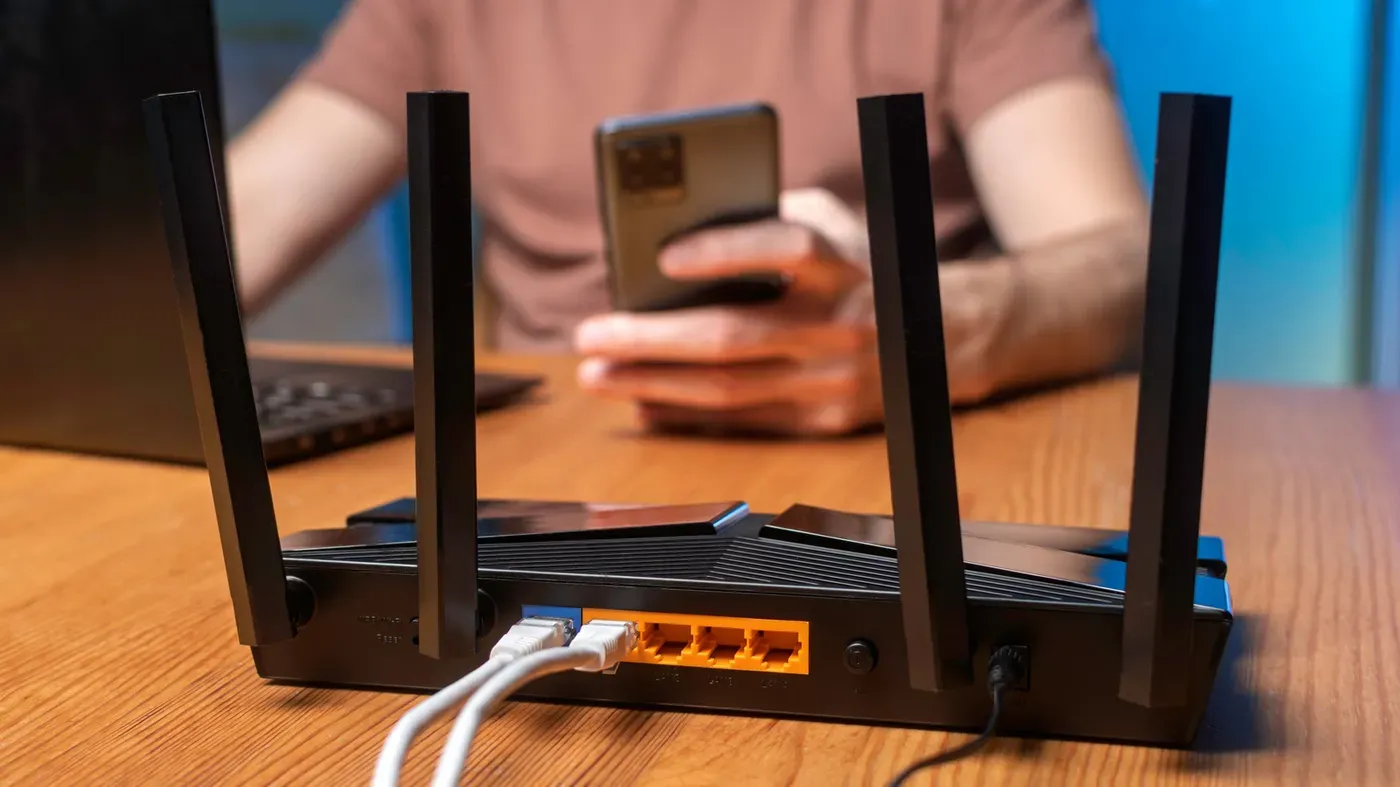
Home networks can be vulnerable to strain when multiple devices are connected, leading to common issues such as buffering and lag.
A single high-end smartphone can consume a substantial amount of bandwidth on its own, making it clear that even one device can overwhelm the network if not managed properly.
When considering the limitations of a home network, there are two key factors at play: the internet connection provided by the Internet Service Provider (ISP) and the Wi-Fi connection between the router and devices.
A faster internet plan is only effective if paired with a strong and efficient router signal. Conversely, even the most advanced router cannot compensate for a slow or inadequate internet service plan.
Rushing to upgrade equipment or service plans may provide temporary relief but can be an expensive solution, especially for those who don't have the budget for the latest Wi-Fi technology or higher-speed internet services.
The notion that a specific internet connection speed supports a certain number of devices is more myth than fact. In reality, estimating how many devices can use your home network simultaneously without slowing it down is crucial. For instance, if you're streaming 4K content on Netflix, the company recommends a stable connection of at least 15 Mbps per stream.
This doesn't mean each device consumes exactly 15 Mbps all the time; rather, it's a reference point for planning purposes. To illustrate this, consider 10 devices using 10 Mbps each, that would add up to 100 Mbps. With a 100 Mbps download speed being the FCC's minimum broadband requirement, there wouldn't be any room left over if all 10 devices were running at the same time.
The speeds available on your network can vary greatly depending on several factors, including how many devices are connected and their individual usage patterns. It's essential to consider both download and upload speeds when planning large tasks or Wi-Fi-intensive activities.
Devices that require constant uploads, such as security cameras or video conferencing equipment, have unique demands compared to those focused primarily on downloads. Understanding the average consumption of a single device can help you plan accordingly and avoid overloading your network.
When scheduling large downloads or other bandwidth-hungry tasks, it's best to do so during less busy times to minimize potential disruptions.
When managing a home network with multiple devices, it's essential to consider the limitations of your internet service provider's plan and the capabilities of your router.
A single well-placed router or a mesh system can handle most household needs, but there are situations where an additional router is necessary. For example, if your ISP has no choice but to install your gateway in a corner of your home, running an Ethernet cable from the gateway to a central location might be a viable solution.
To optimize your network, start by utilizing existing infrastructure and adding components incrementally based on specific needs. This approach allows you to assess what's working and where improvements are required. Stationary devices such as computers, consoles, and TVs can benefit from being connected via Ethernet cables, reducing their impact on the Wi-Fi network while still sharing the same internet connection.
When upgrading or expanding your network, it's crucial to consider both the advertised device capacity and the limitations of your ISP plan. A router upgrade might be necessary if you need a more efficient way to manage multiple devices, but keep in mind that even with increased capacity, bandwidth constraints will remain a factor.
Ultimately, addressing network constraints requires a thoughtful approach that balances capabilities with limitations, ensuring that your system functions smoothly and efficiently for all users.
Facts based on reporting originally published by Engadget.
You may republish this story, in full or in part, if you credit News Central Site and link to it (licence CC BY 4.0). Photos are not included.