Smart TVs No Longer Necessary with Streaming Devices Available
Streaming devices can turn regular TVs into smart TVs with minimal expense.
The world of streaming has revolutionized the way we consume entertainment, but accessing our favorite shows and movies can be just as frustrating as ever. With an overwhelming array of high-end smart TVs on the market, it's easy to feel like you need to break the bank to stay up-to-date.
For those who are hesitant to invest in a new TV or prefer not to upgrade from their current one, there is a viable alternative. Rather than splurging on a brand-new smart TV, you can turn your regular TV into a smart TV with relative ease and minimal expense.
The process of transforming a standard TV into a smart TV is surprisingly straightforward. It involves selecting the right streaming device for your needs and pairing it with a compatible TV that meets certain requirements.
A key factor in this transformation is the choice of streaming stick or device, which serves as the gateway to accessing a world of online content. This small but powerful accessory can unlock a vast library of movies, TV shows, music, and more on platforms such as Netflix, Amazon Prime Video, and Hulu.
With the right combination of TV and streaming device, you'll be able to enjoy all your favorite digital content in high definition, complete with features like voice control and personalized recommendations.
To turn an older TV into a smart TV, it's essential to check if it has the necessary slots for this conversion process. Typically, a simple HDMI port is required, and these can usually be found on the back of the unit, often located on either side or directly in the middle.
However, some TVs may have their HDMI ports positioned at an awkward angle, making it slightly more challenging to plug something in. If you're having trouble locating an HDMI port, it's worth checking if it's just hidden from view due to its unusual placement.
In rare cases, a TV might not come equipped with an HDMI port at all, but instead feature older inputs like RCA or RF connections. Fortunately, there are various adapters available that can facilitate the conversion process and enable your TV to become smart.
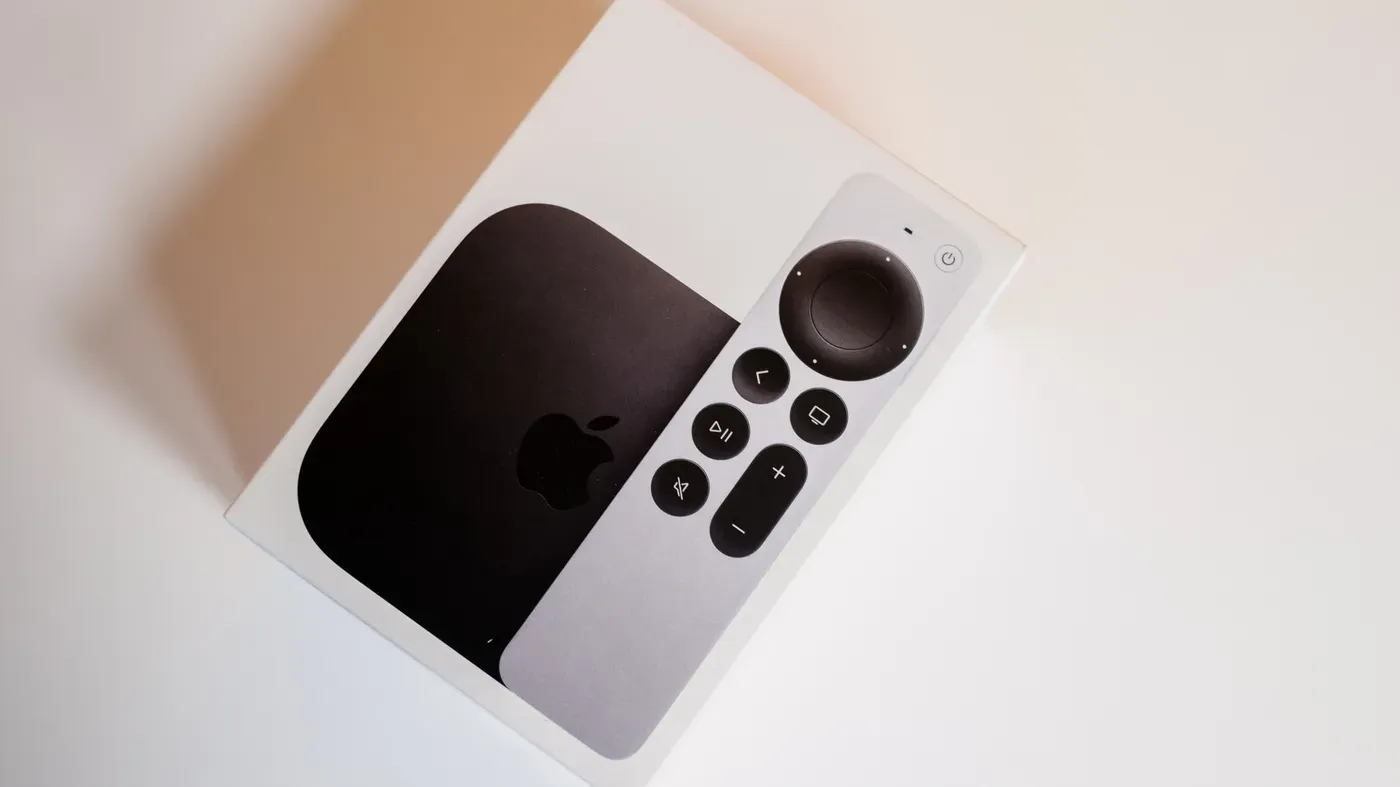
Once you've identified the correct HDMI port on your TV, you'll need to acquire a compatible streaming device such as Amazon Fire TV Stick or one of its many alternatives. These compact units plug directly into the HDMI port, allowing you to tune your TV to that input and start enjoying a wide range of digital content.
To get started with your new smart TV setup, you'll need to log in to all your preferred streaming services, which can be done once the device is connected and configured.
Buying a streaming stick can be an attractive option when considering upgrading your regular TV to a smart TV. One of its main advantages is its affordability - most streaming sticks are priced around $30, which is significantly lower than the cost of a basic smart TV that can range from $150 upwards.
For those who want to hold onto their old TV without breaking the bank, turning it into a smart TV with a streaming stick is a viable solution. However, if your TV is quite old or you're setting up a senior's living space, investing in an actual smart TV might be more practical.
In recent years, it has become increasingly challenging to find non-smart TVs on store shelves, and this trend may continue as technology advances further. For consumers seeking a reliable smart TV with good accessibility features, brands like Roku and Samsung are worth considering for their user-friendly interfaces and accommodations for individuals with hearing loss or low vision.
Ultimately, whether you choose a streaming stick or an actual smart TV, the key is to find a solution that meets your specific needs and budget, allowing you to enjoy seamless access to streaming content.
Facts based on reporting originally published by Engadget.
You may republish this story, in full or in part, if you credit News Central Site and link to it (licence CC BY 4.0). Photos are not included.