Netgear recommends upgrading hardware every four or five years to avoid connectivity issues and security risks
Your home network is vulnerable to security breaches due to outdated devices connected to it.
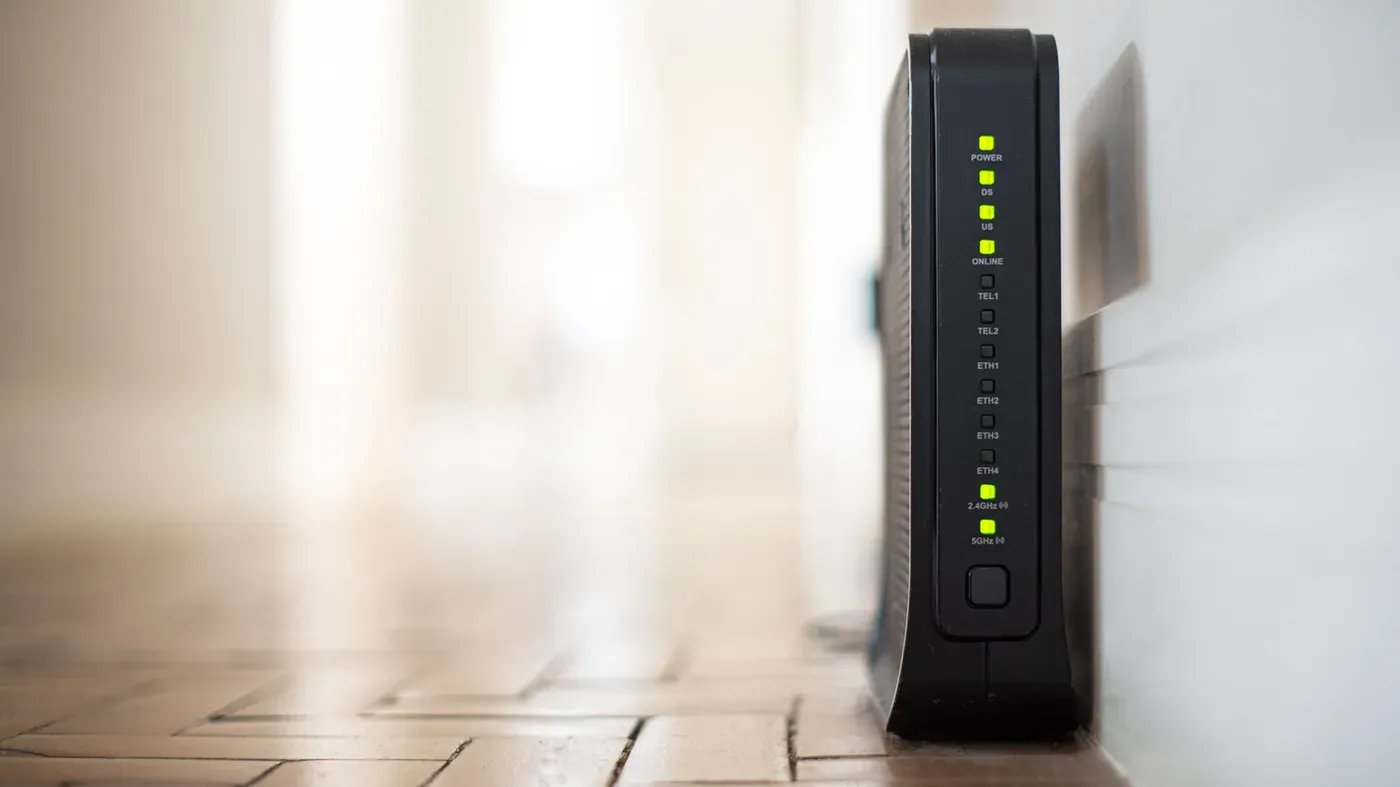
Your home network is vulnerable to security breaches due to outdated devices connected to it.
A 10-year-old camera may seem perfectly functional, but its age can make it a weak link in your network's security. Manufacturers typically stop providing updates for such old devices, leaving them exposed to potential threats. This lack of support can have serious consequences if not addressed promptly.
Replacing security cameras every five to seven years is essential to maintaining the integrity of your home network. Router manufacturer Netgear recommends upgrading hardware every four or five years to avoid connectivity issues and security risks. Slower connections are often a clear indication that it's time for a change.
The FBI issued a warning in 2025 about end-of-life routers being compromised by cybercriminals. These devices, no longer receiving software updates or security patches, can be used to send sensitive data to malicious actors or even become part of a botnet. It is crucial for consumers to regularly audit their devices and determine if they pose a security risk.
The vulnerability of smart devices in homes is a growing concern, particularly those that no longer receive software updates or security patches. According to a 2024 study by Consumer Reports, many appliance manufacturers do not clearly communicate how long they will provide support for their products. This lack of transparency can leave consumers unaware of the potential risks associated with older devices.
In fact, out of 19 major brands examined in the study, only three provided customers with information on how long they would maintain software updates. Even among these three, the longest promised period was a mere five years, falling short of consumer expectations for at least ten years of support.
Routers are another common household device that can pose significant security risks if not regularly updated. A 2025 warning from the FBI advised replacing routers dated 2010 or earlier due to their likelihood of no longer receiving updates. Malware like TheMoon, which targets routers and installs proxies for anonymous criminal activity, is a prime example of the dangers posed by outdated routers.
TheMoon hack exploits open ports and vulnerable scripts, rendering even strong passwords ineffective in protecting against it. This highlights the importance of keeping all connected devices up to date, not just those with easily accessible ports or interfaces.
Older devices can also be recruited into botnets, networks of compromised devices used to overwhelm websites with traffic and take them offline. A recent report from Cisco found that nearly 40 percent of targeted vulnerabilities affected end-of-life devices, while about a third of exploited vulnerabilities were at least ten years old.
This trend suggests that attackers continue to target older hardware because it rarely gets fixed or updated. Even if most home smart devices are current, the presence of just one outdated device can create an entry point for malicious actors and compromise other connected devices in the network.
A thorough inventory of connected devices in a home network can reveal forgotten items like an old camera or smart plug that may be out of date and susceptible to hacking. These devices often go unnoticed until they become a vulnerability in the system.
Manufacturers typically stop issuing updates for older gadgets, leaving them exposed to security threats. Checking online for update availability is a simple step towards securing the network. If a device no longer receives firmware updates or is an end-of-life product, it's likely time to remove it from the network.
Upgrading the router to the latest standard, WPA3, can significantly boost security. The process involves accessing the router's admin page and selecting the wireless security setting. However, some older gadgets may struggle to connect after the switch, so choosing the WPA2/WPA3 option might be necessary in such cases.
In addition to updating the router, turning off remote management and using a strong password can add an extra layer of protection. The default password provided by manufacturers should never be used, as it's easily guessable. Automatic updates for firmware ensure that vulnerabilities are addressed promptly.
Older gadgets and smart appliances can be isolated on a separate network to prevent them from compromising more critical devices like laptops or phones. This setup creates a barrier between the vulnerable devices and the rest of the network.
By taking these steps, homeowners can significantly reduce the risk of their home network being compromised by outdated devices.
Facts based on reporting originally published by Engadget.
You may republish this story, in full or in part, if you credit News Central Site and link to it (licence CC BY 4.0). Photos are not included.