Apple CarPlay Not Supported in Some Newer Vehicles
The technology is available in many new models from major brands but some manufacturers have chosen not to support it.
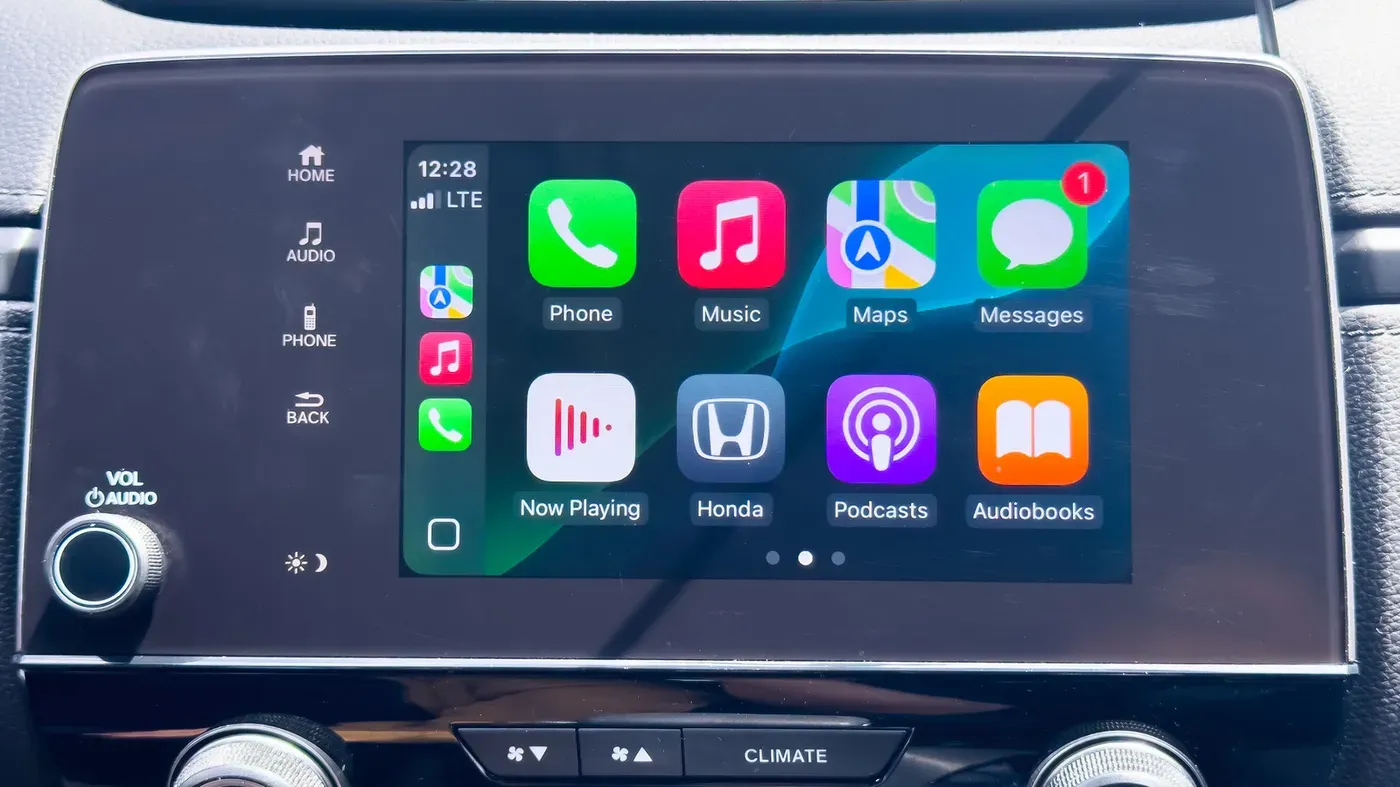
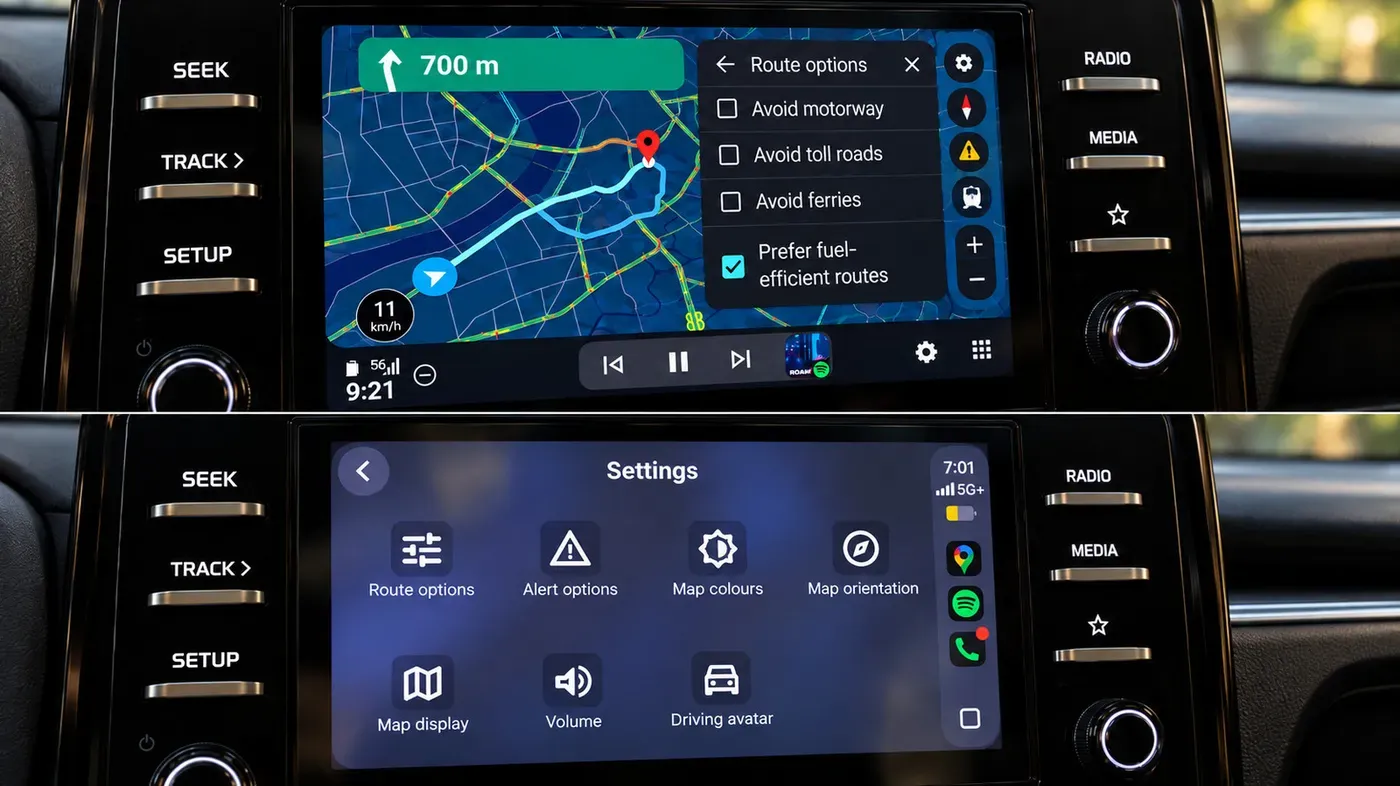
A popular feature in newer cars makes it easy to navigate and access various iPhone features while driving, but some manufacturers have chosen not to support this technology.
To determine if a car supports Apple CarPlay, one can start by checking online for a comprehensive list maintained by the company itself. The list covers nearly all new models from major brands, making it a valuable resource for potential buyers looking to make an informed decision when purchasing a vehicle.
However, there are some notable exceptions to this rule, with Tesla and Rivian being two prominent manufacturers that have opted out of supporting CarPlay in their vehicles. Additionally, General Motors had previously considered abandoning support for Apple's software on newer models in favor of its own alternative, but has since reversed this decision and reinstated CarPlay compatibility.
For those looking to check if a specific car model supports wireless CarPlay integration, there are several options available. This can be done by accessing the iPhone settings and searching for the car's name among the list of available devices when Bluetooth and Wi-Fi are enabled on both the phone and the vehicle.
To verify wireless connectivity in person, one can follow these steps: enable Bluetooth and Wi-Fi on the iPhone, then set the car's dashboard to Bluetooth or wireless mode. Next, press the voice command button on the steering wheel, after which the car should appear as an available device in Settings > General > CarPlay on the iPhone, confirming whether it supports wireless integration.
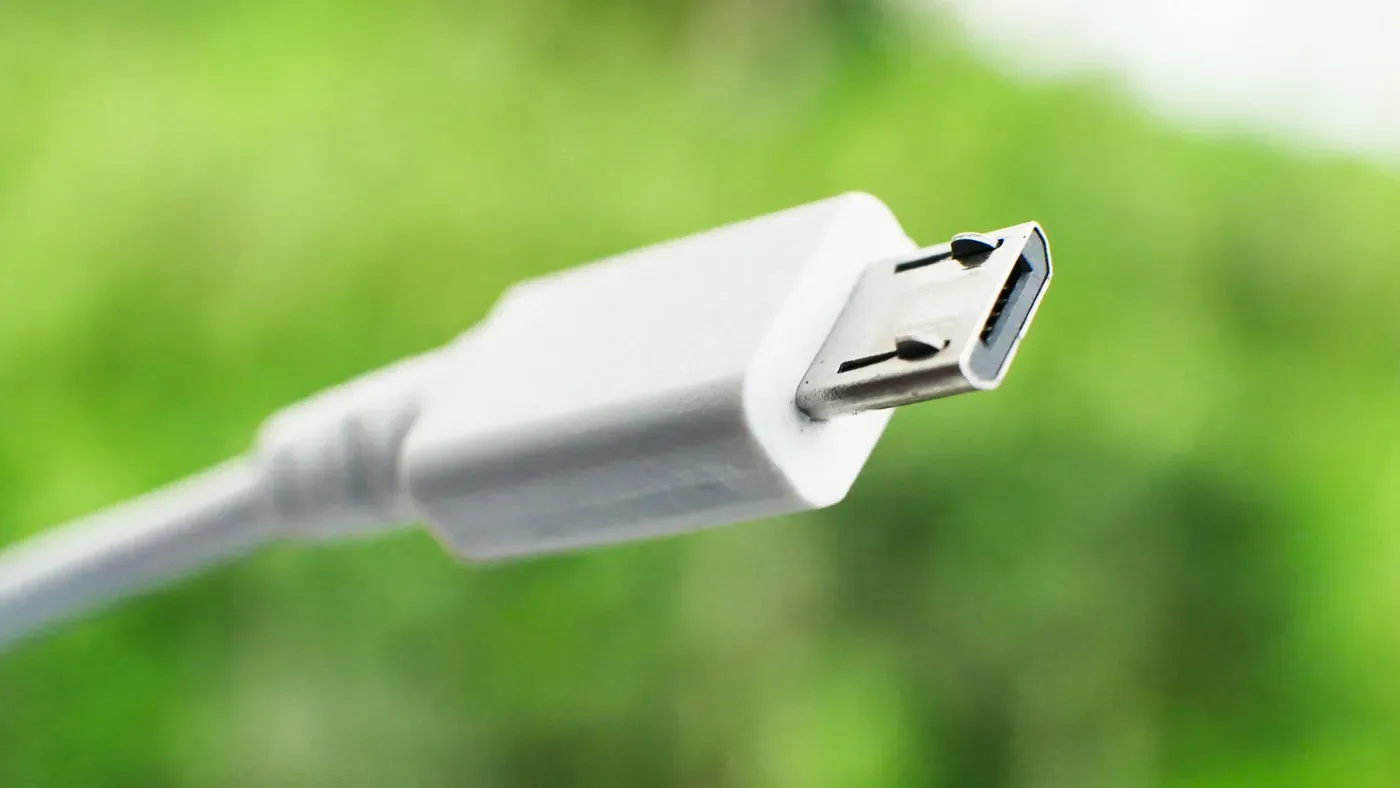
Connecting a phone to a car's USB port will trigger a prompt to activate wired CarPlay if the vehicle supports it. This is a straightforward way to determine whether a car has integrated CarPlay support. However, not all cars with integrated CarPlay display this option on their dashboard screens or on the USB ports.
Some cars may have a CarPlay symbol on the USB port, but even supported vehicles may not always feature this emblem. If you don't see either of these indicators, it's likely that your car doesn't have built-in CarPlay support.
For drivers with cars lacking integrated CarPlay, there are alternative ways to add the technology, albeit at some expense and hassle. One option is to purchase a third-party screen designed for CarPlay integration. These screens can be mounted on the dashboard, effectively replacing or supplementing the existing display.
These aftermarket screens, available from various manufacturers, can connect with both CarPlay and Android Auto systems. As a result, they enable users to access all software functions in any vehicle. Typically priced around $100 or less, these third-party screens are also portable, allowing for easy transfer between cars.
Replacing your car's stereo receiver and screen with a new one that supports Apple CarPlay can be a more permanent solution, but it requires some technical expertise or a professional installation. This option involves purchasing a head unit specifically designed for CarPlay compatibility, which may still fit within a budget of $100 or less.
While the cost of this approach might be comparable to buying just a screen, the installation process is often more complex and may necessitate paying someone to do it correctly. However, having an integrated CarPlay-compatible unit can simplify the overall setup and eliminate the need for additional peripherals.
Facts based on reporting originally published by Engadget.
You may republish this story, in full or in part, if you credit News Central Site and link to it (licence CC BY 4.0). Photos are not included.