Google Maps and Apple Maps Offer Electric Vehicle Routing Features
Navigation apps that offer electric vehicle routing features are available on both Google Maps and Apple Maps, but their availability depends on the car and phone being used.
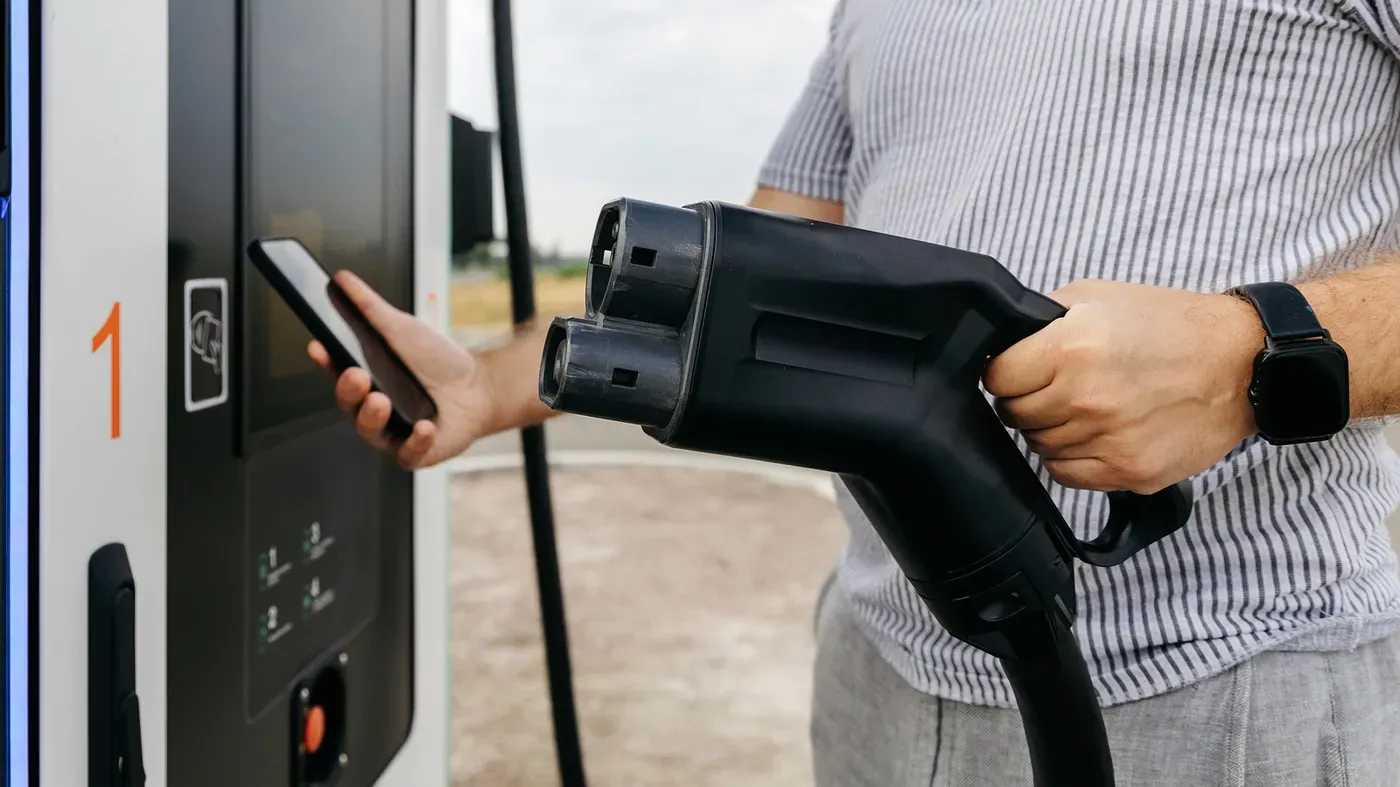
Electric vehicle owners are accustomed to planning their routes around charging stations, a necessity for long trips. Without access to electricity, a trip can quickly become stranded. Drivers can manually search for and add charging stops to their route, but this method is far from ideal.
A better approach is to use electric vehicle routing, which can plan stops based on the driver's expected arrival time and battery level. This feature is available on both Google Maps and Apple Maps, but its availability depends on the car and phone being used. Not all vehicles support EV routing through CarPlay or Android Auto.
Navigation apps are only part of the equation - drivers also need to ensure their cars support EV features. Just having a compatible infotainment system doesn't guarantee access to electric vehicle routing. Some cars integrate directly with CarPlay, while others require an additional app to link to Apple Maps.
Car owners should check their vehicle's specifications before heading out on a trip. This will help them determine if they have access to EV routing features and how to use them. The process can be complex, but understanding the capabilities of their car is crucial for drivers who rely on electric vehicles.
EV routing works by planning charging stops around a driver's route, taking into account arrival times and battery levels. While not all cars support this feature, those that do can make long trips more manageable.
To utilize EV routing features on Apple Maps via CarPlay, you need to consider the type of vehicle you own and whether it requires a manufacturer app installation. Ford's Mustang Mach-E and F-150 Lightning are among the models that support this feature, as do Toyota's 2023 and newer electric vehicles in the US.
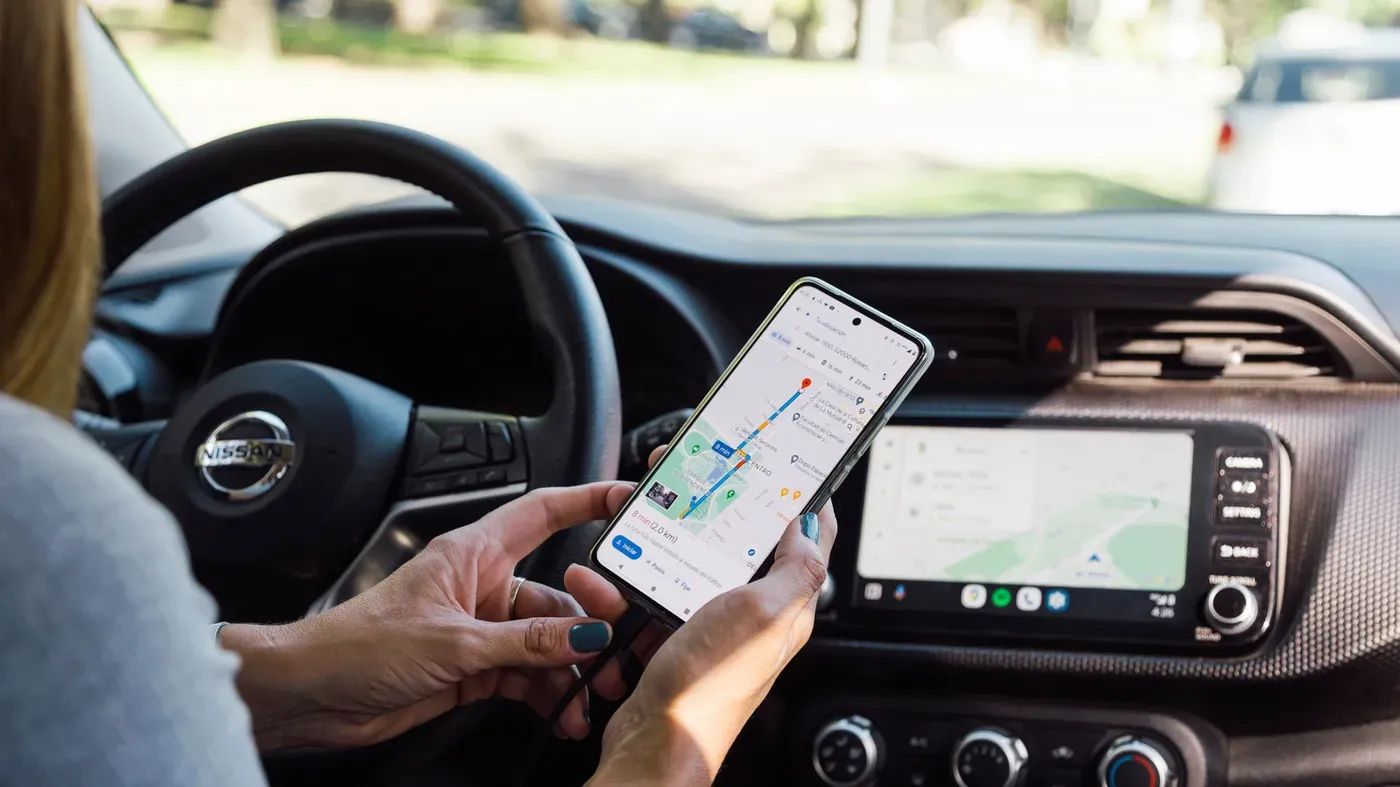
However, not all cars come with Google Maps built directly into their infotainment systems. Android Auto offers an alternative solution by displaying apps from your phone on your car's screen. If you have a compatible vehicle, you can access Google Maps' charging recommendations for over 350 US EV models by connecting your device to the system.
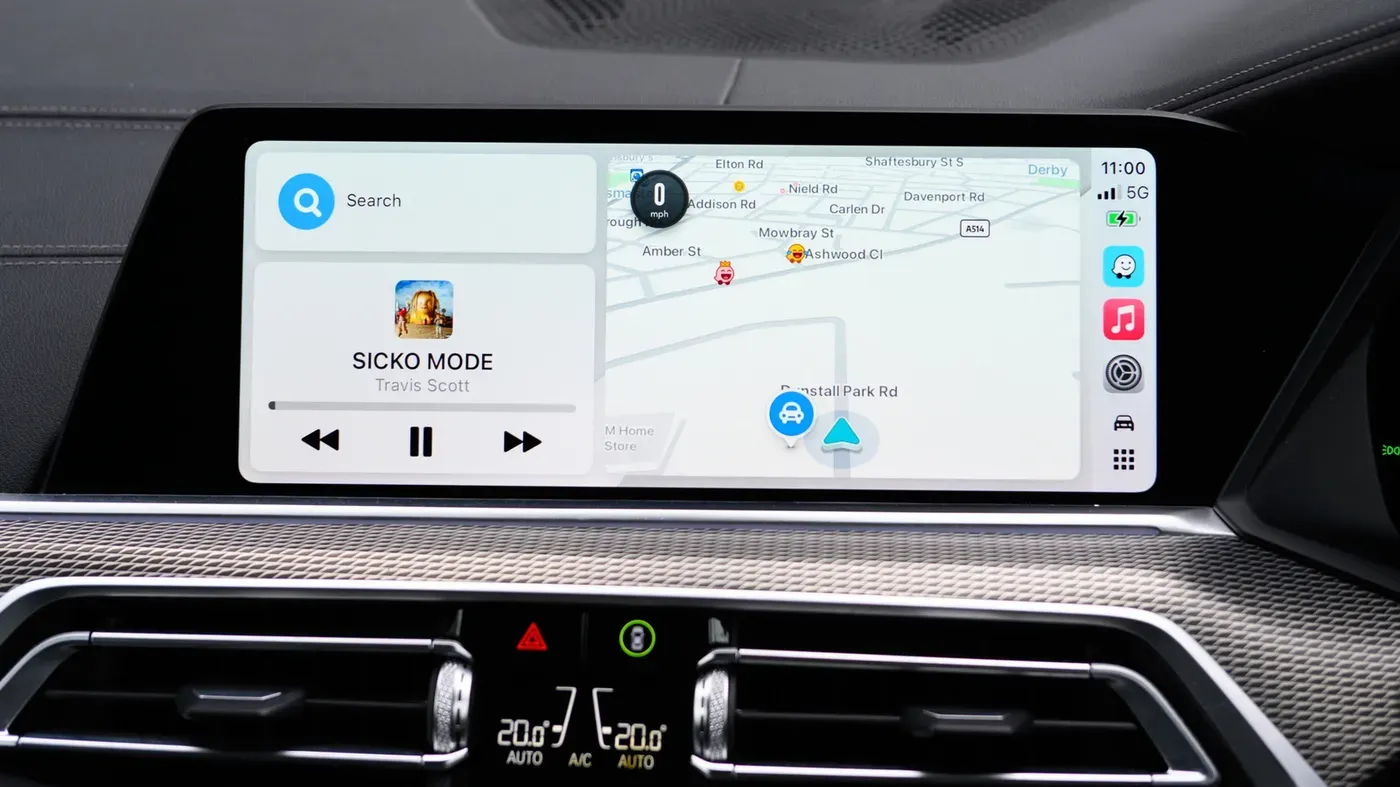
To set up EV routing on Apple Maps via CarPlay without needing a manufacturer app, simply connect your iPhone to the system while parked and open the Apple Maps app. You'll need to search for your final destination and tap "Connect above the list of available routes to initiate the process.
If your car requires a manufacturer app installation, you can download it from the App Store first and follow any on-screen instructions to complete the setup. Once installed, you can connect your vehicle to Apple Maps and set up your preferred charging network as part of the process.
To access EV routing on your vehicle's infotainment system, some car manufacturers have their own specific connection process within their apps. Toyota owners, for instance, can initiate this by navigating to the Find" section and selecting "Apple Maps EV Routing, then agreeing to terms before connecting their vehicle to Apple Maps.
This setup enables users to track their electric vehicle's battery levels in real-time through the app, which also recommends suitable charging stops along the route. Additionally, some locations provide live updates on charger availability. The system will automatically direct drivers to the nearest compatible charger when their battery level becomes too low.
It is essential for owners of certain Ford models to check their network preferences, as the company suggests prioritizing Tesla Superchargers. However, users must have the correct fast-charging adapter to utilize this feature. Apple Maps can be set up to prioritize these preferred networks.
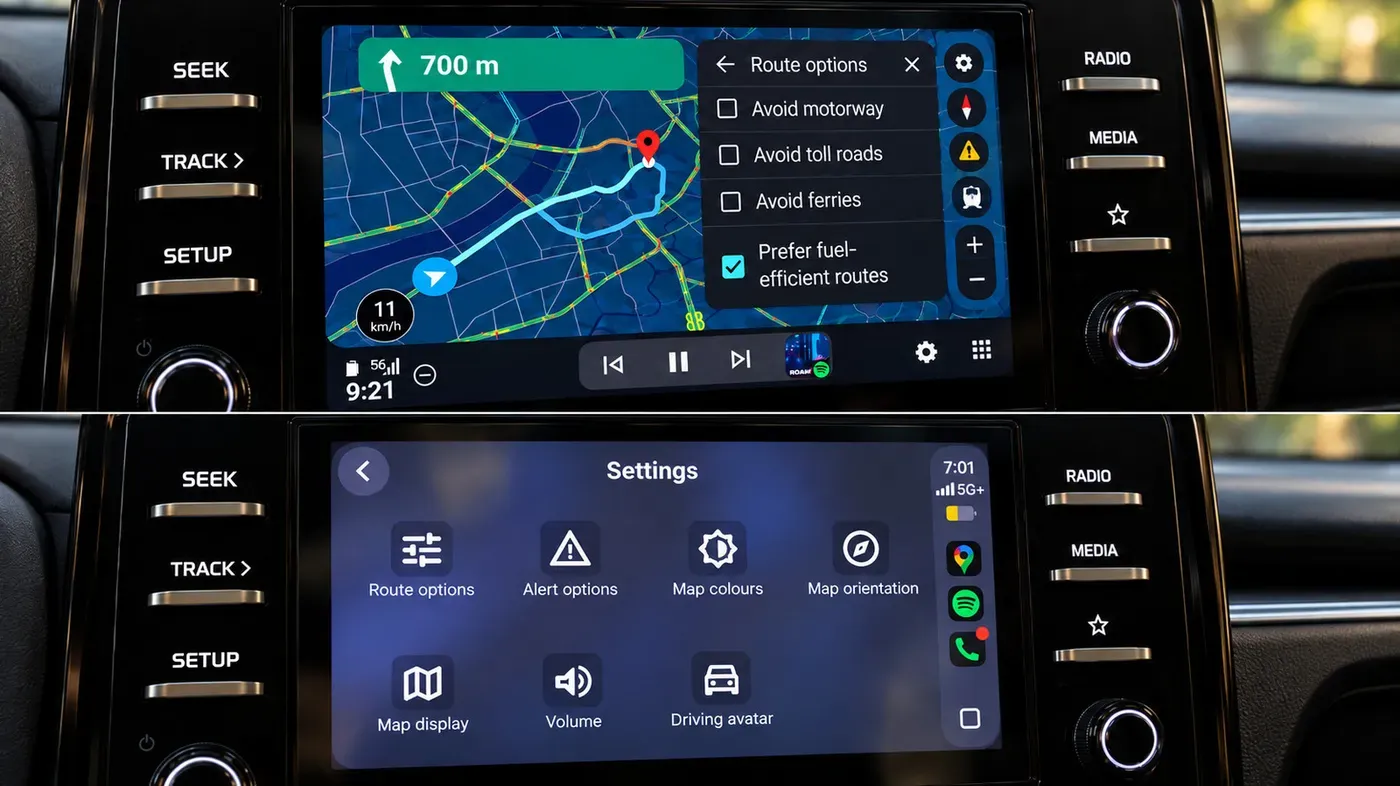
To access EV routing on Google Maps, ensure that your mobile device's app is updated to version 25.44 or later. This allows for accurate battery estimates. Users can then navigate to the Settings section within Google Maps by tapping their profile icon and selecting Your vehicles, where they can add their electric vehicle details, including make, model, year, and trim.
When prompted by your car's system, connect to Android Auto and confirm your vehicle details. This will enable you to access a range of features on Google Maps that are specifically tailored to electric vehicles. As you start planning your trip in Google Maps, you'll notice two key pieces of information displayed on your car's screen: the estimated battery usage for your journey and an Add charging button.
Selecting the Add charging button allows you to input your starting battery percentage, which will then be taken into account by Google Maps as it generates a route with charging stops included. The predicted arrival battery percentage will also be displayed, giving you a clear indication of how much charge you'll have left when you reach your destination. This information can be adjusted if needed.
Google Maps' estimate should not be taken as a definitive prediction, however. Various factors can influence the actual range of your vehicle, including live driving conditions, the state of your car's battery and external weather conditions. As such, it is essential to keep a close eye on your charge level during the journey to ensure you remain safely within range.
In addition to Google Maps and Apple Maps, there are other apps available that specialize in electric vehicle routing. The A Better Routeplanner app (also known as ABRP) is one example of such an application. This app allows users to input their car's details and a destination, generating routes with charging stops along the way.
ABRP also supports live battery information for some cars when used through Android Auto, provided the user grants the Car information permission in the app's settings. However, this feature is not currently available to CarPlay users.
To find compatible charging stations when EV routing isn't an option, simply set up your car profile and search Google Maps for charging stations. Filter the results by selecting Your plugs" as the EV plug type. This will give you a list of nearby chargers that match your vehicle's specifications.
When planning long trips, it's essential to think ahead about where you can charge your electric vehicle. To avoid running low on power with no chargers in sight, make sure to leave enough charge between stops.
Facts based on reporting originally published by Engadget.
You may republish this story, in full or in part, if you credit News Central Site and link to it (licence CC BY 4.0). Photos are not included.