Nintendo Switch 2 Offers Improved Performance and Battery Life Range
The new console brings with it improved performance capabilities compared to its predecessor, but battery life varies significantly depending on game type and settings used.
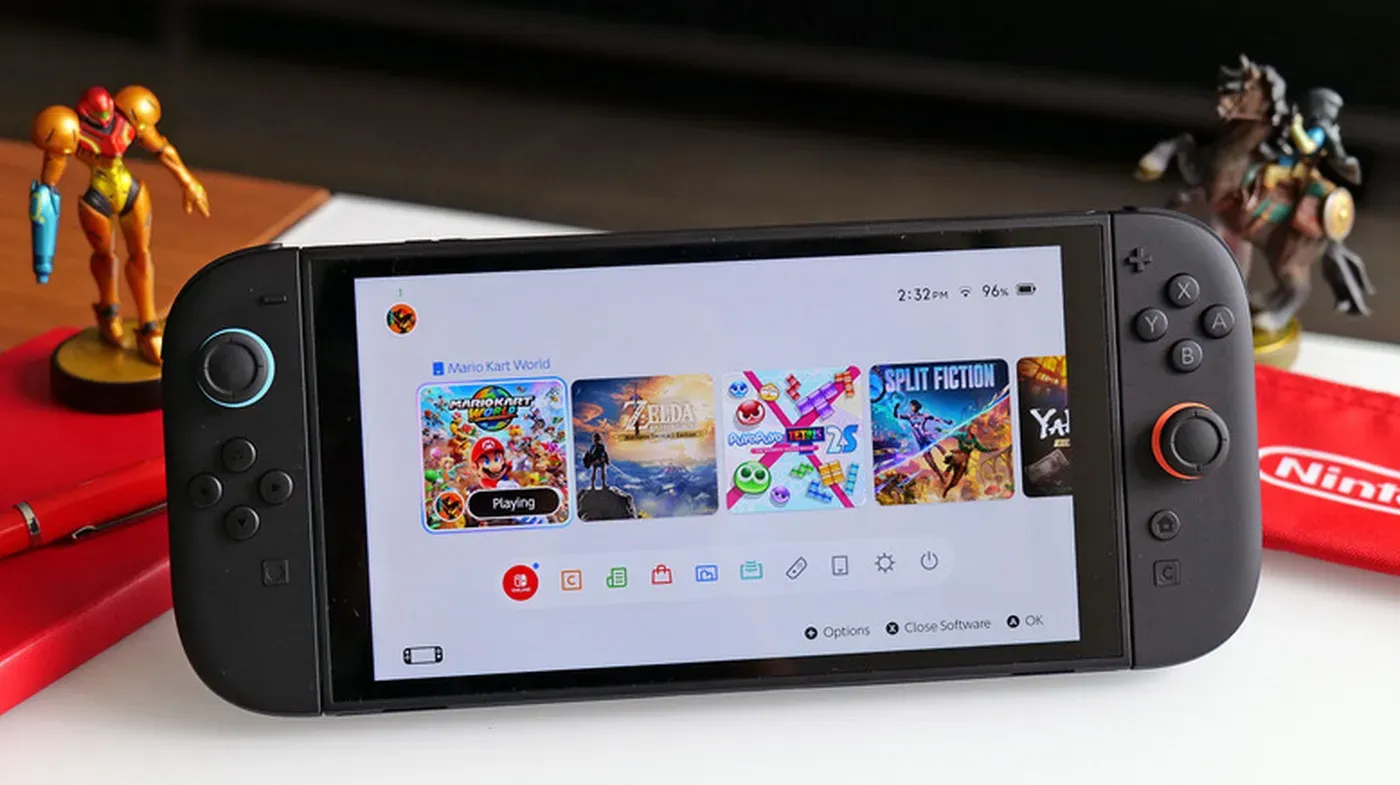
The Nintendo Switch 2 has finally arrived on the scene, bringing with it improved performance capabilities compared to its predecessor.
This new console is capable of handling modern games comfortably, making a significant leap forward from the original in terms of chipset power.
However, one notable tradeoff for this enhanced performance is battery life. Unlike many other gaming handhelds that provide a specific estimate of battery duration, Nintendo gives a range of hours instead - 2 to 6.5 hours on a full charge in handheld or tabletop mode.
The actual battery life can vary significantly depending on the type of games played and console settings used; for instance, processor-intensive 3D games will require more frequent charging due to their demanding nature.
Adjusting screen brightness is one of the simplest ways to prolong the life of a Nintendo Switch 2 battery. The top end of the slider should be avoided unless there's no other way to see what's happening on the screen.
The display's brightness can have a significant impact on battery drain, making it an area worth optimizing for longer gaming sessions. To adjust the brightness, pressing and holding the Home button on the controller brings up the Quick Settings menu, where the slider can be adjusted as needed.
Alternatively, users can access the System Settings menu by navigating to Screen Brightness. This allows for a more deliberate approach to setting the display's brightness level.
The automatic brightness setting built into the system is designed to adjust the display's brightness based on the surrounding environment. However, this feature may not always provide optimal results, particularly in games with dark environments that require a lower brightness setting.
Having Wi-Fi turned on can also contribute to battery drain, as the console constantly scans for available networks to connect to, even when playing offline. Disabling Wi-Fi when not needed can help extend the life of the Switch 2's battery.
Disabling Airplane Mode or going into System Settings to manually enable it can help reduce unnecessary communication on your Nintendo Switch 2 when not needed.
When Airplane Mode is enabled, you can still customize which features work while it's on. For instance, you might choose to keep Bluetooth active so you can continue using wireless headphones while turning off Wi-Fi to conserve battery life.
The Amiibo feature requires NFC, and since it's likely not essential when trying to extend battery life, it's a good idea to disable it if possible. This will help minimize the drain on your Switch 2's battery.
Another power-hungry feature is HD Rumble 2 technology, which uses motors that can quickly deplete your battery. Turning off this feature in System Settings > Controllers & Accessories > Controller Vibration while playing in handheld mode can reclaim some lost energy without significantly impacting gameplay.
Reducing the volume when playing games without headphones can also help conserve power. This simple adjustment won't have a major impact on your gaming experience but will contribute to extending battery life.
System Settings allow you to review and adjust other power-hungry features like the display's native 120Hz refresh rate and HDR output. Disabling these in System Settings > Display, specifically 120Hz Output and HDR output, can help save some battery life.
The Nintendo Switch 2's battery charging mechanism is designed to prevent long-term damage by limiting the charge level.
This feature, which stops charging at around 90 percent, may seem counterintuitive, but it serves a crucial purpose: protecting the battery from degradation when left in a fully charged state for extended periods.
For users who leave their Switch 2 docked most of the time, this setting should be enabled to mitigate battery deterioration.
Handheld players, on the other hand, might not need to worry about enabling this feature if they store their console in a protective case when not in use.
The graphic requirements of demanding games like Elden Ring and Cyberpunk 2077 can quickly drain the Switch 2's battery, especially when playing in handheld mode.
When playing graphically simpler indie games or 2D platformers on the Nintendo Switch 2, battery life tends to be more manageable. These types of games are not only more power-efficient but also perfectly suited for portable play.
Considering the console's portability feature as one of its main selling points, it makes sense to prioritize these lighter games in your backlog when you're away from a power source. If you find yourself frequently needing extra battery life, investing in a good power bank can be a worthwhile solution.
Facts based on reporting originally published by Engadget.
You may republish this story, in full or in part, if you credit News Central Site and link to it (licence CC BY 4.0). Photos are not included.