Integrated graphics processing units improve significantly but still lag behind dedicated GPUs
The AMD Radeon 780M is a notable example of an integrated GPU that can handle demanding workloads with ease, alongside other processors such as the AMD Ryzen 7 8700G and the Intel brand.
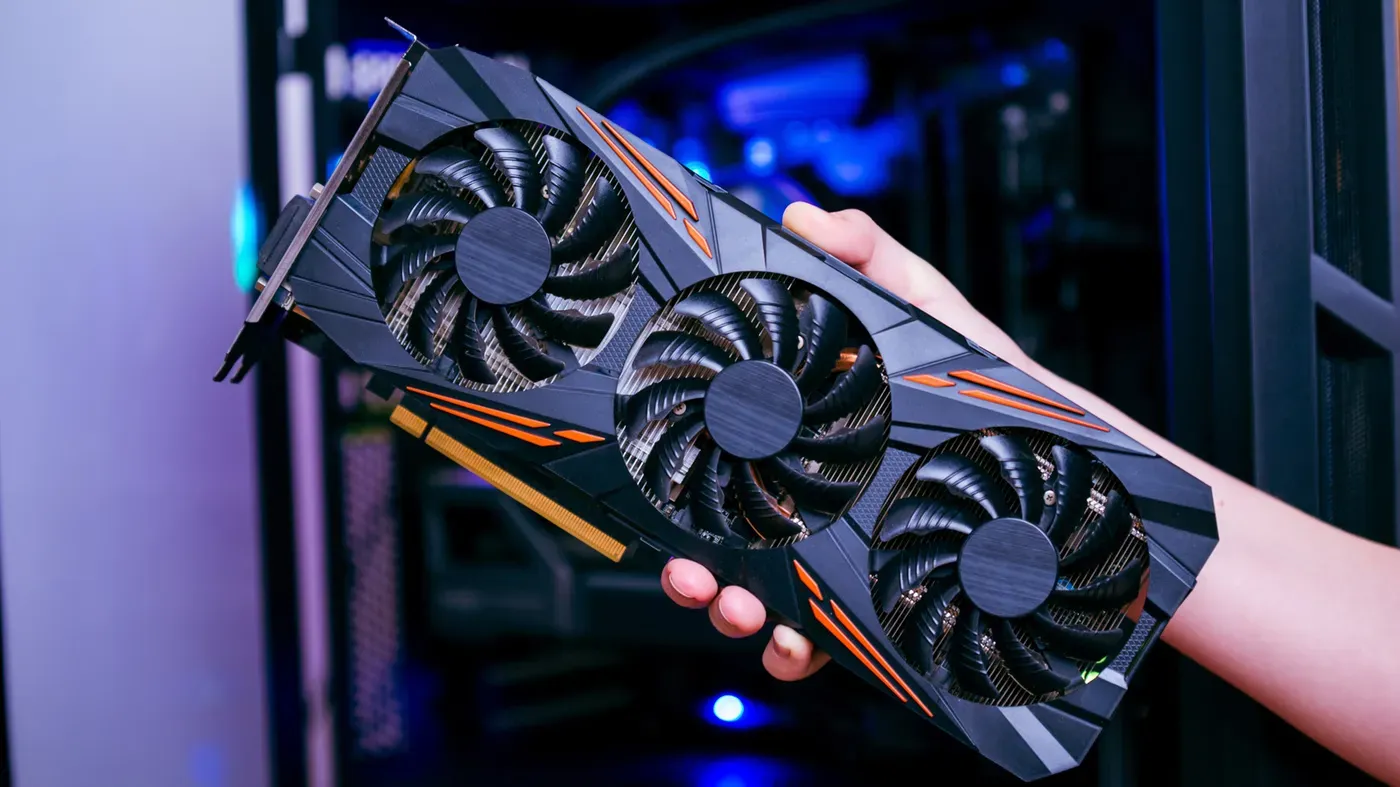
A dedicated graphics card may not be necessary for every desktop computer user, as modern integrated processors have significantly improved their capabilities.
Integrated graphics processing units (iGPUs) are surprisingly capable of handling everyday tasks, including browsing the web, streaming media, and casual gaming. However, they still lag behind dedicated GPUs in terms of performance. The AMD Radeon 780M is a notable example of an iGPU that can handle demanding workloads with ease.
While integrated graphics have made significant strides, there are limitations to their capabilities. They typically rely on shared memory bandwidth with the central processing unit (CPU), which can impact overall system performance.
Investing in a dedicated GPU may not be worth it for users who only engage in light productivity tasks or casual gaming. In such cases, an iGPU is more than sufficient to provide a seamless desktop experience. Dedicated GPUs are often the most expensive component in desktop computers, especially in gaming-focused builds.
The decision to opt for a dedicated GPU or an iGPU ultimately depends on individual computing needs and requirements. Users who engage in demanding workloads or high-fidelity video games may benefit from the additional power provided by a dedicated GPU.
Modern integrated GPUs have undergone significant improvements, allowing them to handle demanding tasks without bogging down a system. Yet, it's essential to note that not all CPUs come equipped with equally capable iGPUs. Some processors only support basic display output, while others can drive high-resolution displays and play casual games.
The AMD Ryzen 7 8700G processor features the AMD Radeon 780M graphics with 12 compute units, making it a more robust option for GPU-intensive workloads compared to other CPUs. In contrast, the Ryzen 7 9800X3D processor comes with basic Radeon Graphics, consisting of only two compute units, which is surprisingly weaker in GPU-intensive scenarios despite its superior CPU performance.
When building a desktop computer with an iGPU, users have options from both Intel and AMD at various price points. However, AMD currently leads the desktop iGPU market with its offerings providing substantial graphics-processing power over Intel's integrated graphics solutions.
A dedicated graphics card is particularly beneficial for tasks that rely heavily on high-resolution video editing or high-fidelity gaming. This is because a discrete graphics card offers significantly more processing power than an iGPU, along with a separate and higher bandwidth memory pool that can alleviate memory-related bottlenecks common in iGPUs.
As workloads increasingly demand more from the system, the limitations of iGPUs become apparent. A dedicated graphics card provides a more stable foundation for demanding tasks, ensuring smooth performance without the constraints imposed by integrated GPUs.
Memory-related bottlenecks can significantly impact an integrated GPU's performance. The shared system memory configuration of iGPUs means that RAM speeds, configuration, and capacity all play a crucial role in determining overall system performance. This is evident from TechSpot's findings, where switching to slower DDR5-5200 RAM resulted in substantial performance drops on the Ryzen 7 8700G across multiple games.
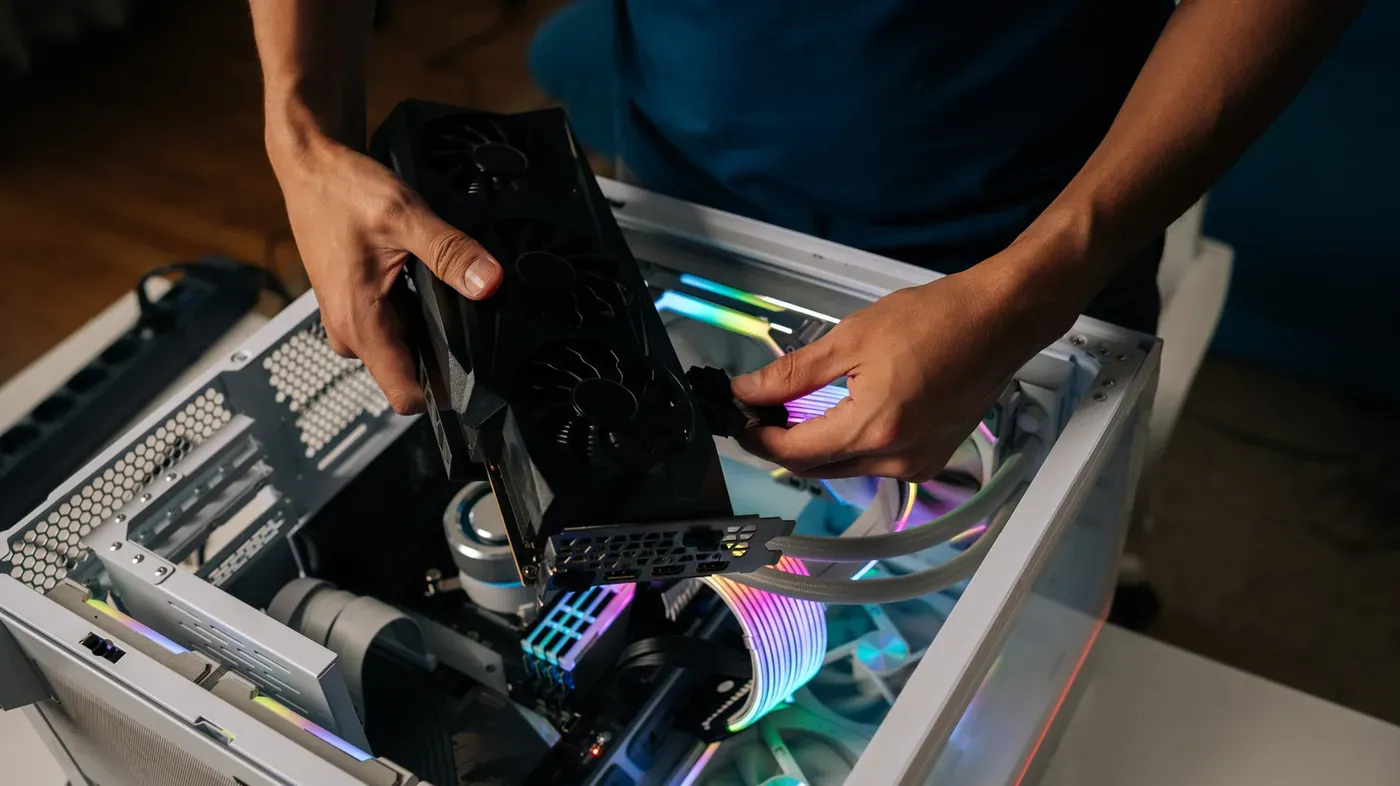
Upgrading your desktop computer can be a cost-effective way to breathe new life into an existing machine. If you initially built your PC with an integrated GPU but find yourself needing more processing power for demanding tasks, installing a dedicated graphics card can provide the necessary boost. However, before making any upgrades, it's essential to ensure that your power supply unit is capable of handling the increased load and that your case has sufficient clearance for the new component.
Installing a powerful graphics card in your PC can be a straightforward process if you've done your homework beforehand. Verifying PCIe compatibility, checking the power supply capacity, and measuring the available space in your case are all crucial steps to take before upgrading your machine's GPU capabilities.
Facts based on reporting originally published by Engadget.
You may republish this story, in full or in part, if you credit News Central Site and link to it (licence CC BY 4.0). Photos are not included.