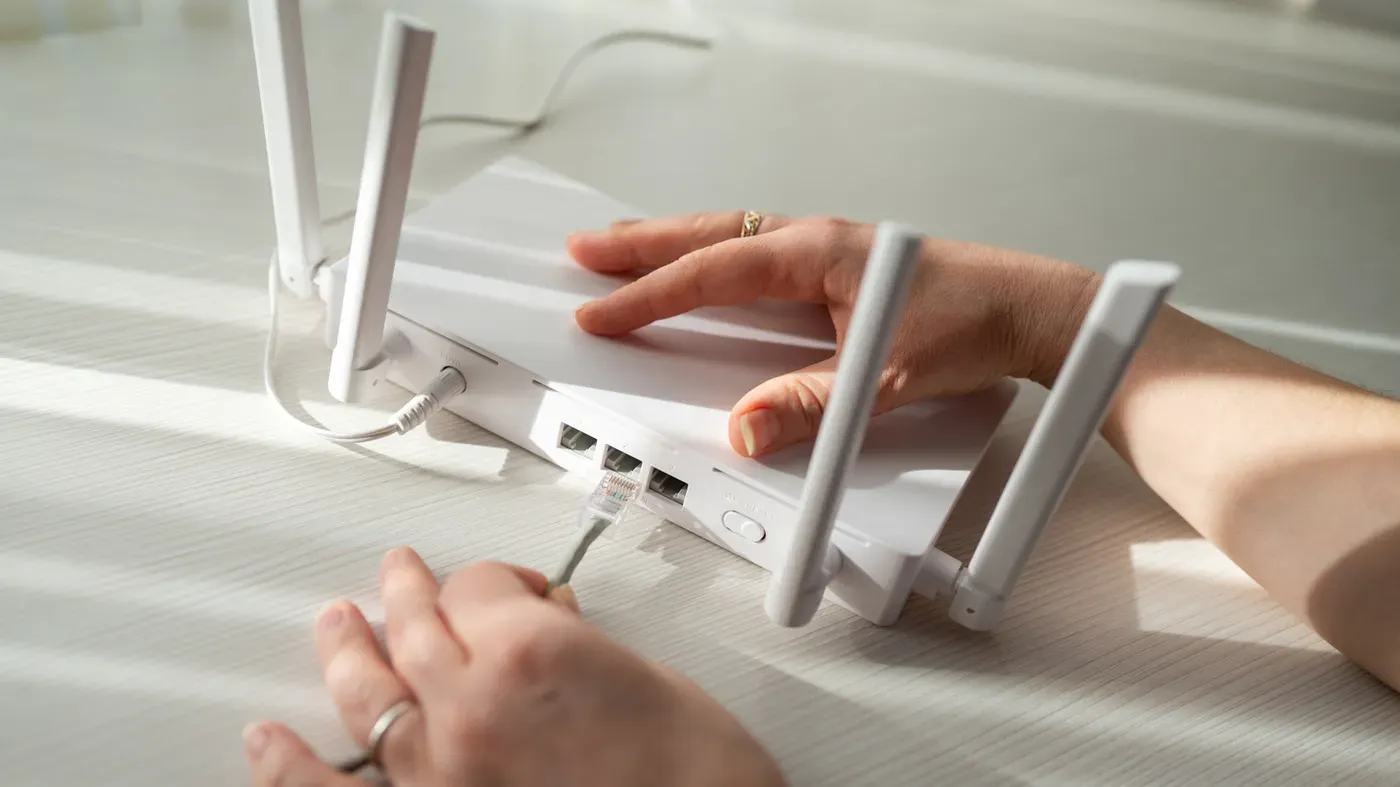
Mesh Wi-Fi systems benefit from Ethernet cable upgrades for optimal performance
Adding Ethernet cables to connect devices directly to routers can improve speeds and reduce lag in mesh networks.
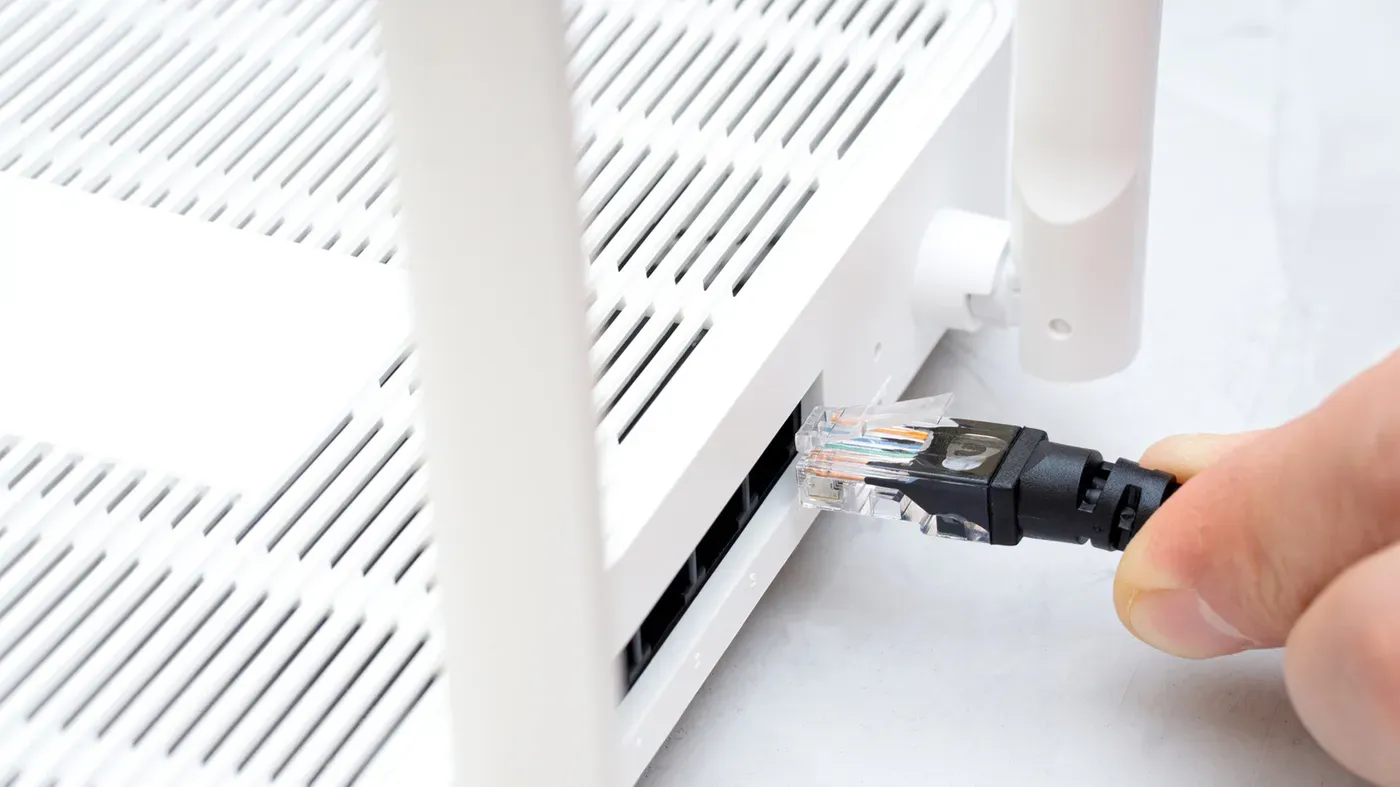
Mesh Wi-Fi systems are known for providing seamless connectivity and eliminating dead zones within homes. However, even the best mesh systems can benefit from a simple upgrade: adding Ethernet cables to connect devices directly to routers. This may seem counterintuitive, but it's essential for achieving maximum performance.
Router placement is crucial when using a mesh system. Routers should be strategically positioned to maximize coverage and prevent signal interference. Placing a router in an enclosed space or behind a barrier can lead to poor performance and disrupt the mesh network.
Integrating Ethernet cables into a mesh setup is vital for optimal performance. This may require some planning and compromise, as it means sacrificing the convenience of wireless connectivity for certain devices. However, doing so can significantly improve speeds and reduce lag.
While standalone routers have their advantages, such as supporting devices on the 2.4GHz band, mesh systems excel in maintaining consistent speeds throughout a home. A state-of-the-art smart home setup is only as good as its underlying network infrastructure.
Mesh Wi-Fi systems rely on a crucial component called the backhaul connection to manage data transfer between routers. By default, most mesh products automatically establish a wireless backhaul without requiring any manual configuration from users.
However, this setup can lead to potential issues, particularly with regards to speed and performance over distance. As signal strength decreases, so does bitrate, resulting in slower speeds that can be hundreds of megabits less than optimal. This limitation affects not only the mesh network's overall performance but also devices connecting to it.
A more significant problem arises when cheaper mesh systems combine their wireless backhauls with the same frequency bands used by your devices. This forces both parts of the equation to share bandwidth, compromising performance on both ends. It is worth noting that this issue can be avoided by choosing a mesh system with a dedicated backhaul link.
In fact, any tri-band or quad-band mesh product will have a separate backhaul link, ensuring faster and more reliable data transfer between routers. This distinction highlights the importance of selecting a high-end mesh system to get the most out of your wireless network setup.
Upgrading your mesh network's backhaul to Ethernet can significantly improve performance, making dual-band capabilities less relevant in most cases. This is because Ethernet connections are generally faster and more reliable than Wi-Fi, even when using a high-end mesh system.
In fact, using an Ethernet cable with a Cat 6 connection can deliver speeds of at least 1 Gbps, which is far beyond what most devices will need. However, the main challenge lies in running enough Ethernet cable to cover your home's layout, especially if you have multiple levels or large rooms.
For apartment dwellers, this may not be too much of an issue, but for those living in larger homes, the task can become quite daunting. Even with a relatively low cost of around $30 for 50-foot Cat 6 cables, many people are put off by the idea of having wires snaking across their floors.
Concealing these cables can add to the complexity and expense of the project, making it less appealing if your current Wi-Fi speeds are already sufficient. This highlights the importance of evaluating whether a wired backhaul is truly necessary for your specific setup.
When setting up a mesh Wi-Fi system, one crucial aspect to consider is compatibility. Routers typically come equipped with multiple Ethernet ports, but you may need to reserve some for other devices like laptops or smart home hubs.
This can lead to a dilemma: dedicating essential ports to peripherals versus using an Ethernet switch as a workaround. However, this adds an extra layer of expense to the setup process.
When connecting your mesh system, it's also vital to ensure that each port is sufficiently fast to handle high-speed traffic, particularly if you're utilizing a Wi-Fi 7 system with a dedicated wireless backhaul.
Facts based on reporting originally published by Engadget.
You may republish this story, in full or in part, if you credit News Central Site and link to it (licence CC BY 4.0). Photos are not included.