Router Placement Crucial for Optimal Home Network Performance
Setting up a home network requires careful planning to avoid potential issues, with poor router placement being one common mistake.
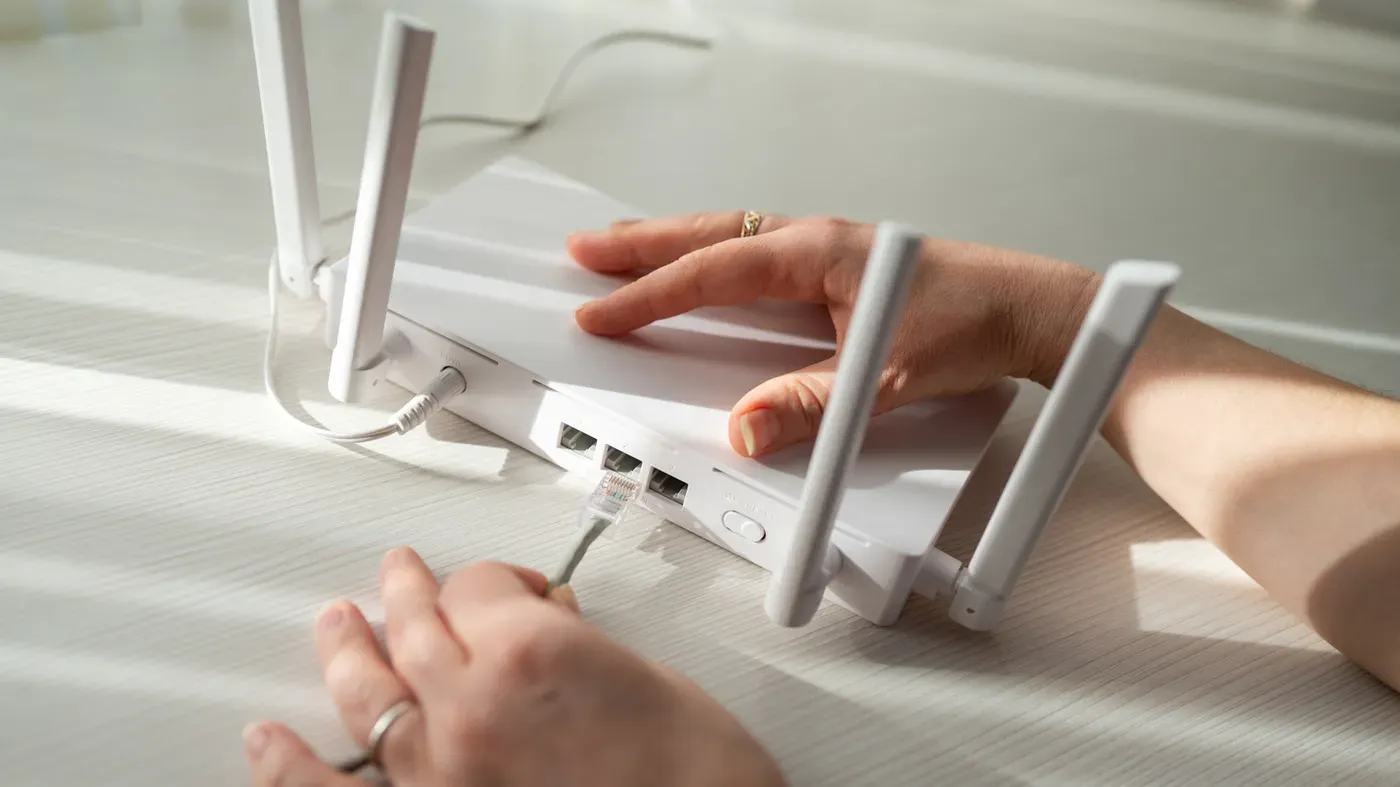
Setting up a home network requires attention to detail and careful planning to avoid potential issues that may arise later on.
One common mistake people make when setting up their home network is poor router placement. While it's understandable not to want to have the router in plain sight, placing it in an out-of-the-way corner can also cause problems.
The ideal location for a router is central to the living space, but this may not always be possible without compromising on aesthetics or creating a tripping hazard. It's essential to find a balance between keeping the router visible and hiding it from view.
Electronic devices nearby can disrupt the Wi-Fi signal, so it's best to avoid placing the router next to appliances like microwaves. Other items such as cordless phones and baby monitors can also interfere with the network.
Setting up an access point elsewhere in the house using an Ethernet cable is a viable option if the connection runs through a corner of the residence. This may require some extra effort, but it's worth considering for optimal network performance.
When choosing a router, it's essential to ensure that it matches your internet plan's specifications. A high-speed gaming router may be overkill if you're in an area where DSL or satellite internet is the best option available.
To provide adequate coverage throughout your home, consider its layout and the areas where you need connectivity. Larger homes with multiple stories can benefit from mesh systems, but it's crucial to carefully place each unit for optimal whole-home coverage.
In homes with numerous devices connected wirelessly, such as smartphones, TVs, tablets, smart speakers, game consoles, and a gaming PC, Wi-Fi connections can become unstable and slow due to bandwidth competition.
Running an Ethernet cable from the router directly to your gaming PC is a viable solution to avoid the slowdown of wireless connectivity and ensure a stable, low-latency connection for online gaming.
Using Cat6a Ethernet cables can significantly enhance your home network's performance, especially for gaming setups that demand high-speed connections and low latency. These cables support 10-gigabit connections over channels up to 100 meters, making them ideal for households with extremely fast internet services.
When setting up wired devices, it's essential to plan ahead and consider the placement of networking equipment. This includes adding new devices one at a time and confirming each stage works before proceeding. Labeling cables as you go can also save time and effort when troubleshooting later on.
Using weak router security settings is another common mistake that can compromise your home network's security. Enabling WPA3 Personal, if supported by both the router and devices, is recommended for its robust encryption capabilities. Alternatively, using WPA2/WPA3 transitional mode allows compatible devices to use WPA3 while others use WPA2 Personal with AES.
Changing the administrator credentials and Wi-Fi password of your router is also crucial. The former prevents unauthorized access to your network's settings, while the latter controls who can connect to your Wi-Fi network. Replace default administrator credentials with a strong, unique password that isn't easily guessable.
When setting up your home network, it's essential to ensure compatibility between new equipment and existing devices. Purchasing a mesh network setup or new router without verifying its functionality with your current gear can lead to problems. Specifically, having two DHCP servers handing out IP addresses on the same network can cause conflicts.
To avoid these issues, you should use bridge mode or access point mode when adding another router. Fortunately, most network equipment instructions provide clear guidance on configuring the right settings. By following a simple and gradual approach to setting up your home network, you'll be better equipped to handle any potential problems that may arise.
Facts based on reporting originally published by Engadget.
You may republish this story, in full or in part, if you credit News Central Site and link to it (licence CC BY 4.0). Photos are not included.