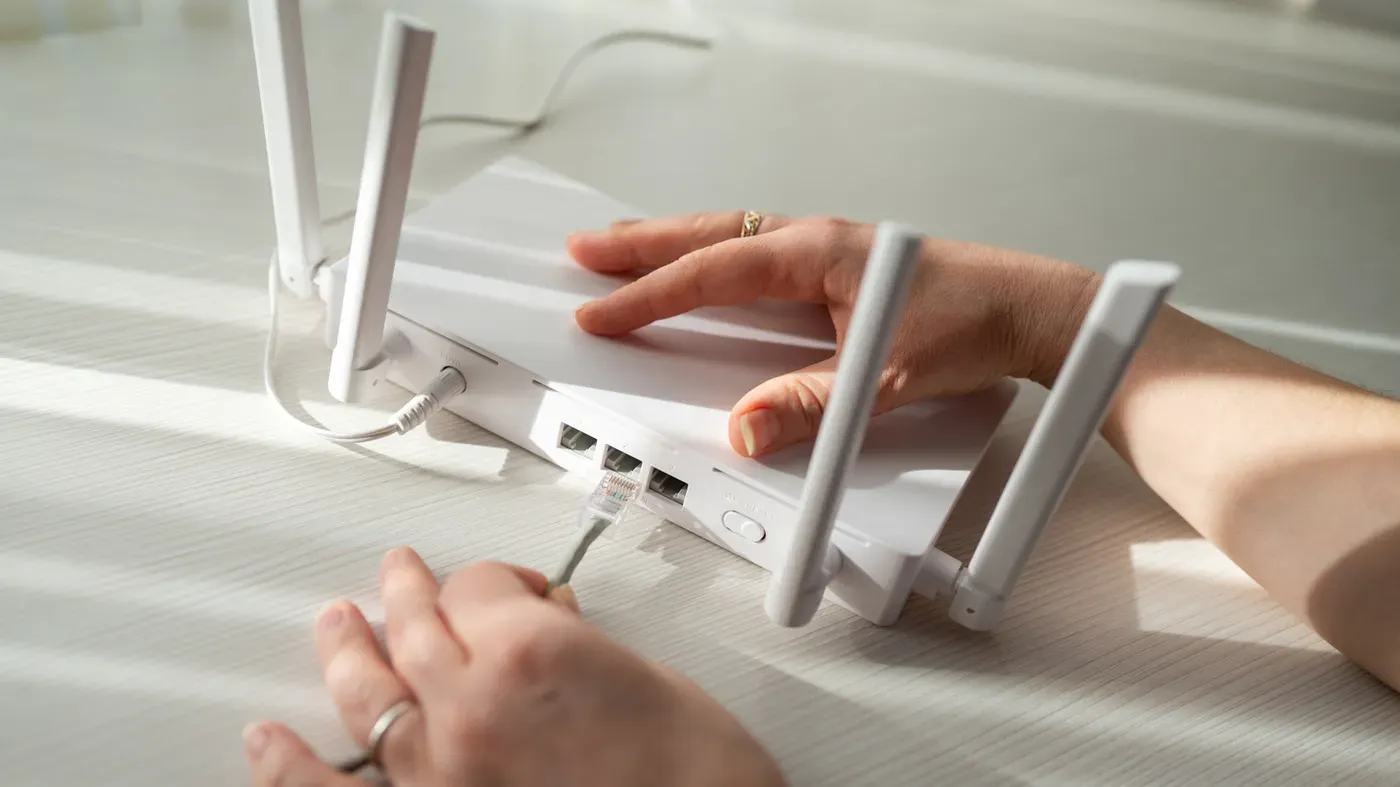
Old electronics repurposed for enhanced living space
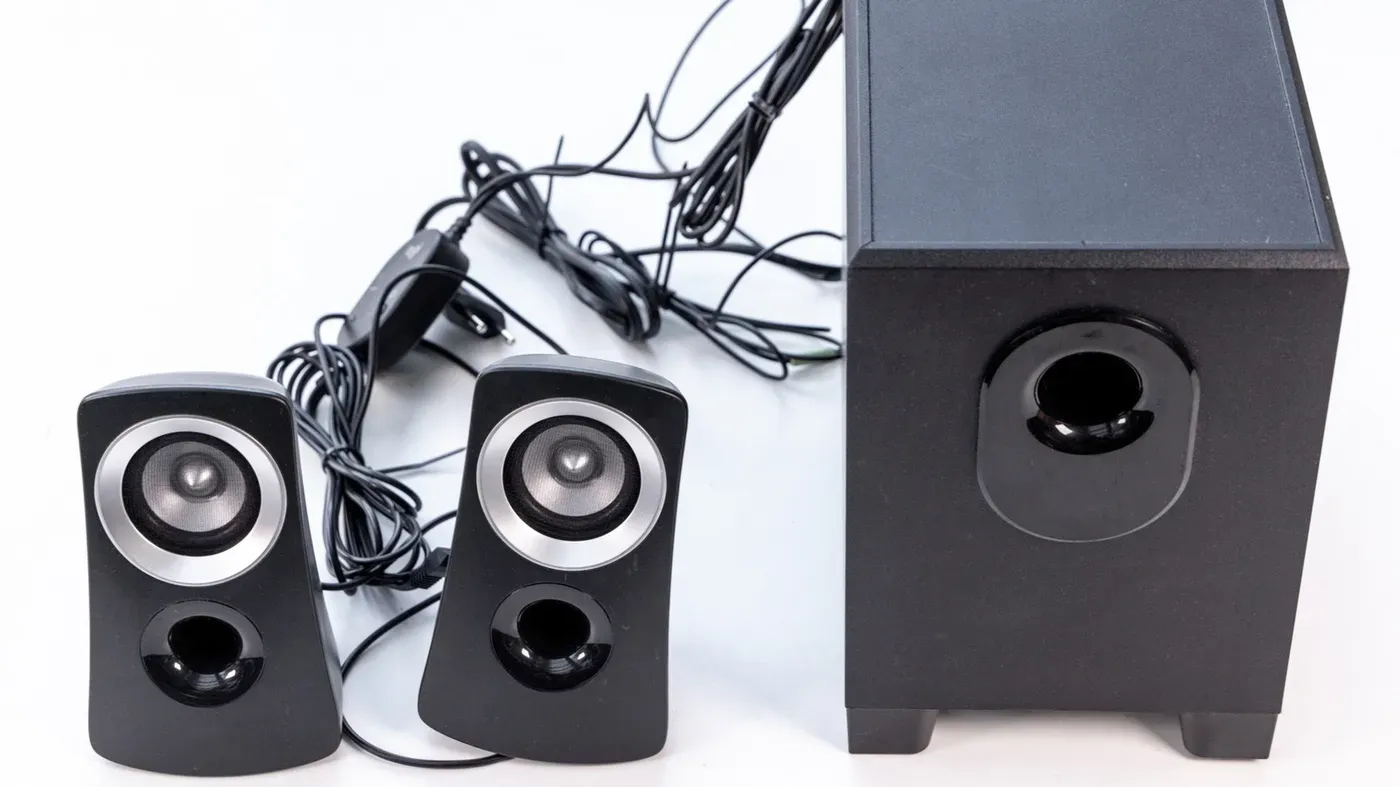
A person with old PC speakers can upgrade their TV viewing experience without significant financial investment by connecting them to a TV with an analog audio output.
Old electronics often end up in storage, awaiting a potential future use. However, some items can be repurposed to enhance your current living space without significant financial investment.
For instance, old speakers gathering dust in the garage can breathe new life into your TV viewing experience. Upgrading to a better audio setup can significantly improve the overall entertainment quality without breaking the bank.
Connecting these speakers to your TV is not as straightforward as it seems. Most TVs lack a dedicated speaker output, which means you'll need to consider what type of audio signal your TV can send out.
There are two main categories of speakers: active and passive. Active speakers, such as those with built-in amplifiers or USB power, don't require additional equipment to function. They usually come with a permanently attached cable ending in a 3.5mm plug or RCA connectors.
Old PC speakers fall into this category, making them suitable for use with a TV. Some models feature an auxiliary input socket.
On the other hand, passive speakers need an external amplifier to operate at their optimal level. The required power is usually indicated on the speaker's label. Hi-fi bookshelf and floor-standing models are common examples of passive speakers that demand additional equipment to function effectively.
When it comes to using your old speakers for your TV, things can get a bit complicated. This is because it depends on what type of output your TV has and whether you have the necessary equipment to connect them properly.
If your TV has an analog audio output, such as a 3.5mm jack or RCA ports, you're in luck. You can simply connect your speakers to these outputs and enjoy sound from your TV, provided they receive enough power.
However, many modern TVs come equipped with digital audio outputs, like optical connections. In this case, you'll need an additional device called a digital-to-analog audio converter to convert the signal into something your speakers can use.
Fortunately, some speakers or amps might have an optical input of their own, which would allow you to bypass the converter altogether and connect directly to your TV's optical output.
Another scenario is when HDMI ARC (Audio Return Channel) is the only available audio output. While this still presents options for connecting your old speakers, these solutions tend to be more expensive than others.
The power requirements of USB-powered PC speakers also need consideration, especially if you're planning to use them with a TV. Since TVs often have spare USB ports, it might seem like a straightforward solution to plug in your old PC speakers and expect sound, but the reality is slightly more complex.
When connecting PC speakers to a TV's USB port, it's essential to consider that most PC speakers rely solely on power through their USB cable, while sound transmission occurs via a separate 3.5mm or RCA cable.
The standard USB 2.0 port typically supplies 5V at 500mA, which translates to a modest 2.5W of power. This is sufficient for small desktop speakers operating at low volumes but falls short for larger or more demanding devices.
If the speakers require more power than what the TV's port can provide, a well-designed TV with over-current protection will either shut down the port or switch to standby mode. The end result is speakers that suddenly cut out when attempting to increase volume.
Some TVs have an HDD (hard disk drive) port specifically designed for external hard drives. These ports are capable of supplying around 1A (900mA), making them a better option for powering PC speakers. Look for the label on the port or in your TV's manual to identify it.
It's also worth noting that some TVs continue to supply power to USB devices even when in standby mode, while others cut off power completely. The behavior of your TV will determine whether the speakers remain powered at all times or switch on and off with the device.
To test how your TV handles USB power consumption, simply turn it off and observe the speaker's light; if it stays illuminated, your TV likely keeps power flowing to the speakers even when in standby mode.
When the TV's USB port is insufficient or already occupied, there are alternative ways to power external speakers. One option is to use a standard USB phone charger to provide a more stable power supply for the speakers. This approach can be particularly useful when the TV's USB port is unable to handle the power requirements of the speakers.
Using a phone charger allows the speakers to receive consistent power, and the only cable connecting the speaker to the TV remains the audio cable. However, this setup means that the speakers will not automatically turn off with the TV, so users must either leave them on or use the built-in switch on the speakers to control their power.
To connect the speakers to the TV, start by identifying the output port on the TV's back or side panel. Look for a labeled "audio out," "line out," or "headphone jack - yes, connecting speakers to a headphone jack is perfectly acceptable. If there's no analog port available, check for an optical one, often marked as digital audio out" or "TOSLINK."
Next, match the plug on the TV's output port to the type of connector on the speakers' cable. Most PC speakers use 3.5mm plugs, while some may employ RCA connectors (red and white pairs that carry left and right channels). Hi-fi-style speakers often have RCA sockets on their back, requiring a cable to be plugged in.
If the TV's output port doesn't match the speaker's connector, a simple adapter or conversion cable can resolve the issue. For example, a 3.5mm-to-RCA cable or adapter can bridge the gap for a few dollars. When dealing with an optical output on the TV, a digital-to-analog converter is necessary to translate the signal before connecting it to the speakers.
The type of connector used by the TV's audio out port determines the steps needed to connect the speaker system. Knowing which ports are available and how they match up with the speaker's connectors ensures a smooth setup process, allowing users to enjoy their external speakers in conjunction with their TV.
To use your old speakers for your TV, you'll need to make sure they're compatible with the available ports on your television.
When it comes to connecting your speakers, it's essential to identify which ports are available and how they match up with the speaker's connectors.
If your speakers don't have a power cord, the TV can't drive them directly, so you'll need an amplifier that matches what the speakers are rated for. This information is usually printed on the back of the speaker in watts and ohms.
The connection process involves plugging one end of the cable into the TV's output port and the other end into the amp's input. The speaker wires then connect to the amp's output port instead of the TV.
To finalize the setup, you'll need to change the TV's sound settings from internal speakers to external or line out/headphone mode, depending on the connected port.
If you're using an optical connection, it's recommended to set the TV's output to PCM rather than Dolby Digital or DTS, as a basic converter may not be able to decode these formats correctly.
In cases where HDMI ARC is your only audio output, a small streaming amplifier with an HDMI ARC input can serve as a convenient solution. This type of device takes the TV's audio over ARC and powers passive speakers directly, eliminating the need for multiple devices in the signal chain.
To maximize the audio experience, position one speaker on each side of the TV, ensuring they are aligned with the screen's left and right sides respectively.
If you prefer to keep them out of sight, simply place them slightly behind the screen and angle them outward, allowing for clear sound distribution throughout the room.
Facts based on reporting originally published by Engadget.
You may republish this story, in full or in part, if you credit News Central Site and link to it (licence CC BY 4.0). Photos are not included.