Alexa Notification System Uses Flashing Yellow Light
The notification system on Amazon Echo devices uses a flashing yellow light to inform users about various messages and alerts.
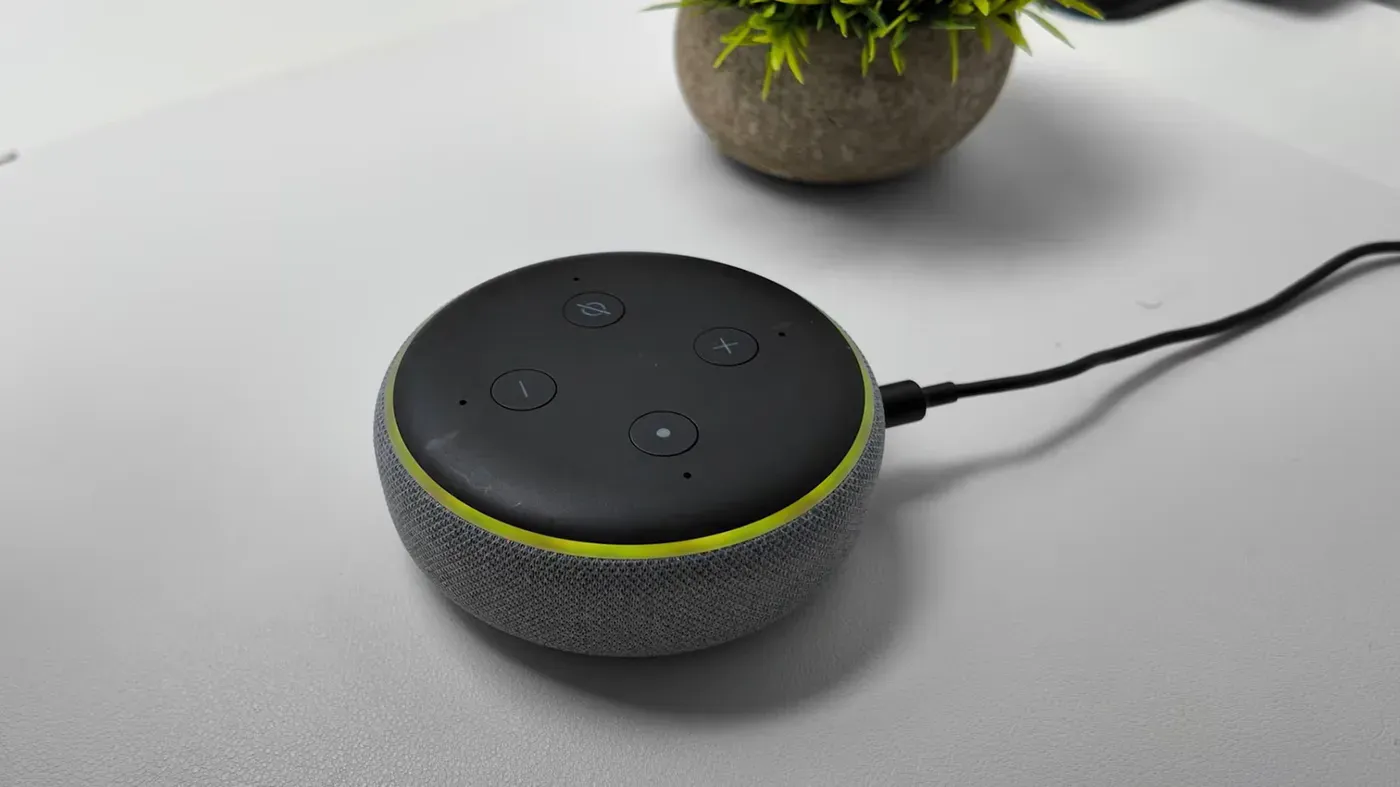
A flashing yellow light on an Alexa device is a notification from the virtual assistant, signaling that it wants to share some information with the user.
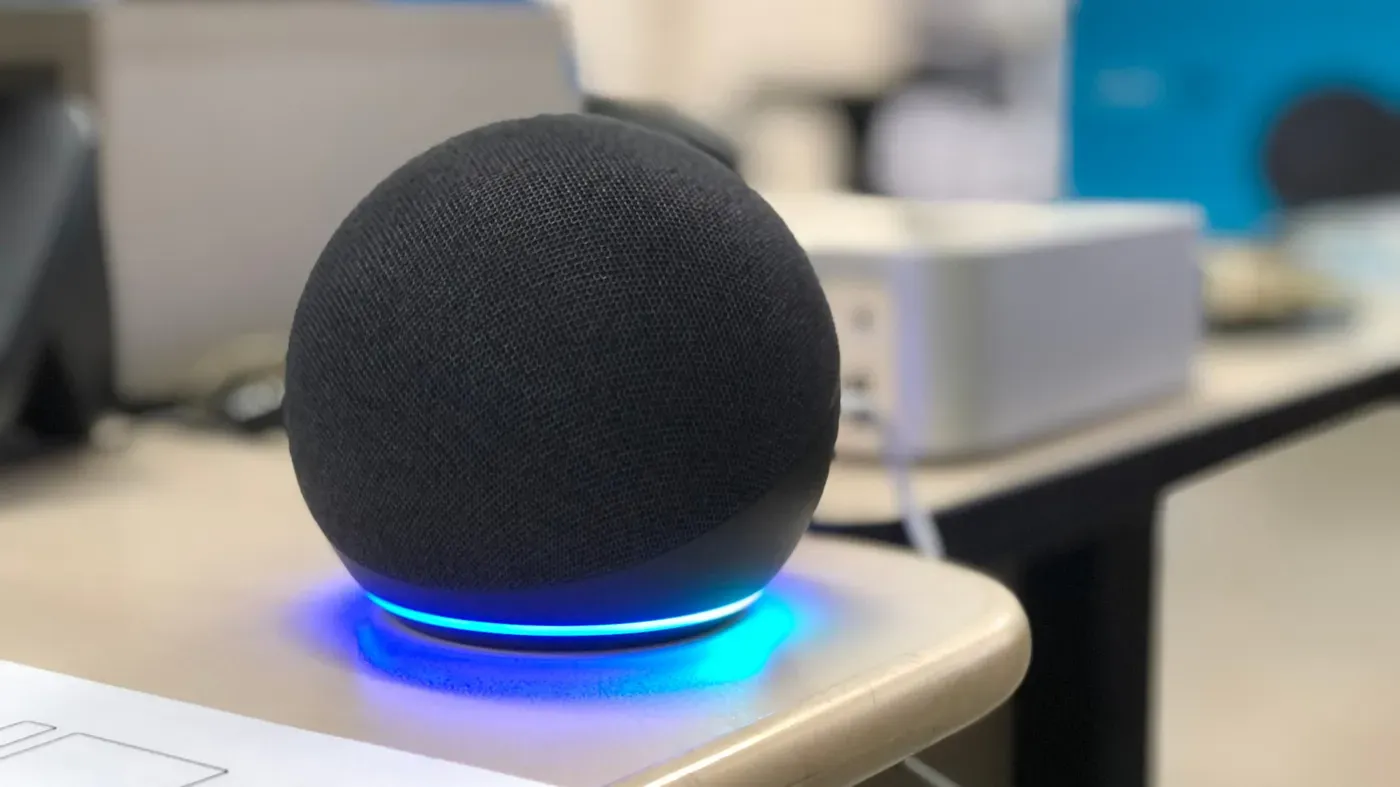
The light ring on Amazon Echo devices can display nine different colors to convey various notifications and messages. A slow-bursting yellow light specifically indicates that Alexa has a message or alert for the user.
This feature was introduced in 2017 as part of Alexa's proactive notification system, allowing it to inform users about breaking news, calendar reminders, and package shipments from Amazon.
The notification system also enables users to take advantage of advanced features like price-drop alerts through Alexa for Shopping. Customizing notification settings is key to maximizing the Echo's functionalities.
If a device starts flashing its yellow light, users can clear the issue by asking Alexa a question about their notifications or messages. For example, they can say "What notifications do I have?"
To adjust notification settings for your Alexa device, you can access these options through the Alexa app on your phone or tablet.
Tap the More symbol, which resembles three horizontal lines, to reveal a menu where you can select Settings by tapping the gear icon.
Within the Notifications section of the Settings menu, you can toggle various features and services that send notifications to your Alexa device. This includes the ability to customize how reminders interact with your device.
To clear a missed reminder notification, ask Alexa "What are my reminders?" followed by commands like turning off, dismissing, snoozing or rescheduling the reminder as needed.
The Alexa Skills hub is another area where you can manage notifications related to various voice-activated applications that expand Alexa's capabilities.
Managing notifications for smart cameras and doorbells is another aspect of Alexa's functionality. To customize these alerts, users can navigate to their Alexa app and select Devices from the menu. From there, they should choose their connected camera or doorbell and tap Device Settings.
Once in Device Settings, users can toggle Person or Package Detection Announcements to their preferred setting. This allows them to control whether notifications are sent when a person or package is detected by the camera or doorbell. By doing so, they can personalize their Alexa experience and avoid unnecessary alerts.
In addition to managing smart cameras and doorbells, users should also be aware of other lights on their Echo device that indicate its status. A cyan light typically signifies that Alexa is listening and processing a request, while a teal-blue light indicates that the device is waiting for a command from the user.
If the device's microphone is turned off, a red ring will appear around the outer edge of the screen. This can be easily resolved by pressing the microphone on/off button again to reconnect the device's audio capabilities.
The LED lights on an Alexa device are used to convey important information about its status and functionality. A bright orange light spinning around the edge of the Echo indicates that the device is either in setup mode or trying to connect to the internet.
If you're experiencing issues with your device's audio capabilities, a yellow light might appear, but this can be easily resolved by pressing the microphone on/off button again to reconnect the device.
Facts based on reporting originally published by Engadget.
You may republish this story, in full or in part, if you credit News Central Site and link to it (licence CC BY 4.0). Photos are not included.