Netgear Router Lights Explained for Troubleshooting
Netgear routers often feature a range of flashing lights and symbols on their front panels, but deciphering what each one means can be confusing.
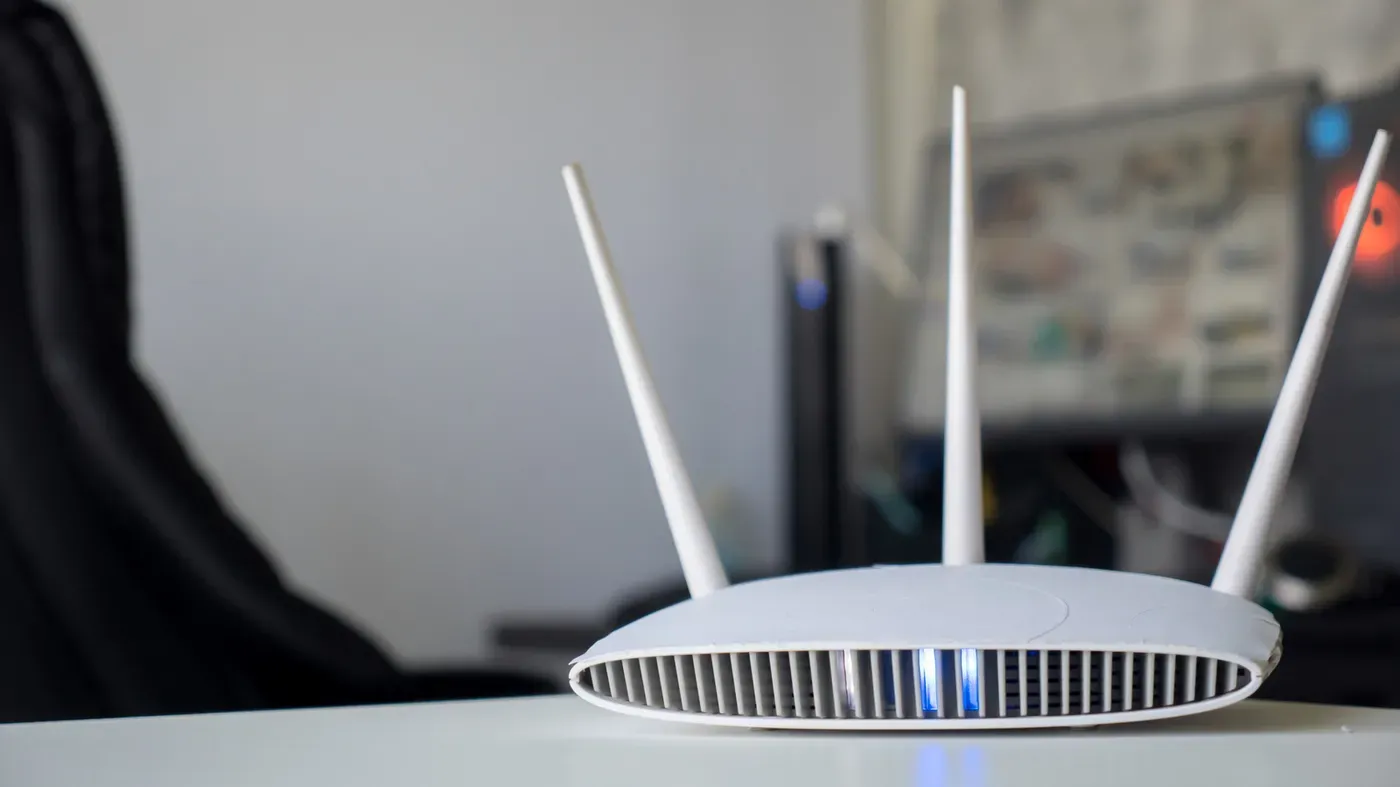
Netgear routers often feature a range of flashing lights and symbols on their front panels, but deciphering what each one means can be confusing.
The array of lights and colors on your Netgear router may seem overwhelming, especially if you're not familiar with the device's manual. Some indicators are straightforward, such as the power indicator, while others require more interpretation due to varying colors and flashing patterns.
Understanding the meaning behind these indicators is crucial for troubleshooting purposes, ensuring that everything is running smoothly and efficiently.
The lights on your Netgear router serve a purpose, with some being more important than others, depending on their color and behavior.
The power status light on your Netgear router is a crucial indicator of its operational state. This is typically represented by the standard power symbol and provides information about both the device's firmware and its power status.
If you're experiencing issues with your router, it's essential to restart it first as a troubleshooting step. In cases where the device is completely unresponsive, a factory reset may be necessary to restore its functionality.
The lights on your Netgear router can be confusing, but each one has a specific purpose. The Ethernet ports are labeled by numbers and their color indicates the speed of the connection: white or green for 1 Gbps connections and amber for slower speeds.
A distinctive light on some Netgear routers represents the success of a WPS (Wi-Fi Protected Setup) connection, which allows devices to be added to your network without entering the network name and password. However, for optimal router security, it's recommended that this feature is disabled.
Netgear's Orbi Wi-Fi mesh system has a more minimalist approach to lighting, with two lights indicating key statuses: one in the front represents the connection status, while the other at the back is tied to the device's power and firmware.
Facts based on reporting originally published by Engadget.
You may republish this story, in full or in part, if you credit News Central Site and link to it (licence CC BY 4.0). Photos are not included.