Android Auto Users Can Now Disable Auto-Play Feature in Settings
Users of Android Auto can now disable the auto-play feature, which blasts music from their car stereo as soon as they start driving.
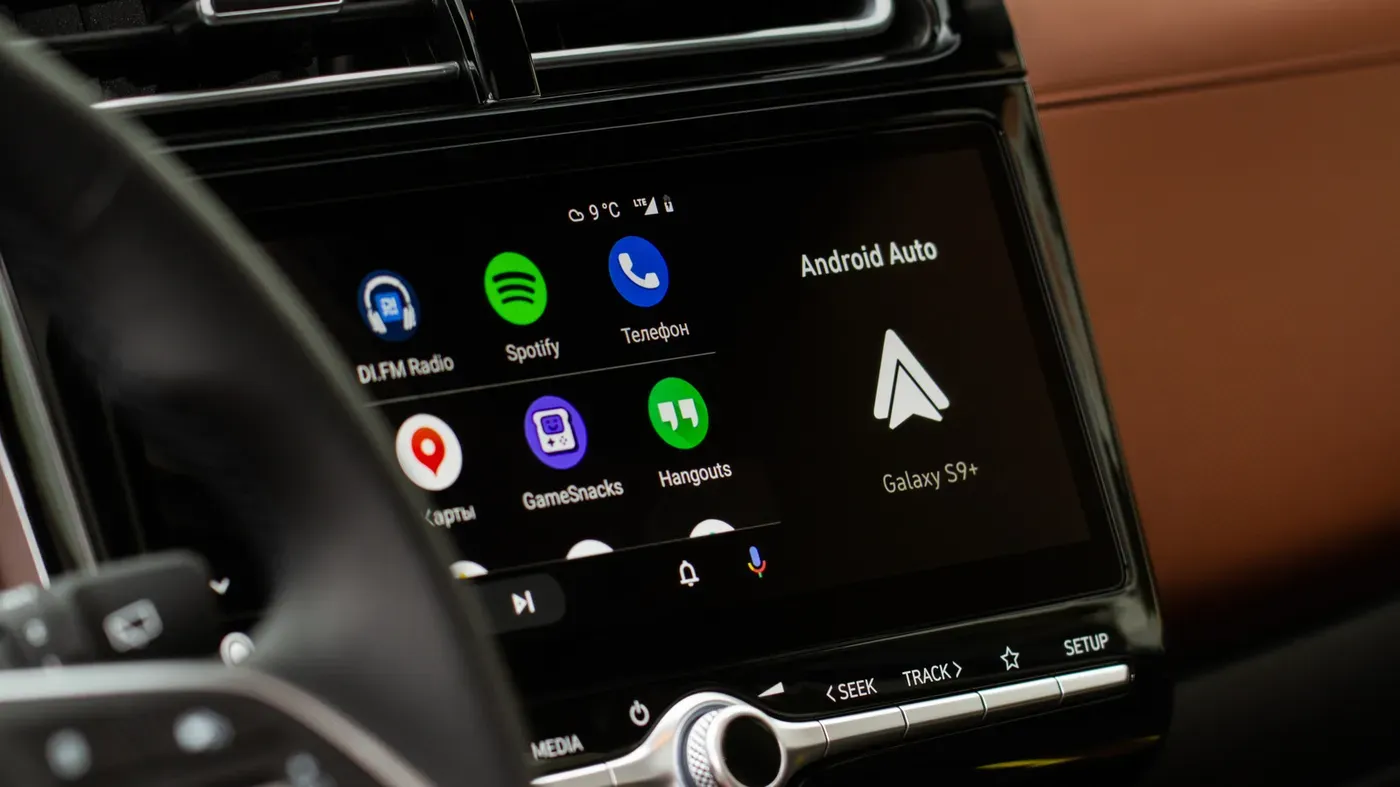
The unwelcome surprise of music blasting from your car stereo the moment you start driving has become a familiar experience for many Android Auto users. This unexpected blast can be particularly jarring during a morning commute or when transporting children to school.
Android Auto's auto-play quirk kicks in whenever your phone connects, whether via USB or wirelessly, and resumes playback at the same volume as previously set. This can lead to an abrupt transition from quiet time to loud music, causing distraction for drivers who prefer a few moments of peace before hitting the road.
For those who have encountered this issue, the solution is often more complicated than it should be, involving workarounds, extra apps, and jumping through hoops. Fortunately, Android Auto's own settings now provide an easier fix for many users.
To disable auto-play, navigate to Settings > Connected devices > Android Auto within your phone's settings menu. Look under the Startup section for the toggle labeled Start music automatically. If you're having trouble locating this option, try searching for "Android Auto" in your settings.
This single toggle switch can solve the problem for drivers who want to avoid auto-play. It tells Android Auto not to resume playback when it connects to your car's stereo system. Many users have reported that this fix addresses their issues without requiring additional steps or third-party apps.
For some, switching off this feature may be enough to resolve their concerns about auto-play. However, for others, the issue might persist, and more troubleshooting may be necessary to completely eliminate the problem.
If removing your phone from the car's Bluetooth memory doesn't resolve the issue, it's possible that the problem lies within the Bluetooth connection itself rather than Android Auto.
Android Auto relies on Bluetooth to establish a link between the phone and the car's infotainment system, handling tasks such as routing phone calls and initiating the initial handshake.
One potential workaround is to temporarily disconnect your phone from the car's Bluetooth memory and reconnect using a USB cable if possible. This can help reduce unwanted playback triggers in some vehicles.
However, it's essential to note that results may vary depending on the specific combination of phone, car, and connection type being used.
The issue with Spotify starting automatically is not limited to the car's infotainment system; any Bluetooth device paired with your phone could be contributing to the problem.
The issue of audio auto-playing on Android Auto has no straightforward solution due to Spotify's emphasis on seamless connectivity across various devices.
Some drivers have reported success in resolving the problem by adjusting settings within Android Auto or modifying app permissions on their device. However, these fixes are not universally effective and may require trial and error.
Ultimately, removing Spotify from Android Auto is a viable option for those who cannot resolve the issue, but this would mean sacrificing access to the music service through their car's display.
Facts based on reporting originally published by Engadget.
You may republish this story, in full or in part, if you credit News Central Site and link to it (licence CC BY 4.0). Photos are not included.