Orange Indicators on USB Ports May Not Always Mean Continuous Charging
Some households have USB ports with an orange indicator that may suggest continuous charging even when a device is turned off.
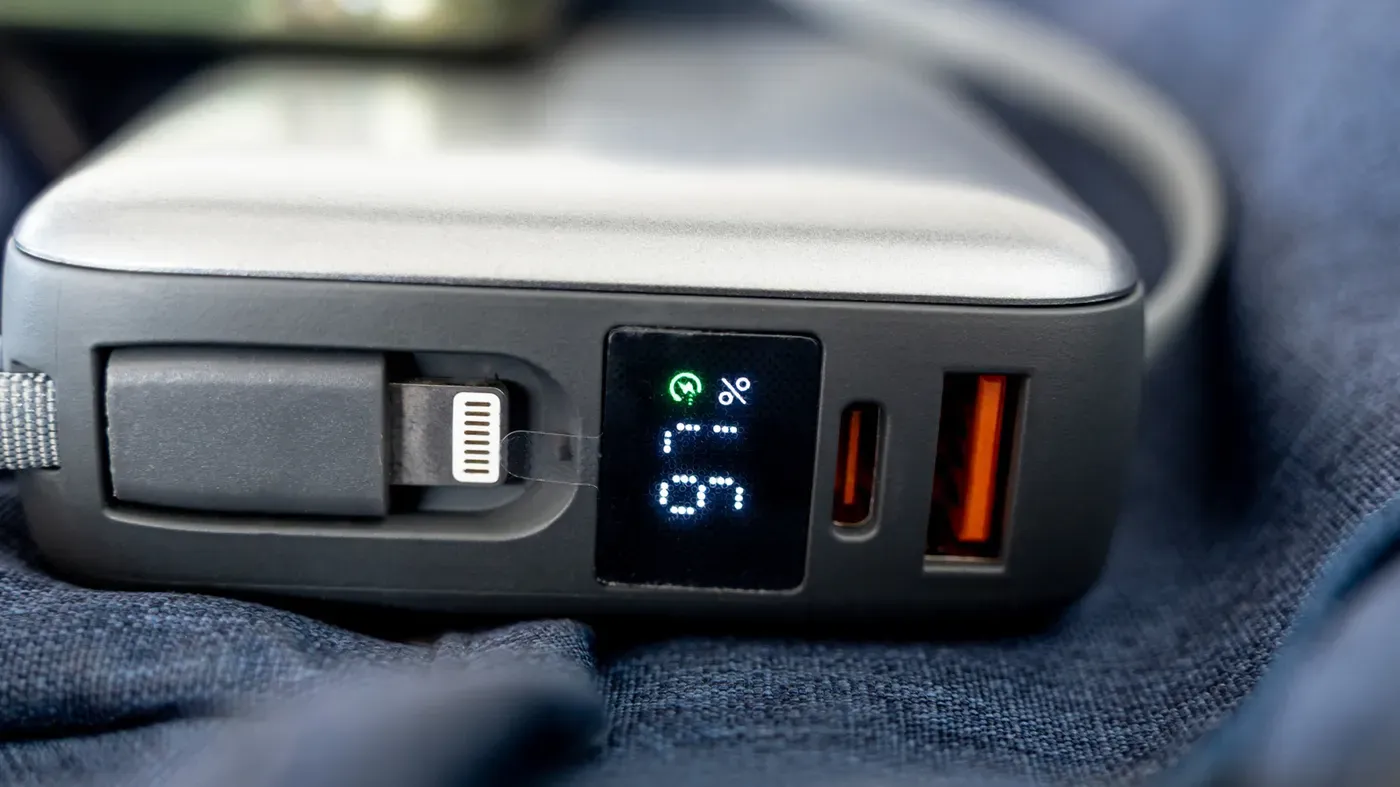
A number of households have USB ports with an orange indicator, which may suggest they offer continuous charging even when the connected device is turned off.
These "always-on" charging options are not universally standardised by industry regulations, and their presence depends on the specific manufacturer rather than adherence to a set rule.
The orange coloration often appears on the internal insert of rectangular USB-A sockets, where it serves as an indicator for continuous power supply. Some manufacturers describe these ports as always-on, but they may also support faster data transfer speeds.
Some of these devices with orange ports are associated with USB 3.0 technology, which enables data transfer rates of up to 5 Gbps.
The meaning of an orange USB port is not as straightforward as one might think, as manufacturers have some flexibility in how they use this color coding system. A manufacturer can highlight a special feature or function without guaranteeing a particular charging wattage, which adds to the complexity.
In many cases, breaking down the documentation or checking the online specifications of a computer or accessory is more useful than relying on a color chart for guidance. Intel and Advantech are examples of manufacturers that use orange ports in different ways.
Intel uses its orange USB port as an enhanced charging connection on some NUC PCs, specifying up to 1.5 amps from this port compared with 900 milliamps from the blue ports on those models. This indicates a significant difference in power delivery capabilities.
Advantech, on the other hand, employs orange ports as high-retention USB connectors that hold onto plugs more tightly than conventional connectors, with a withdrawal force 50 percent greater than standard USB connectors.
Most color charts show both orange and blue USB ports using the same technology, USB 3.0, which supports data transfer rates of up to 5 Gbps. However, it's worth noting that while moving a cable from a blue to an orange port won't affect performance unless the power source is turned off.
The USB-IF recommends blue as the standard color for SuperSpeed (USB 3.0) USB-A connectors, but this guideline is not universally followed.
Even when blue is specified, it's crucial to verify each port's specifications individually, particularly for non-standard colors like purple, which may have unique characteristics that aren't immediately apparent from their appearance. Labels can provide some guidance, but they're not always visible or present on every device.
To ensure optimal performance, consider the capabilities of both the connected device and cable when using an orange USB port - verify its compatibility with fast charging and transfer requirements to avoid bottlenecks.
Facts based on reporting originally published by Engadget.
You may republish this story, in full or in part, if you credit News Central Site and link to it (licence CC BY 4.0). Photos are not included.