Hard Drives Can Still Be Useful Despite Advancements
Combining multiple hard drives into a RAID array can breathe new life into old storage devices by providing faster transfer speeds and added reliability.
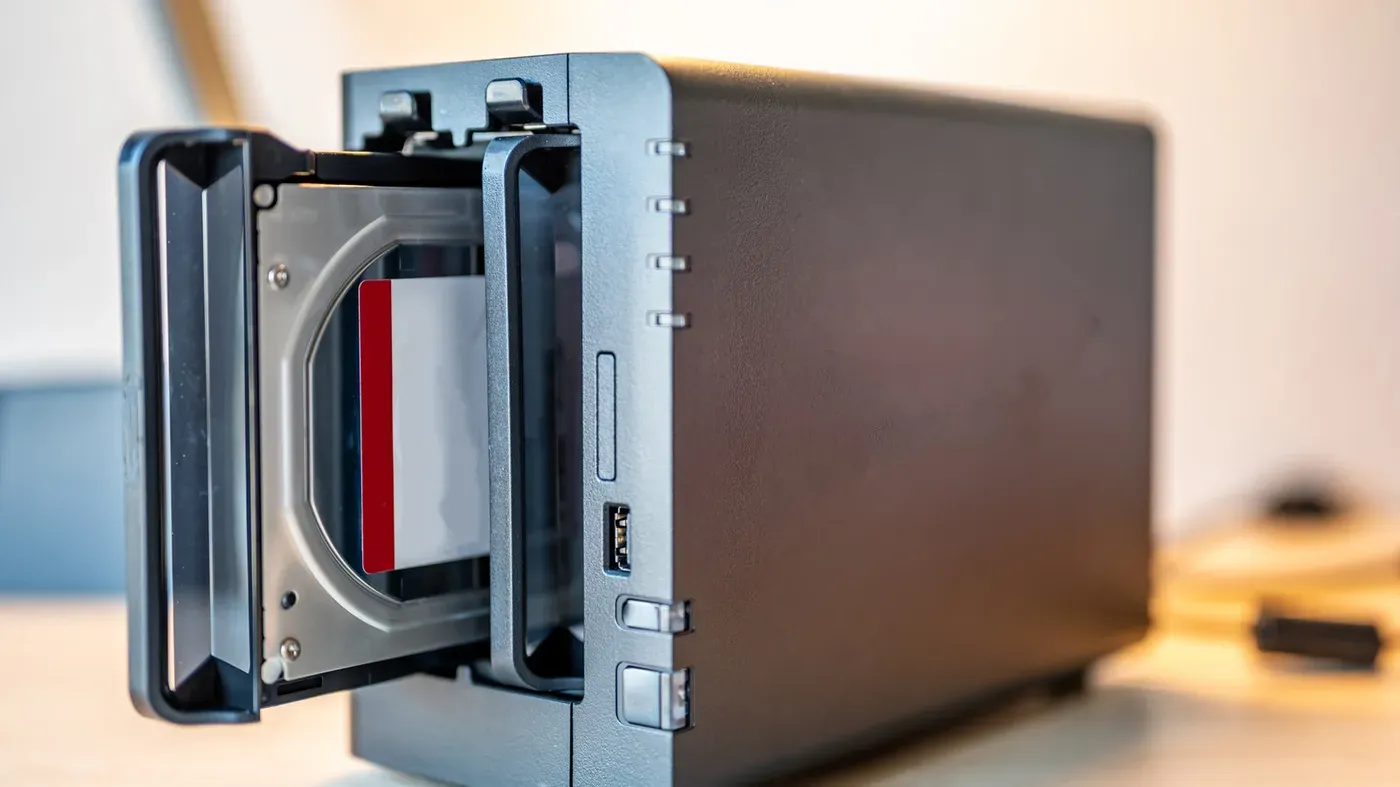
Old hard drives are not as useless as they seem, despite the rise of cloud storage and solid-state drives (SSDs). In fact, if you're a PC builder, it's likely that you have a collection of 500GB and 1TB hard drives that are too small to be useful on their own.
These drives still hold some value, and combining them into a RAID array can breathe new life into them. A RAID setup distributes files across multiple disks, resulting in faster transfer speeds than a single drive, although not as fast as an SSD. This redundancy also provides added reliability, making it easier to recover data if one of the drives fails.
The concept behind RAID is simple: it combines multiple disks into a single unit, increasing storage capacity and speed. The acronym stands for Redundant Array of Independent Disks, but don't let that scare you off. It's actually a straightforward process that can be done with minimal technical expertise.
One of the main benefits of RAID is its ability to provide redundancy for your data. If one drive fails, the other drives in the array can still recover your files, reducing the risk of losing important information. This convenience and reliability are key reasons why RAID remains popular today.
By turning old hard drives into a RAID array, you can give them a new lease on life and create faster, more reliable storage for your computer. With the right setup, you can unlock their full potential and make the most of your existing hardware.
A key consideration when setting up a RAID array is understanding the different categories available. There are four main types of RAID arrays: RAID 0, RAID 1, RAID 5 and RAID 10. Each type significantly alters the outcome of combining disks, making it essential to know what to expect from each.
RAID 0 combines two or more disks into a single unit without parity, using striping to speed up file read and write times. This is particularly beneficial for large files such as videos or databases, as it merges the total storage space of all drives. However, this setup comes with a significant drawback: zero data protection.
If one drive fails in a RAID 0 setup, you risk losing everything. While it offers faster speeds, it's not an ideal solution for safeguarding your data. It's crucial to weigh the benefits against the potential risks before implementing a RAID 0 system.
In planning your RAID array, it's also essential to consider the trade-offs between speed and security. Each type of RAID has its own strengths and weaknesses, requiring careful consideration to ensure you achieve your desired outcome.
When reliability becomes a top priority, RAID 1 is an excellent option to consider. This setup involves writing identical data to every disk in the array, ensuring that if one drive fails or disconnects, the other will still have all the data intact.
This mirrored approach reduces the risk of data loss significantly, making it ideal for critical projects where downtime can be costly. However, RAID 1 comes with a trade-off: it sacrifices storage space to achieve this redundancy. For example, combining two 1TB drives would limit the total storage capacity to just 1TB, rather than the full 2TB.
RAID 5 and RAID 10 are more complex configurations that offer different benefits. RAID 5 divides data into blocks and distributes them across multiple drives, requiring at least three drives to function effectively. If one drive fails, the system can automatically reconstruct the missing data using algorithms and the remaining drives.
While RAID 5 provides a balance between reliability and storage capacity, RAID 10 combines elements of RAID 0 and RAID 1 to create pairs of mirrored drives. This setup offers both speed and redundancy but carries the risk of losing data if an entire pair fails.
Setting up a RAID array can be achieved through various methods, depending on the operating system and hardware in use.
One option is to connect multiple disks to the computer and create a RAID array using software. This approach is generally straightforward but may not offer optimal performance.
In macOS, users can leverage Apple's Disk Utility to set up RAID 0 and 1 arrays. Similarly, Windows users have access to Disk Management for this purpose. However, there are also paid software solutions available that provide additional features.
For those who want a more robust RAID setup, hardware-based methods offer dedicated controllers that enhance drive protection against failures and deliver better performance. These setups can be more complicated to configure, often requiring the purchase of a RAID controller or an alternative solution such as a RAID enclosure.
Ultimately, the choice between software and hardware RAID solutions depends on individual preferences and needs, with each option presenting its own set of benefits and trade-offs.
Facts based on reporting originally published by Engadget.
You may republish this story, in full or in part, if you credit News Central Site and link to it (licence CC BY 4.0). Photos are not included.