Fitbits can be restarted without causing harm
Restarting a Fitbit watch can resolve various problems such as issues with syncing, screen responsiveness, and tracking stats.
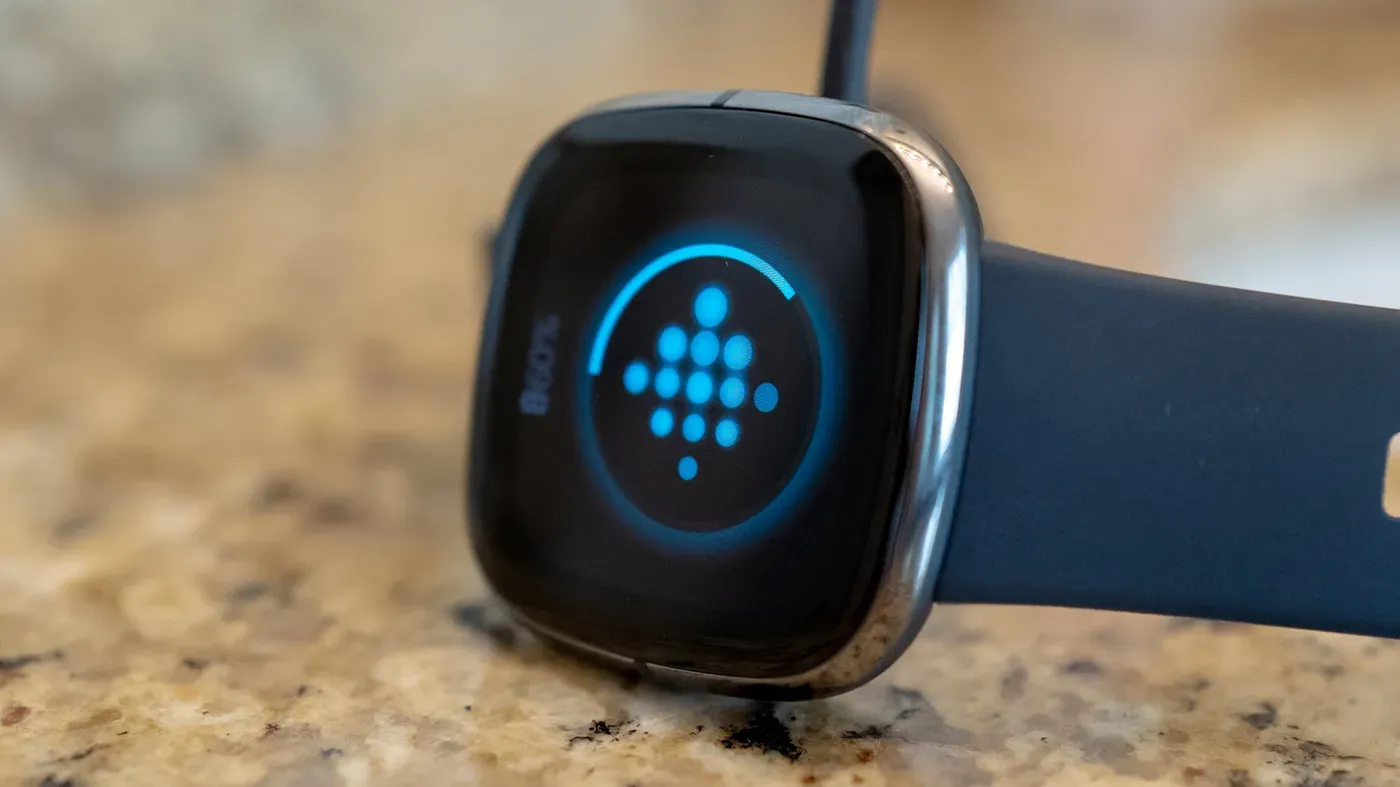
Restarting your Fitbit watch is a common solution when encountering issues with the device. However, frequent restarting may not be necessary for most users.
When your Fitbit starts acting up, you might consider turning it off and back on again. This trick can be effective in resolving various problems, similar to restarting your laptop or router when they experience technical difficulties.
Some common issues that a restart can fix include the device failing to sync with the app, the screen being unresponsive, or delays in tracking stats. Additionally, if swipes or taps are not registering properly, a reboot might be all it takes to get everything working smoothly again.
A key point to note is that there's no limit to how often you can restart your Fitbit without causing harm to the device. This means you don't have to worry about overusing this feature.
However, regular restarting is only necessary when there's a valid reason to do so. If your Fitbit is functioning normally and you're not experiencing any issues, there's no need to restart it unnecessarily.
Sometimes, devices like Fitbits require a reboot to get back on track. This can happen when they've experienced technical difficulties or lost connection. Restarting is an essential process that helps troubleshoot issues without losing any stored data.
When it comes to restarting your Fitbit, it's crucial to distinguish between restart and reset. A reset will erase all of your device's data, whereas a restart simply shuts down the device temporarily before allowing it to reboot on its own. Reset should only be used in extreme cases, such as when you're giving or selling the device.
Some models of Fitbits have small holes for sensors like microphones and altimeters. It's essential not to insert any objects into these openings, as this can cause damage to your device. This is a specific warning from Google, which emphasizes the importance of handling your Fitbit with care.
Common issues that may be resolved by restarting your Fitbit include problems syncing with the Google Health app, not registering steps and sleep data, and failing to display notifications and reminders. Even if your device becomes completely unresponsive or enters a continuous reboot loop, a simple restart can often resolve the issue.
If you find yourself frequently experiencing these types of issues, it may be worth investigating further to determine if there's an underlying problem with your Fitbit. In some cases, a device may simply have reached its end-of-life and require replacement.
To restart your Fitbit watch, the process varies depending on the model you have. For newer models such as the Fitbit Versa 4 and Sense 2, go to Settings > About > Shutdown > Yes.
For other models like the Charge 5 and 6, Inspire 3, and some older devices, the steps are slightly different. You'll need to navigate to Settings > Restart Device > Restart or, for certain models, Settings > About > Reboot Device.
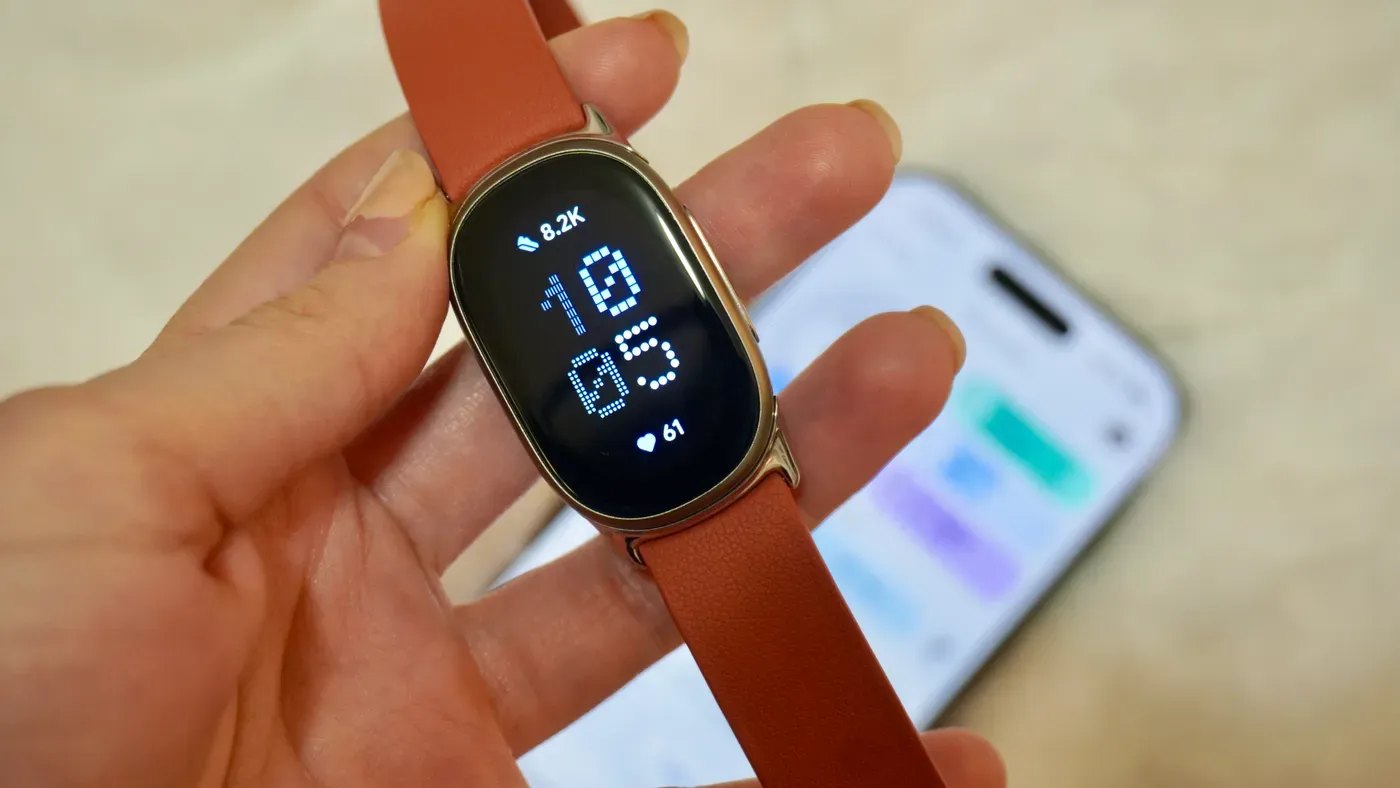
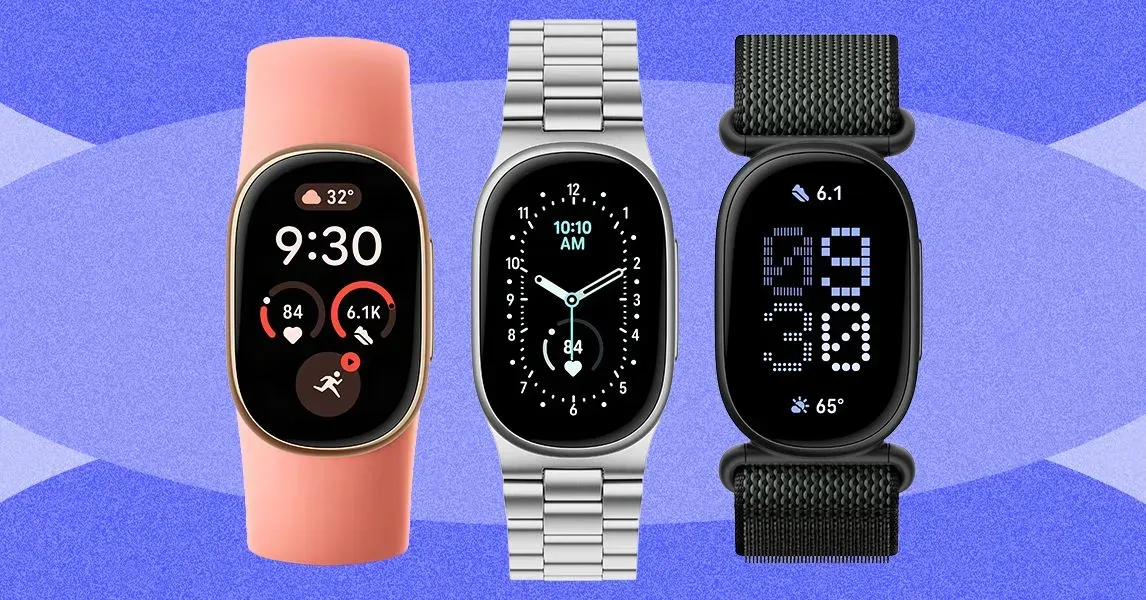
Some Fitbit users may be unsure about how to restart their device if it's not responding properly. For these situations, there is a separate process that can help. With screenless devices like the Fitbit Air, you'll need to connect it to its charging cable and press and hold the back button for about 10 seconds until the side light flashes white.
Once this process is complete, your device should restart successfully. However, if you're still unsure or have a more complex issue with your device, there are additional steps that can be taken. For example, if your Charge 5 or Charge 6 isn't responding, try connecting it to its charging cable and pressing the button on the flat end three times in rapid succession.
In some cases, this may cause the Fitbit logo to appear on screen after a short delay. If you're using an Inspire 3 model that's not functioning properly, plug it into its charger and press and hold both buttons for 10 seconds before releasing them and waiting for the device to vibrate and show the Fitbit logo.
This process can help resolve issues with non-responsive devices and get your Fitbit watch up and running again. However, if you're experiencing persistent problems or are unsure about how to restart your device, it's always a good idea to consult the manufacturer's support page for more information.
Restarting your Fitbit device can resolve various issues that may have arisen. This process typically involves shutting down and restarting the watch to clear out any temporary glitches or bugs that could be affecting its performance.
In some cases, if restarting doesn't resolve the issue, it might be a sign that the device needs an upgrade.
Facts based on reporting originally published by Engadget.
You may republish this story, in full or in part, if you credit News Central Site and link to it (licence CC BY 4.0). Photos are not included.