Routers Can Overheat and Cause Connectivity Issues
Excessive heat generation in Wi-Fi routers can lead to connectivity problems and damage internal components.
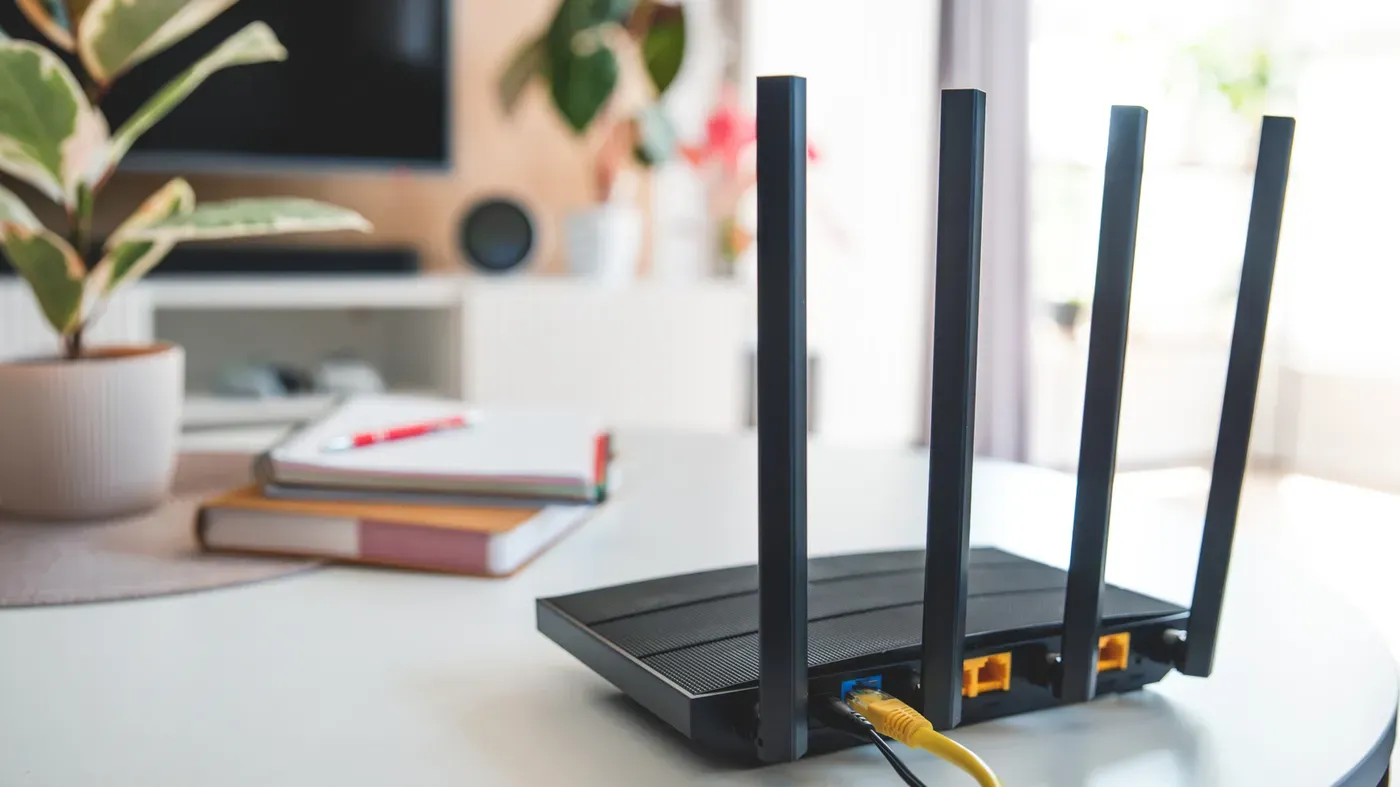
A common issue affecting many households is their Wi-Fi routers overheating, which can lead to connectivity problems and even damage the device itself.
Home routers generate heat as a normal part of operation, but excessive heat can be a cause for concern. These devices contain various electronic components, such as processors, memory, wireless radios, and power management modules, all of which contribute to the production of heat. Modern routers often use system on a chip (SoC) architecture, where core networking components are integrated onto a single semiconductor chip.
When operating normally, modern routers transmit vast amounts of data per second, placing increased demands on their CPUs and contributing to additional heat generation. If an overheated router exceeds its recommended operating temperature threshold, users may experience connectivity issues or device shutdowns. Continuing to use such a router can lead to damage of internal components, rendering the device unusable.
To keep routers from overheating, proper ventilation is often the first step in addressing the issue. However, this alone may not be enough, and further troubleshooting steps are necessary to identify the root cause of the problem.
When a router overheats, it can be a sign that something is amiss. However, an overheating router's symptoms don't always scream for attention. One way to determine if your router is overheating is to touch it - if it feels uncomfortably hot, it's likely experiencing temperature issues.
An overheating router may also exhibit erratic behavior, including frequent connection drops and slow network speeds. This can be confusing, as these problems could have other causes, but they are often linked to a device struggling with heat management. In some cases, the CPU may even throttle down performance to prevent damage from excessive temperatures.
The Wi-Fi bands on an overheating router may also malfunction, causing them to switch and lose effectiveness. This can be frustrating for users who rely on their devices for internet access. Temporarily resolving the issue by letting the device cool down before turning it back on is not a long-term solution, as the problem will recur once the device heats up again.
Poor ventilation is just one of several factors that could cause an overheating router. Other potential causes include faulty power adapters and failing routers themselves. To identify the root cause, troubleshooting steps must be taken to determine what's driving the temperature issues.
Moving a router to a well-ventilated area can help alleviate overheating problems caused by poor ventilation. It's also essential to avoid placing devices in closed spaces or near objects that could restrict airflow. Additionally, keeping routers away from windows and devices like computers and consoles that emit heat under load can help maintain optimal operating temperatures.
Dust buildup can hinder airflow through router vents, causing temperatures to rise. Regularly cleaning these vents can help maintain optimal operating conditions. Moreover, ensuring your router's firmware is up-to-date is crucial in addressing performance and stability issues.
If temperature concerns persist after cleaning the vents and updating the firmware, it's possible that the power adapter might be at fault. Using a faulty or under-rated adapter can lead to excessive heat dissipation and potentially damage components. Replacing the power adapter with one suitable for your router should alleviate these issues.
The power adapter is not always the culprit, however, and in some cases, the problem may reside within the router itself. If cleaning, updating firmware, and replacing the power adapter fail to stabilize temperatures, it's likely that the router has reached the end of its lifespan and requires replacement.
In such instances, upgrading to a new router with improved cooling mechanisms can provide a safe and reliable solution, ensuring optimal performance and minimizing the risk of overheating.
Facts based on reporting originally published by Engadget.
You may republish this story, in full or in part, if you credit News Central Site and link to it (licence CC BY 4.0). Photos are not included.