Apple Watch Users Can Enable Taptic Time Setting
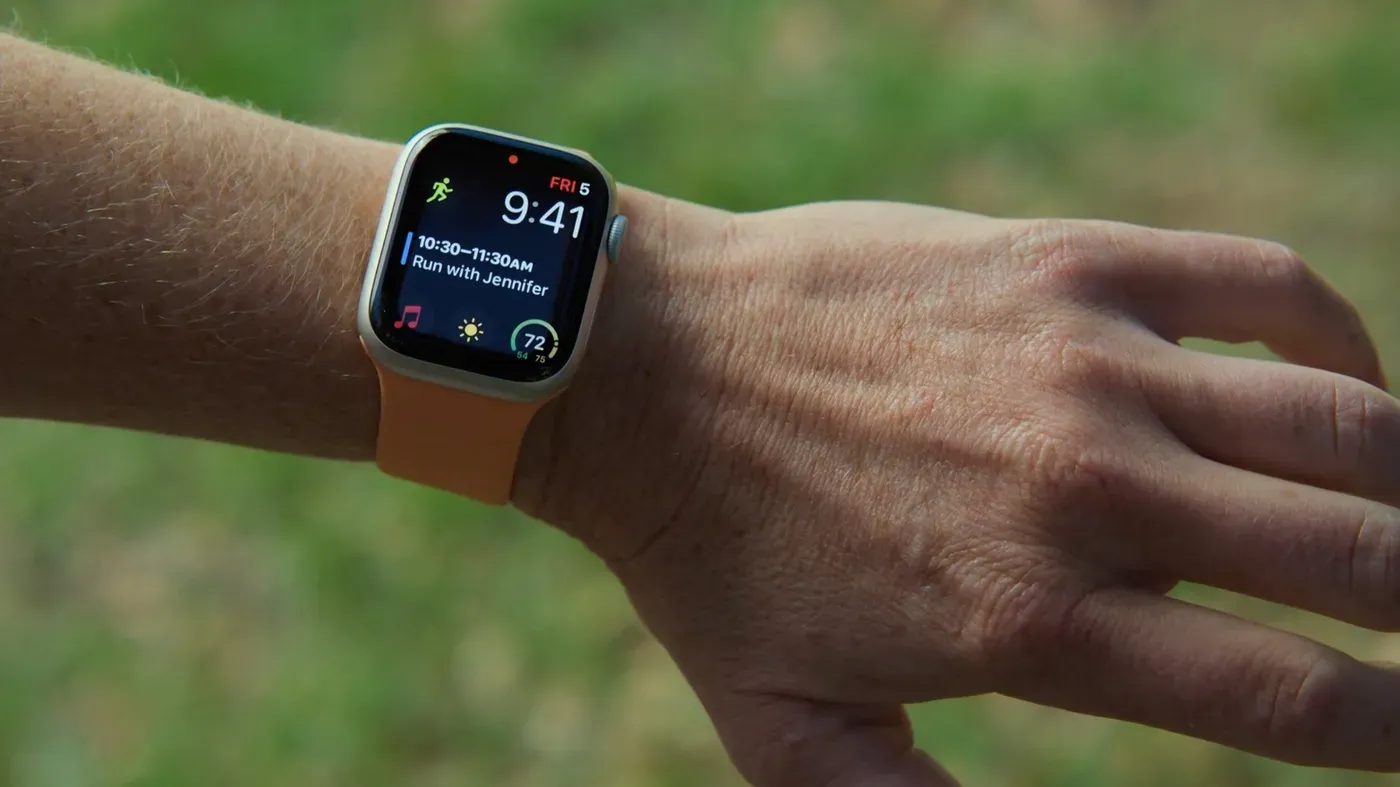
A discreet setting called Taptic Time allows Apple Watch users to receive time notifications through subtle vibrations.

Apple Watch users can now keep track of time without having to glance at their wrist, thanks to a discreet setting called Taptic Time.
The irony is that many smartwatch owners don't actually need to see the time on their device, as they can easily check it on their iPhone or other clocks throughout the day. However, some users may prefer not to visually check the time, and this is where Taptic Time comes in handy.
A feature of Apple Watches is that they provide a variety of ways for users to stay informed about the time, including vibration alerts. This is made possible by the device's Taptic Engine, which generates haptic feedback.
To enable Taptic Time on an Apple Watch, users can look forward to receiving notifications through subtle vibrations in their wrist, rather than being required to visually check their watch face.
For those who rely on a visual check of the time as a last resort, having this option available may be a welcome addition to their wearable device experience.
To access Taptic Time on an Apple Watch, users must first navigate to the Settings app and select the option from within the Clock section.
The feature can be toggled on or off by selecting the Taptic Time option, which is accompanied by three distinct alternatives: Digits, Terse, and Morse Code. While Morse Code might seem appealing in theory, it may not be the most practical choice for everyday use.
Terse mode uses a combination of long and short taps to convey time information, but its precision leaves room for improvement. A 15-minute margin of error is considerable, especially when trying to catch public transportation or book flights on tight schedules.
In contrast, Digits offers a more straightforward approach by utilizing long taps for tens and short taps for ones in both hour and minute increments. For example, 10:09 would be represented by one long tap followed by a pause and then nine short taps.
When VoiceOver is enabled, users can activate Taptic Time by double-tapping the watch face while the screen is inactive. However, it's worth noting that this feature will only function properly if Speak Time is turned off in Settings > Clock.
The introduction of Taptic Time on recent Apple Watches has sparked debate about its necessity and utility. While some may find the feature redundant or even annoying, it can be a game-changer for those who rely heavily on their smartwatch but struggle with visual impairments.
For individuals with limited eyesight, Taptic Time offers a convenient way to stay connected without having to physically check their watch every few minutes. By enabling this feature, users can receive tactile alerts that notify them of the time, allowing them to stay on schedule and manage their daily activities more efficiently.
The versatility of Taptic Time extends beyond accessibility needs, however. Even for those with normal vision, it can be a useful tool for staying mindful of the time without having to constantly glance at their watch. This is particularly relevant in situations where checking one's wrist would be impractical or distracting.
Ultimately, the decision to enable Taptic Time comes down to individual preferences and needs. For some, it will be a valuable feature that enhances their smartwatch experience; for others, it may be seen as unnecessary or even intrusive, but its presence undoubtedly expands the potential uses of Apple Watches in various contexts.
Facts based on reporting originally published by Engadget.
You may republish this story, in full or in part, if you credit News Central Site and link to it (licence CC BY 4.0). Photos are not included.