PlayStation 5 Consoles Display Orange Light Due to Rest Mode Feature
The feature, known as Rest Mode, reduces energy consumption while allowing basic tasks to be performed.
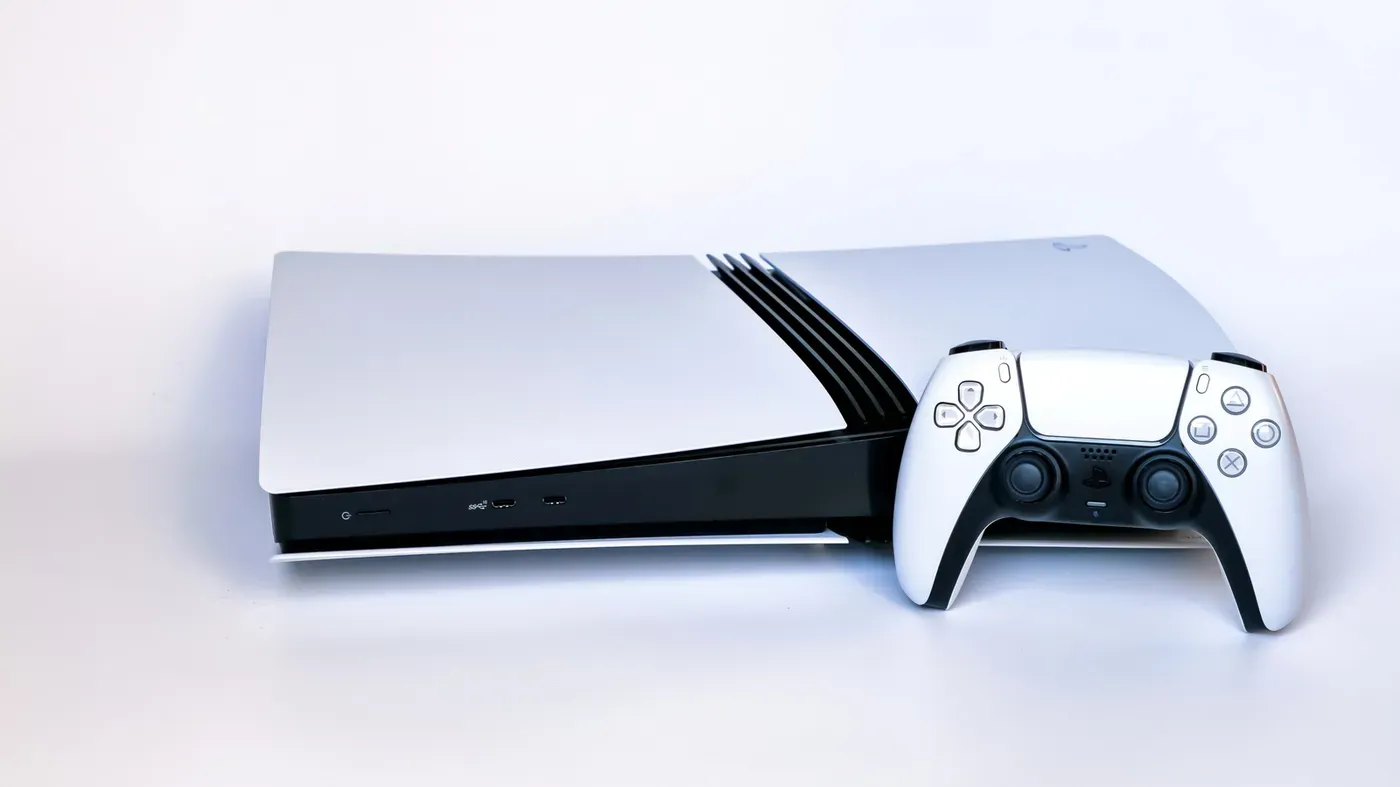
A bright orange light has appeared on many PlayStation 5 consoles, sparking concern among gamers who are accustomed to seeing this color associated with warnings or malfunctions.
The good news is that this particular orange light does not indicate a problem with the console itself. Instead, it signals that the PS5 has entered Rest Mode, a power-saving feature designed to reduce energy consumption while still allowing basic tasks to be performed.
Rest Mode is an innovative feature that allows the console to continue downloading games and charging controllers even when not in use, all while consuming only a minimal amount of power. Depending on the user's settings, the PS5 can automatically enter this mode after a certain period of inactivity.
To activate Rest Mode manually, users can press the power button on the front of the console for a brief moment or navigate to the Power menu through the control center and select Enter Rest Mode. It is essential not to unplug the console when it's in Rest Mode, as it remains partially powered on.
When you're ready to shut down your PS5 completely, make sure to select Turn Off PS5 from the Power menu and wait for all system lights to go dark before unplugging the device.
To customize the Rest Mode timer on your PlayStation 5, navigate to the Settings menu from the home screen and select the option at the top-right corner.
From there, choose Set Time Until PS5 Enters Rest Mode to adjust how long the console remains inactive before entering Rest Mode. You can set separate timers for media playback and gaming sessions, or opt to have your PS5 never enter Rest Mode even after prolonged inactivity.
In addition to adjusting the timer, you can also configure what features remain active while your PS5 is in Rest Mode. This includes options such as powering USB ports, updating games, uploading saves to the cloud, and enabling remote play capabilities via a PlayStation Portal or other device.
The Power Saving section of system settings allows for granular control over how much functionality remains available during periods of inactivity. Here, you can decide which features should persist even when your console is resting, giving you more flexibility to balance power consumption with convenience.
While an orange light on your PS5 may not be a cause for concern, there are other signs that indicate potential issues with the device. Given its age and lack of clear lifespan expectations, it's essential to monitor your hardware closely and address any problems promptly.
As the PS5 continues to age, it's crucial to stay vigilant about its performance and longevity. Sony's history of supporting older consoles like the PS4 through continued firmware updates is reassuring, but it's still wise to keep an eye on your hardware for potential issues that may arise over time.
The PlayStation 5's orange light can be a cause for concern, but its meaning has been clarified by Sony's support team.
One possible explanation for the orange light is overheating, which can occur due to environmental factors or degradation of the cooling system over time.
If you suspect your PS5 is overheating, check if it's in a well-ventilated area and ensure dust hasn't accumulated in its exhaust vents. Cleaning out any debris may resolve the issue, but repeated overheating can still cause damage to internal components.
Visual glitches such as screen flickering or multicolored lines on the display could be indicative of GPU failure. Before assuming this is the case, try using a different HDMI cable and port on your TV, as well as connecting your PS5 to another monitor for comparison.
If problems persist after these troubleshooting steps, it's likely that your PS5's GPU needs repair, which can be arranged through Sony or a specialized repair service.
Facts based on reporting originally published by Engadget.
You may republish this story, in full or in part, if you credit News Central Site and link to it (licence CC BY 4.0). Photos are not included.