Megabits per second vs Megabytes per second: Understanding the Difference
The world of internet speeds can be overwhelming, especially when comparing different service providers' offerings. One common confusion arises from the distinction between Megabits per…
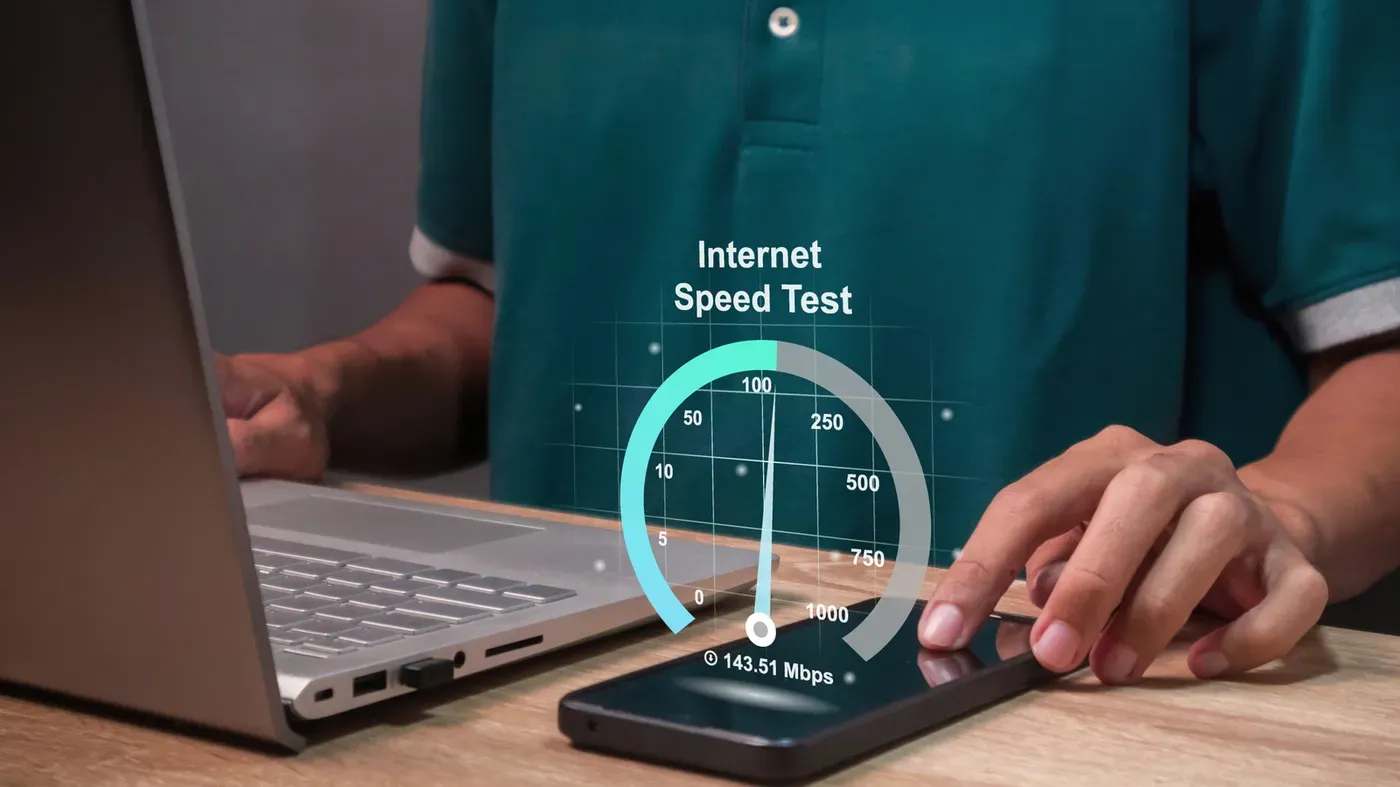
The world of internet speeds can be overwhelming, especially when comparing different service providers' offerings. One common confusion arises from the distinction between Megabits per second (Mbps) and Megabytes per second (MB/s). Understanding these terms is crucial to making informed decisions about your internet needs.
At its core, data transfer speed is measured in units of information called bits. A bit represents a single binary digit, either 0 or 1, that makes up a string of code. Bits are the fundamental building blocks of digital information and are used to measure the speed of data transfers, such as streaming speeds or download times.
However, there's another unit of measurement - bytes. Eight bits grouped together form a byte, which is sufficient to represent a single letter, symbol, or number in text files. Bytes are often used to describe file sizes or storage capacity, and when measured per second, they indicate how quickly these files can be transferred.
The terms Mbps and MB/s may seem similar, but they actually refer to different measurements. Mbps measures the speed of data transfer in millions of bits per second, while MB/s measures it in millions of bytes per second. This distinction is crucial because it affects how internet speeds are perceived and compared across providers.
When comparing internet speeds, some service providers may advertise their services using one or the other metric. For instance, a provider might claim to offer 100 Mbps speeds, but this could be misleading if they're actually referring to MB/s. To avoid confusion, it's essential to understand what each term means and how it applies to your specific needs.
To make informed decisions about internet providers, consumers need to grasp the difference between bits and bytes. This knowledge will allow them to accurately compare speeds and choose a plan that suits their requirements.
The disparity between download and upload speeds is a common issue that affects many internet users. Typically, download speeds far outstrip upload speeds, with some providers offering significantly higher rates for downloading data than for uploading it. This discrepancy can be seen in the FCC's broadband speed standards, which list 100 Mbps as the minimum threshold for download speeds but only 20 Mbps for uploads.
The median download and upload speeds for American households have increased dramatically over the past decade, according to a report by Ookla. In August 2026, these speeds stood at 307 Mbps and 63 Mbps, respectively. This significant jump in average speeds is reflected in the FCC's updated benchmarks for high-speed internet, which are now four times faster than their 2015 standards.
Megabytes per second (MB/s) is a measure typically used to describe large data transfers between devices or storage systems. It can be useful for quantifying how quickly files can be uploaded to cloud services or transferred from one hard drive to another. This metric allows users to estimate the time it takes to download video files or transfer documents.
Megabits per second (Mbps) and MB/s are often used interchangeably, but they measure different aspects of internet performance. Mbps is generally used to describe download and upload speeds, while MB/s is more relevant to large data transfers between devices or storage systems.
While Mbps and MB/s may seem like similar measures of speed, they serve distinct purposes in different contexts. To determine which metric is being used, consider the type of data transfer involved - download and upload speeds are typically measured in megabits per second.
Converting between these units is straightforward: to convert Mbps to MB/s, simply divide by eight, while the reverse conversion involves multiplying by eight. This means that 100 Mbps equates to approximately 12.5 MB/s, making it easier to compare and understand different speeds.
Facts based on reporting originally published by Engadget.
You may republish this story, in full or in part, if you credit News Central Site and link to it (licence CC BY 4.0). Photos are not included.