Google Unveils AI Tool Spark for Automating Tasks
The tool is designed to make everyday life more manageable by delegating mundane tasks to a reliable AI assistant.
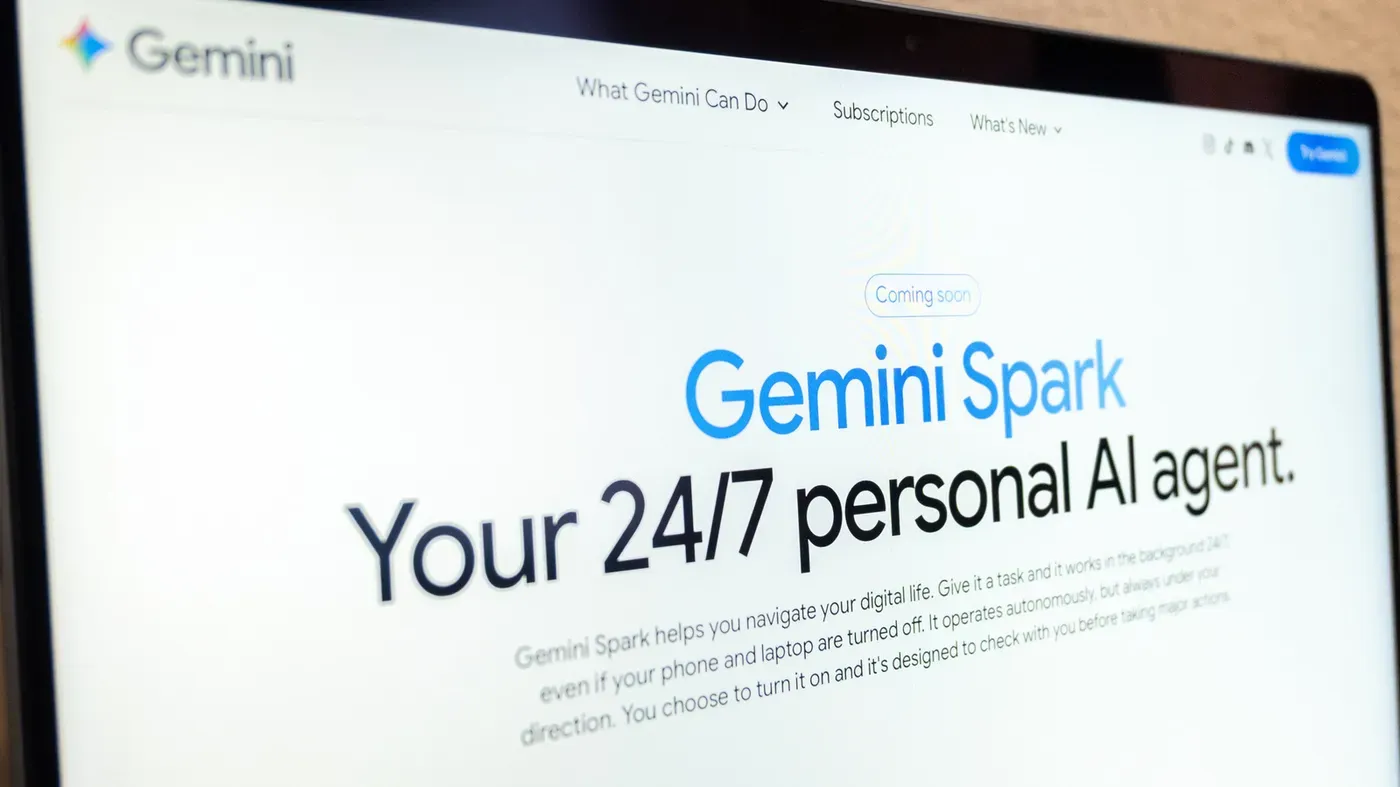
Google has unveiled an AI tool called Spark that can automate tasks on behalf of its users.
The idea is to make everyday life more manageable by delegating mundane tasks to a reliable AI assistant. This could be especially useful for individuals with busy schedules who struggle to find time for repetitive or administrative tasks.
Spark is part of Google's Gemini initiative, which was announced at the company's I/O developer conference in May. The tool can take proactive action while still following specific instructions given by the user.
The Spark website provides examples of how it can be used, such as creating a style guide based on previous email responses or setting up an internship tracker.
Spark is integrated with various Google Workspace apps like Docs, Calendar, Slides, and Gmail, as well as Personal Intelligence, which helps to customize suggestions based on information from these applications.
To use Gemini Spark and automate tasks, you'll first need to check your eligibility. Google AI Pro or Ultra subscribers have access, as do some business subscribers. However, there are certain locations where Gemini Spark is not available, including the European Economic Area, Switzerland, the UK, and Nigeria.
Once you've confirmed your eligibility, you can access Gemini Spark through various channels. It's available on the Gemini mobile app, the Gemini Mac app, and the web app. Additionally, Spark works seamlessly with Gemini in Chrome using auto browse, allowing you to perform tasks like booking restaurant reservations or travel arrangements.
When setting up Spark, it's essential to keep an eye on your tasks. Google reminds users that AI can still make mistakes, so regular monitoring is necessary. The company also warns against entering sensitive information into the task thread, such as login or payment details.
Instead of sharing sensitive information with Gemini, Google recommends entering it directly on the relevant website. This ensures security and reduces the risk of errors. Furthermore, scheduling tasks that are too sensitive or set to run while offline can be problematic, particularly if a mistake like a hallucination could cause actual harm.
When configuring your tasks, consider the potential consequences of any mistakes. By being mindful of these limitations, you can maximize the benefits of Gemini Spark and minimize its risks. This will help you to automate tasks efficiently and effectively.
To further refine your task automation using Google Gemini, navigate to the Spark section within the app or website. Here, you can input specific instructions for Spark to execute when a particular condition is met. For instance, if you're looking to streamline your photography business, you could instruct Spark to automatically extract relevant client information from incoming emails.
When crafting these custom instructions, you have the flexibility to upload associated files or select items from your Drive or Notebook as needed. This allows you to provide Gemini with all necessary context for effective task execution. Once you've entered your requirements, submit the instruction and let Gemini handle the rest.
For seamless monitoring of your tasks, it's essential to keep an eye on their progress within Gemini. To do this, access the Tasks section by selecting Menu > Spark, followed by Tasks. This will display a thread associated with each task, enabling you to make any necessary updates directly within the app.
To get a comprehensive view of your tasks' status, tap on the progress chip at the top of the thread. This will reveal information about completed steps, ongoing work, and planned actions, allowing you to stay informed and adjust your automation strategy as needed.
Google has introduced a new way for users to dictate instructions for tasks using skills, which will replace Gemini Gems as of late September. This change allows individuals to create customized sets of instructions that can be applied to various tasks.
With skills in place, users can type a forward slash and the skill's name when creating a prompt to quickly reuse their previously defined instructions, streamlining their automation process.
Facts based on reporting originally published by Engadget.
You may republish this story, in full or in part, if you credit News Central Site and link to it (licence CC BY 4.0). Photos are not included.