Android Auto Introduces Hidden Work Mode Tile in Latest Update
A new feature has been discovered in Android Auto that could potentially blur the lines between work and personal life by introducing a hidden Work Mode tile.
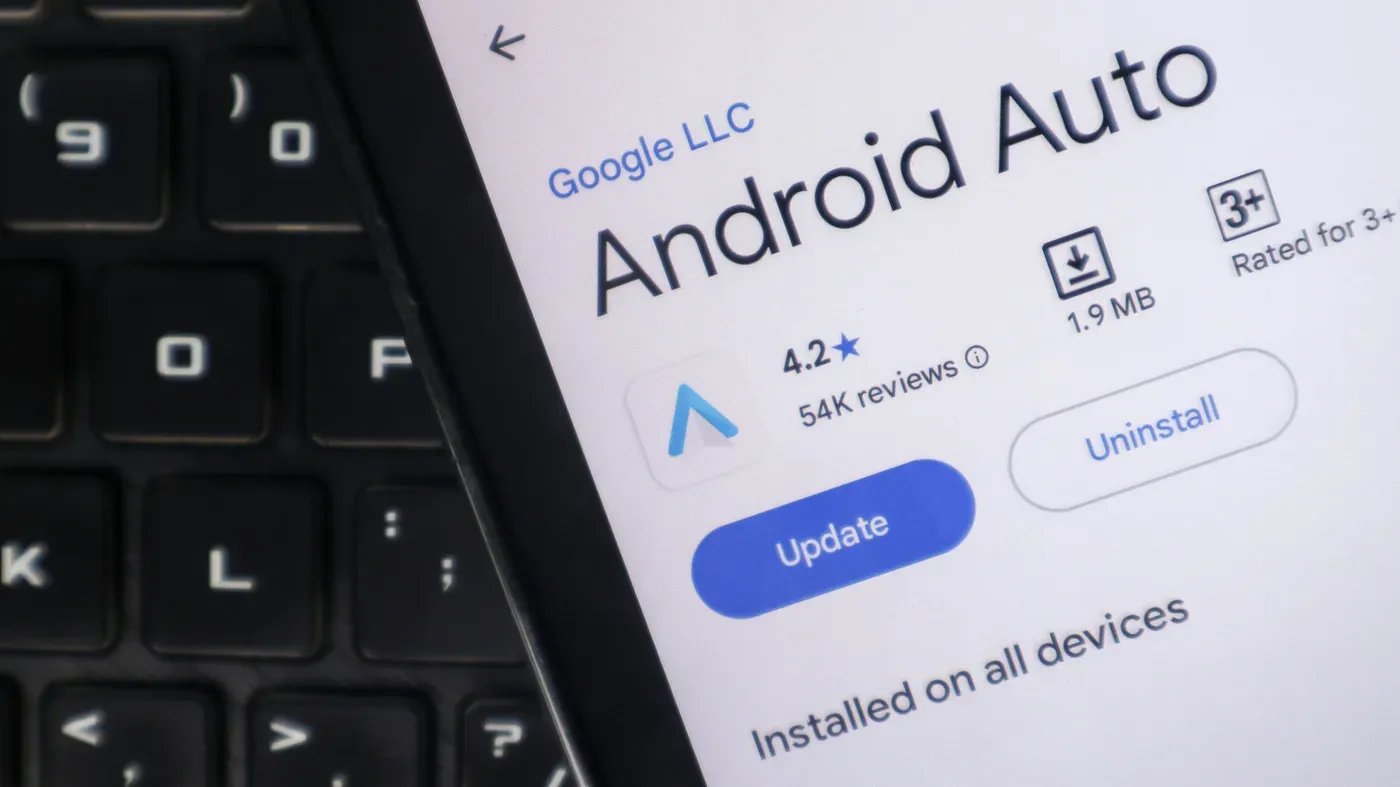
A new feature has been discovered in Android Auto that could potentially blur the lines between work and personal life. A teardown of version 18.0.664204 revealed a hidden Work Mode tile, which hints at support for employer-managed apps.
The tile is accessible by navigating through certain menus, but tapping on it doesn't seem to have any immediate effect. However, its presence suggests that Google may be planning to introduce new controls for managing work-related apps and data in Android Auto.
For users who are already familiar with the concept of Work Profiles, this development might not come as a surprise. A Work Profile is designed to keep employer-managed apps separate from personal ones, with the latter remaining outside company management on employee-owned devices.
The presence of a Work Mode tile in Android Auto implies that Google may be working on integrating Work Profiles into its automotive platform. This could potentially make it easier for users to switch between work and personal modes while driving or commuting.
Android Auto's upcoming update has raised concerns about its impact on users' work-life balance, particularly when it comes to managing different profiles on a device.
Work Profile restrictions are causing issues for video conferencing apps like Microsoft Teams and Google Meet. For instance, if an app is installed inside a managed Work Profile, Android Auto won't support audio calls or meetings through the integration. This limitation is especially problematic for users who need to make work-related calls while driving between appointments.
However, not all missing apps are due to Work Profiles. It's possible that an app has been intentionally hidden from the Android Auto launcher, or there may be a connection issue preventing Android Auto from functioning properly. In these cases, the problem lies elsewhere and is unrelated to Work Profiles.
The upcoming update does promise some improvements for users with multiple profiles on their devices. Specifically, a dashboard switch could eventually allow drivers to silence work alerts while leaving personal calls and navigation unaffected. For now, users can pause work apps using the Work tab in the app drawer or a work tile in Quick Settings on supported devices.
Android Auto's upcoming update has been generating buzz for its potential impact on users' work-life balance. For devices equipped with a Work Profile, scheduling work hours through Digital Wellbeing is currently available on some Android phones, but Samsung's version has lacked this option until now.
Google explains that scheduling cannot pause work apps for consecutive days, such as an entire weekend, which may seem counterintuitive to users trying to maintain a healthy separation between their personal and professional lives. In the absence of automatic scheduling, users can still manually switch between work and personal modes, but this only addresses specific instances rather than providing a comprehensive solution.
The restrictions imposed by Android Auto's Work Profile will continue to limit drivers' access to company apps, even if the experimental tile offers scheduling controls in the future. Employers retain control over which apps are available within Work Profiles, while IT admins on company-owned devices can also set limits on how long a Work Profile stays paused before suspending personal app and data access.
Facts based on reporting originally published by Engadget.
You may republish this story, in full or in part, if you credit News Central Site and link to it (licence CC BY 4.0). Photos are not included.