Roku Devices Experience App Crashes Due to Software and Hardware Issues
Roku devices have gained popularity worldwide due to their user-friendly interface and seamless streaming experience. However, some users have been experiencing issues with apps crashing...
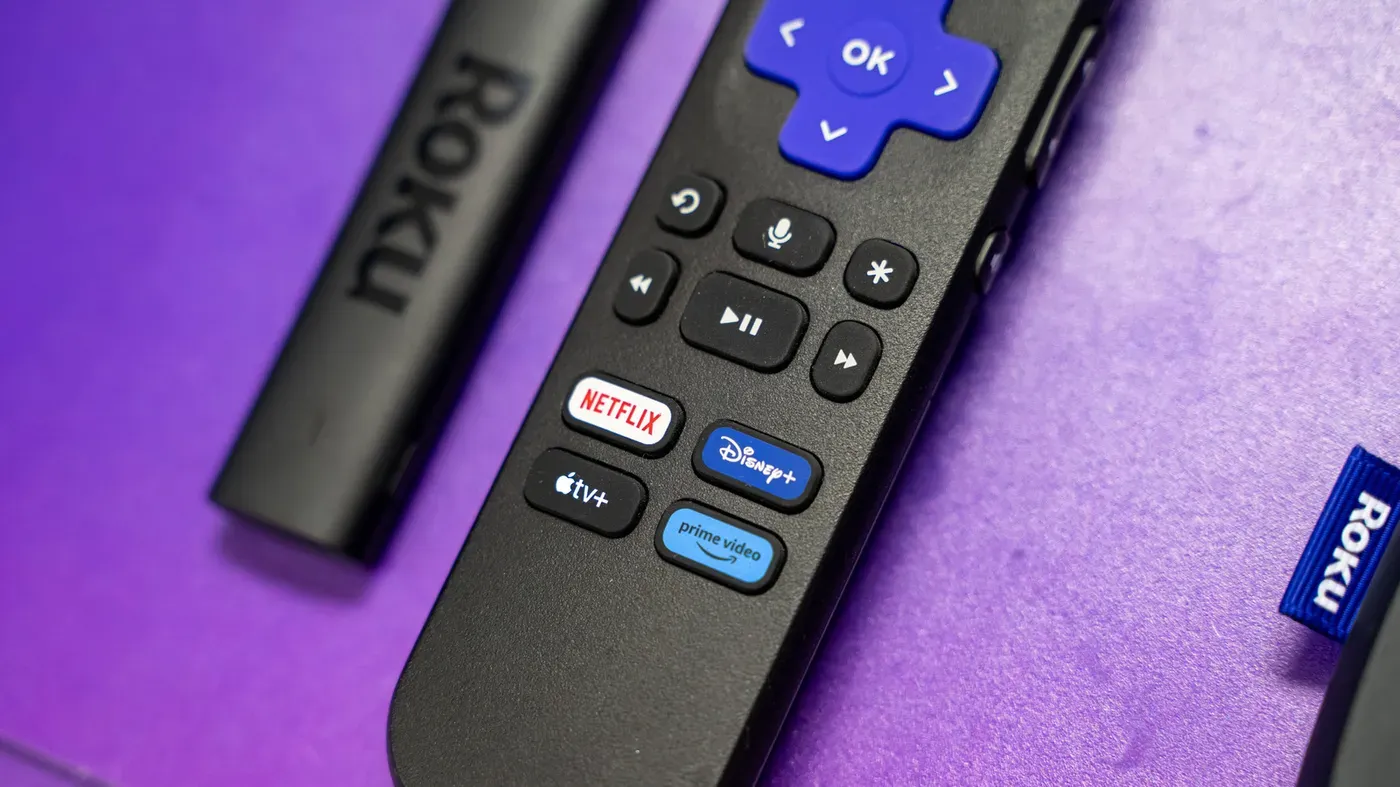
Roku devices have gained popularity worldwide due to their user-friendly interface and seamless streaming experience. However, some users have been experiencing issues with apps crashing before they can even hit the play button.
These crashes can be frustrating, especially when you're in the middle of a favorite show or movie. The problem may seem minor, but it can disrupt your viewing experience and leave you searching for solutions.
According to experts, Roku app crashes can be caused by various factors, including bugs within the app or operating system. Testing is an ongoing process, and with numerous hardware and software combinations in play, it's challenging to identify all potential issues.
Roku devices are designed to update automatically after a cold boot or when left on for 24-36 hours. However, if you want to speed up the update process, navigate to Settings > System > Software update > Check Now using your remote control.
It's essential to note that creating patches can take days or weeks, which may lead to a delay in resolving the issue. In the meantime, users can try updating their software manually to see if it resolves the problem.
The good news is that most app crashes can be resolved with simple solutions. If you're experiencing recurring issues, check your device's update settings and ensure that the software is up-to-date.
Before attempting more drastic measures, such as hardware upgrades, try these troubleshooting steps to resolve the issue.
Restarting your Roku can be a simple yet effective solution to resolve app crashing issues. To do this, navigate to Settings > System > Power and select System restart from the menu. This will give your device's background processes and system cache a fresh start, potentially resolving less severe glitches.
Regular maintenance is essential for keeping your Roku running smoothly, and deleting unused apps is an important part of that process. Even though Roku apps are relatively small in size, storage space can quickly become limited on devices with 4GB or less of available capacity. Unused apps can consume valuable swap space needed by the operating system.
Deleting unused apps can help free up storage space and prevent issues caused by running low on memory. This is particularly important for older or cheaper Roku devices that may have limited storage capacity. By removing unnecessary apps, you can ensure your device has enough resources to run smoothly.
If restarting and deleting unused apps fail to resolve the issue, a factory reset may be necessary as a last resort. This will completely wipe your device's settings, requiring you to redownload apps and reconfigure any customized settings. To initiate a factory reset, navigate to System > Advanced system settings and select Factory reset from the menu.
If even a factory reset is unsuccessful in resolving the issue, it may indicate a problem with your Roku's hardware or software that requires further investigation. In such cases, contacting Roku support for assistance may be necessary to determine the root cause of the problem and find a suitable solution.
It's not uncommon for older devices to struggle with keeping up with the latest software requirements. This can be particularly true for Roku devices that are several years old, which may find themselves unable to handle newer features and graphics due to limitations in RAM and processor power.
While Roku provides extensive update support, there may come a point where even the latest updates become too demanding for an older device. In such cases, it's likely that the streaming services will eventually discontinue support for older app versions, often citing security or other reasons as justification.
Facts based on reporting originally published by Engadget.
You may republish this story, in full or in part, if you credit News Central Site and link to it (licence CC BY 4.0). Photos are not included.