iPhone and Pixel phones have built-in features to mitigate charging impact on battery life
Smartphone manufacturers implement various features to minimize wear and tear caused by charging habits.

Your phone's lithium-ion battery has a limited lifespan and its performance can be affected by charging habits.
Smartphone manufacturers have implemented various features to mitigate the impact of charging on battery life. For instance, iPhones have Optimized Battery Charging that adjusts charging levels to minimize wear and tear, while Pixel phones use Adaptive Charging to monitor and regulate power intake.
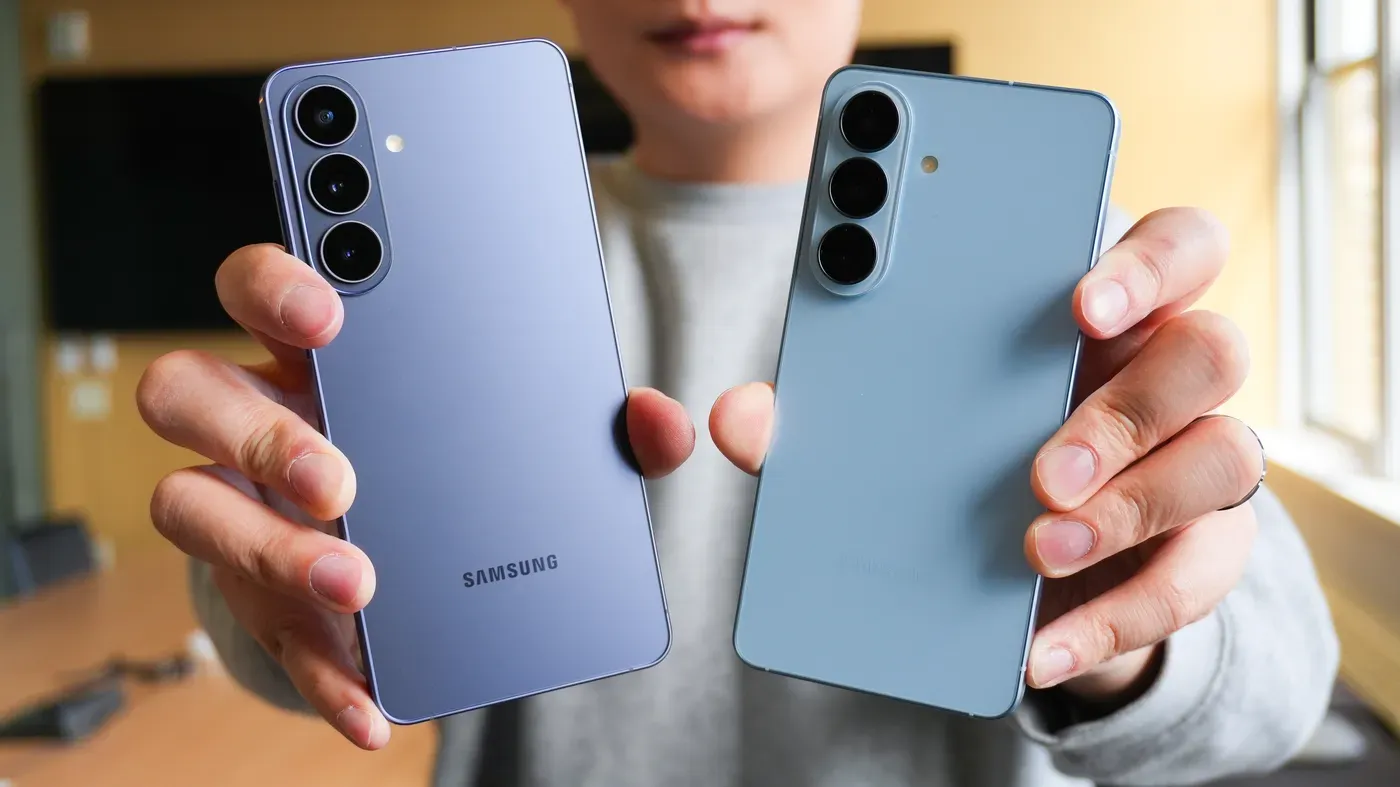
However, these built-in features do not address external factors such as heat or subpar cables, which can still cause damage to the battery. On some Samsung Galaxy models, users must manually switch on battery protection settings to safeguard their device.
Leaving your phone plugged in for extended periods, especially when it reaches 100 percent charge, can also accelerate battery degradation. This is why manufacturers have introduced battery optimization settings that limit how long a phone stays fully charged.
When adjusting settings to optimize battery life, iPhone users can limit charging to 80-100 percent by going to Settings > Battery > Charging and selecting a preferred limit. This feature is available on iPhone 15 models and later versions. For older iPhones, the option is found in Settings > Battery > Battery Health & Charging under Optimized Battery Charging.
Users of Pixel phones can also customize their charging settings. To access these options, navigate to Settings > Battery > Battery health > Charging optimization. From here, choose between Adaptive Charging or Limit to 80 percent - a feature available on Pixel 6a and later models. This allows users to fine-tune their battery management preferences.
The Galaxy series of phones also offers battery protection settings. To access these options, go to Settings > Battery > Battery protection. On devices running One UI 6.1 or later, the Maximum charging limit can be set at 80 percent. This feature gives users more control over how their phone's battery is managed.
It's worth noting that limiting the charge level doesn't necessarily mean sacrificing battery life. In fact, topping up a phone's battery multiple times during the day won't harm its overall lifespan - as long as the user isn't consistently draining it to 0 percent before recharging.
Leaving a battery completely drained for an extended period can have severe consequences, rendering it unable to hold charge altogether. When putting your phone in storage, it's essential to give its battery a boost before shutting it down. A 50 percent charge is recommended, and then the battery should be topped up again after six months.
Temperature fluctuations pose another significant threat to lithium-ion batteries. Apple's guidelines specify that iPhones can function within a range of 0-35 degrees Celsius (32 to 95 degrees Fahrenheit). However, prolonged exposure to extremely high temperatures can significantly shorten a battery's lifespan. This is especially true when leaving your phone in a parked car on a hot day or charging it under a blanket.
Modern smartphones often come equipped with built-in heat management systems that prevent damage from overheating. For instance, Pixel phones will limit charging to around 70-80 percent if the device has been exposed to high temperatures for an extended period. Although these measures can help mitigate the effects of heat, they are not a substitute for proper heat prevention.
To charge your phone safely, it's crucial to use a hard, flat surface that provides adequate airflow and is shaded from direct sunlight. Additionally, removing any protective cases or covers can also help prevent overheating during charging. By taking these precautions, you can minimize the risk of damaging your phone's battery due to heat exposure.
When your phone gets hotter while charging, it can lead to reduced battery lifespan. This heat exposure can be caused by various factors, including heavy use and prolonged charging sessions. To minimize this risk, manufacturers often provide guidelines for safe usage.
Samsung advises against using a phone at all while it's being charged, citing potential damage to the battery. Apple also warns about the dangers of gaming and video streaming on an iPhone, which can cause excessive heat buildup. Using your phone under these conditions may be too taxing for its internal components.
Charging demands a lot of power, but so do energy-intensive apps like games and YouTube. To avoid overheating issues, it's best to charge your phone first before engaging in such activities. If the device does become too hot, unplug it immediately, close resource-hungry applications, and let it cool down completely.
Wireless charging can also generate heat, which can be exacerbated by certain factors. A thick or metal case on a phone can hinder wireless charging efficiency, with Google warning that these types of cases may even prevent charging altogether. Objects placed between the charger and the phone, such as credit cards or keys, can further contribute to increased temperatures.
Charging your phone in its case can cause it to overheat, leading to paused charging sessions as it waits for temperatures to drop before resuming. To avoid this issue, try removing your phone from its protective casing or use a slimmer one that doesn't obstruct airflow.
The problem of overheating isn't limited to wireless charging; faulty cables or chargers can also cause heat buildup in the phone. According to Samsung, an incompatible or damaged cable or charger can lead to increased temperatures in the device. This can even damage the charging port itself if left unchecked.
Damaged or low-quality cables and chargers should be replaced immediately with certified originals that meet the phone's specifications. Using subpar charging equipment can cause irreparable harm to your device, so it's essential to prioritize using only genuine or approved accessories for optimal performance.
Facts based on reporting originally published by Engadget.
You may republish this story, in full or in part, if you credit News Central Site and link to it (licence CC BY 4.0). Photos are not included.