Google Releases Long-Awaited Laptop Operating System Googlebooks
Google has finally released its long-awaited laptop operating system, Googlebooks, which promises to integrate seamlessly with Android phones and offer AI-powered features.
Google has finally released its long-awaited laptop operating system, Googlebooks, which promises to integrate seamlessly with Android phones and offer AI-powered features. The launch comes nearly two and a half years after Google announced it would migrate ChromeOS to Android.
The new OS is being touted as the next big thing in laptops, but initial impressions suggest that it still has a lot of work to do. As someone who has used and tested ChromeOS extensively over the past decade, I've been curious about what exactly sets Googlebooks apart from its predecessor.
Google's introduction of Googlebooks last month didn't provide much information on the OS, but a recent demo event and hands-on testing have given me a better understanding of what the company is trying to achieve. While the idea of moving from ChromeOS to Android has potential benefits for Google and third-party developers, I'm not convinced that it's a game-changer for consumers.
One of the most significant advantages of Googlebooks is its integration with Android phones. Users can expect seamless transitions between their phone and laptop, making it easier than ever to access files, apps, and other content on the go. However, this feature alone may not be enough to justify the cost of a Googlebook device.
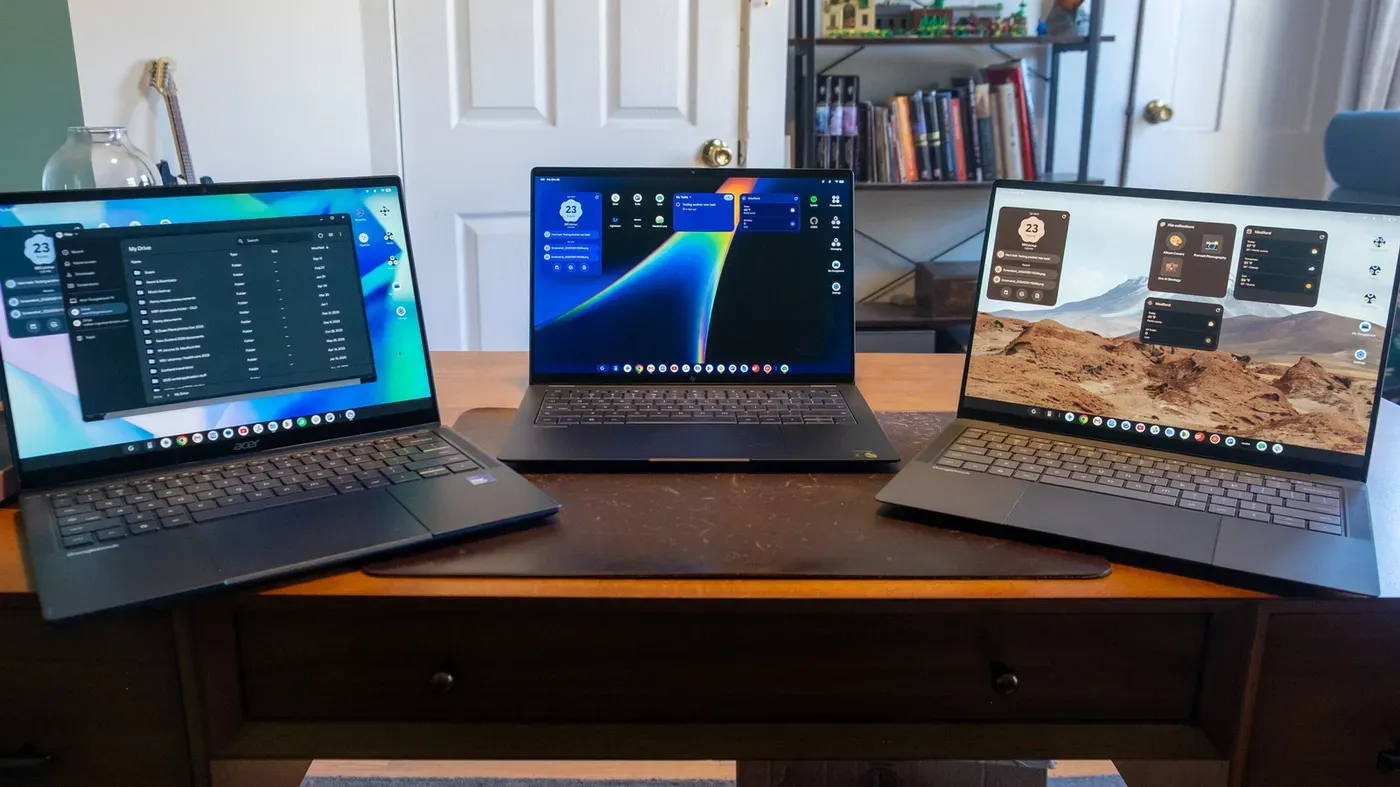
The hardware accompanying the OS launch includes several high-end laptops from major manufacturers like ASUS, Acer, and HP. The $1,299 ASUS Googlebook 14 is one such device that I had the opportunity to test, and it's an impressive piece of equipment. Weighing in at just 2.2 pounds, this laptop features a stunning OLED touchscreen with Corning's Gorilla Matte glass.
The specs on the ASUS model are equally impressive, with an Intel Core Ultra 5 chip, 16GB of RAM, and 512GB of storage. It's clear that Google is positioning its devices as premium products, but at what cost? The high price point may be a barrier for many potential buyers.
In addition to the ASUS device, I also had a chance to test the Acer Googlebook 14 and HP's Googlebook 14, which runs on the Snapdragon X Elite X1E-80-100 processor. While performance was consistent across all three devices, there were some minor variations in battery life and fan usage.
As I continue to explore Googlebooks, one thing is clear: while it has potential, the OS still needs significant work before it's ready for mainstream adoption. The integration with Android phones is a major selling point, but the high price of these devices may make them inaccessible to many consumers.
The price point of Googlebooks is undoubtedly premium, with even the most affordable option starting at $899. This puts Acer's Googlebook 14 in a unique position as the only device under $1,000 among its peers.
While this pricing strategy may be intentional to establish Googlebooks as high-end devices, it's worth noting that most Chromebooks on the market are significantly cheaper. In fact, nearly all of them come with a price tag below $1,000.
Google is emphasizing the integration between Android phones and Googlebooks from the very beginning of the setup process. Users are prompted to set up their device using an Android phone or even an iPhone or iPad. This seamless connection is meant to make the transition to a laptop smoother for users who already rely on their mobile devices.
When setting up my own Googlebook, I was presented with a QR code that needed to be scanned using my Pixel 11. Once connected, the device asked me if I wanted to use the same Google account from my phone, which simplified the login process.
The setup process also gives users the option to transfer apps and data from their phone to their laptop. This feature is convenient for those who want a consistent experience across devices. However, it's worth noting that not all data is transferred by default, leaving some customization options available for users who prefer a more tailored approach.
As part of the setup process, I was also given a tour of some of the Googlebook's key features powered by Gemini. These include Magic Pointer, which allows for intuitive navigation and control, as well as Quick Insert, a feature that enables fast text insertion.
The integration with Android phones is indeed one of the most notable aspects of Googlebooks. However, this comes at a price, and not everyone may be able to afford these devices, especially considering their premium pricing.
The setup process highlights just how much emphasis Google has placed on integrating its various services, including its mobile operating system and laptop platform. While this may create a more streamlined experience for users, it also raises questions about the affordability of these devices and whether they are truly accessible to everyone.
Setting up the connection between my phone and the laptop was a relatively straightforward process, requiring me to grant some services permission on both devices.
The setup process involved giving some services permission on both devices, but it didn't take long nor was it overly complicated for the average user.
Once everything was set up, I was greeted with a desktop that was familiar in many ways. The taskbar along the bottom featured shortcuts to popular Google apps and services.
The desktop itself also had some pre-organized folders containing shortcuts to various types of applications, including productivity tools like Docs and Drive.
A particularly thoughtful touch was the comprehensive walkthrough that appeared on boot-up, guiding users through essential tasks such as accessing quick settings and managing windows.
This tutorial proved to be a valuable resource for navigating the Googlebook interface, even if it wasn't strictly necessary due to the intuitive design of the system.
Upon closer inspection, some subtle differences emerged between the Googlebook UI and ChromeOS. The taskbar has been repurposed exclusively for apps, with other essential information relegated to a thin strip at the top of the screen.
The loss of certain features, such as integration with Google Tasks and the ability to pin files, may be missed by users who grew accustomed to these conveniences in ChromeOS.
The Googlebook's browsing experience is undoubtedly one of its strongest features. As it turns out, this was also a major selling point for ChromeOS: many users rely on their browsers for most of their computing needs, and a Chromebook offered an excellent browsing experience.
However, when I tried to access my saved tab groups on the Googlebook, they failed to appear. Despite the ability to sync these groups across desktop, Android, and iOS versions of Chrome, they are not available on the Googlebook. This omission is particularly puzzling given that it's a fundamental feature that should be present in a brand-new product meant to replace traditional Chromebooks.
Google has promised to add this feature in a future update, but its absence is still felt. It's difficult to describe just how frustrating it can be to have such a basic and crucial feature missing from the Googlebook.
Similar issues arose when I attempted to install web apps on my Googlebook. Unlike ChromeOS, which allows users to take web-based applications like Slack and run them in their own windows with dedicated app icons, these apps were initially available only as shortcuts that opened in the main Chrome window as tabs.
This limitation persisted for several days until a subsequent Chrome update resolved the issue. However, it was another reminder of the Googlebook's unfinished feel.
The Googlebook offers users two primary options for accessing apps: web-based tools or Android applications from the Google Play Store. This setup is reminiscent of the original integration of the Play Store on Chromebooks around 10 years ago.
At the time, this expansion was seen as a significant move to elevate the Chromebook beyond its reputation as a mere browser-centric device. However, upon closer inspection, it appears that many of these same issues persist even today.
Despite some minor improvements since its introduction, the Google Play Store on the Googlebook still struggles with certain limitations. These include difficulties in installing Android apps and accessing web-based tools.
The Googlebook's app selection is also another area where ChromeOS has a clear advantage. While users can install Android apps from the Google Play Store, many popular titles are missing or have limited functionality compared to their desktop counterparts.
The Android ecosystem has long struggled with accommodating larger screens, a problem that persists despite some improvements over time. Many apps are still designed for smaller phone displays and don't take full advantage of tablet or Chromebook real estate.
This issue is particularly evident in popular productivity tools like Slack, which offers a multi-column view on the desktop but only shows one column at a time on Android devices. The iPad version of Slack provides a better large-screen experience, raising questions about why similar functionality isn't available for Android tablets and Chromebooks.
The dearth of well-designed apps for larger screens is partly due to lack of attention from developers, who often focus on more lucrative smartphone markets. As a result, users may find their favorite Android app feels out of place on a Googlebook.
However, the situation has improved in recent years, thanks in part to Google's efforts to revamp its core apps for bigger screens. Many essential services like Keep, Calendar, and Photos now work seamlessly after installation on a Googlebook.
Google is also encouraging users to opt for web-based versions of certain apps when available, which can provide a more streamlined experience. For instance, installing the Play Store version of Google Chat sets up the web app, while the Gmail shortcut in the taskbar opens the account in its own window with the familiar web interface.
While this approach may seem confusing at times, it reflects the company's efforts to offer users the best possible experience on their devices. By defaulting to web apps when necessary, Google aims to provide a more consistent and intuitive user experience across platforms.
On the other hand, some third-party apps have successfully adapted to larger screens, offering features like multiple columns of information and seamless syncing capabilities. Todoist and Spotify are notable examples, providing native support for Googlebooks with impressive results.
Adobe Lightroom is another app that has effectively leveraged the capabilities of Googlebooks, allowing users to quickly access their libraries and sync edits between devices without issue. This showcases what's possible when developers prioritize large-screen experiences and invest in creating more comprehensive Android apps.
Google's Chromebooks have been gaining popularity in recent years, and their capabilities are expanding to meet user demands. However, some users may find limitations when it comes to running specific applications or engaging in certain activities.
For instance, those who rely on software like Adobe Premiere or Logic Pro for video editing and music production might be out of luck, as these programs are not compatible with Chromebooks. Similarly, the availability of certain apps is limited, which could hinder productivity for some users.
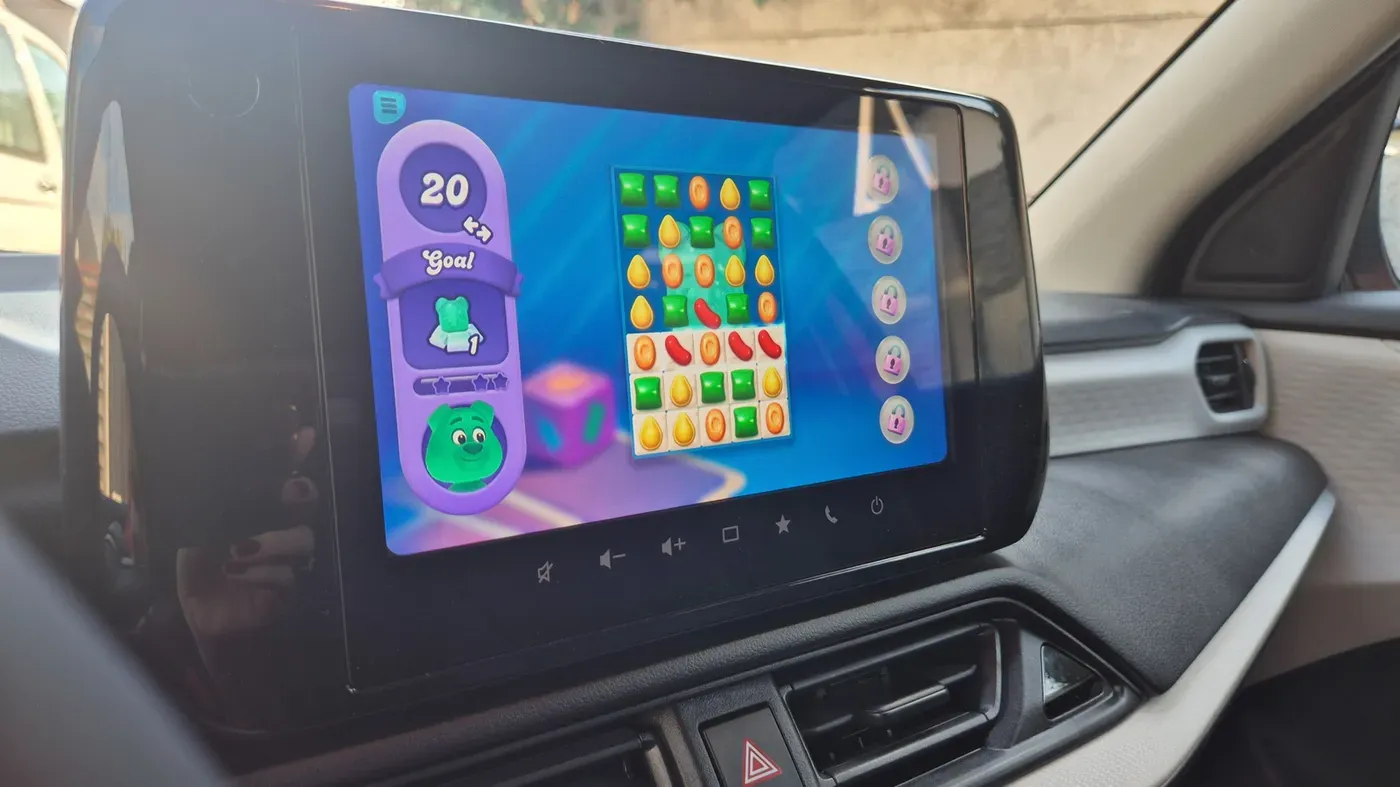
Native gaming is another area where Chromebooks fall short. Although it's possible to install games from the Play Store, such as Teenage Mutant Ninja Turtles: Shredder's Revenge and Limbo, these titles are not exactly cutting-edge or new releases.
One potential perk that might make up for these limitations is Google's inclusion of a year of GeForce Now "Fast Pass" access. This service allows users to stream games they own from various storefronts, providing access to up to 50 hours of gaming per month without ads or priority access issues.
Ultimately, Chromebooks are designed to offer an affordable and accessible computing option, but their limitations should be carefully considered before making a decision.
Facts based on reporting originally published by Engadget.
You may republish this story, in full or in part, if you credit News Central Site and link to it (licence CC BY 4.0). Photos are not included.