Google Integrates AI Tool Gemini into Ecosystems
Google's AI tool, Gemini, has been gaining traction as a powerful companion to its search engine and various apps. While it may not be the most feature-rich chatbot, its seamless...

Google's AI tool, Gemini, has been gaining traction as a powerful companion to its search engine and various apps. While it may not be the most feature-rich chatbot, its seamless integration with Google's ecosystems makes it a strong competitor in the market.
The key to unlocking Gemini's full potential lies in optimizing its use. This starts with integrating the tool with your most-used apps under the customization menu in the Gemini settings. By doing so, you can let Gemini streamline any existing workflows and make the most of its capabilities.
When interacting with Gemini, prompts play a crucial role in determining the effectiveness of the conversation. It's essential to provide specific, detailed instructions and context to elicit better results. Think of it as fine-tuning an instrument - by specifying the tone and pitch, you can achieve a more harmonious outcome.
To prompt Gemini effectively, consider assigning a persona or role to the AI in the conversation. Is it a trusted friend, a mentor, or a professional in a particular field? By doing so, you can tailor the information delivery style to suit your needs. If you're struggling to come up with ideas, try setting restrictions such as limiting sources and presentation methods.
While Gemini is designed to provide informative and concise answers, its personality can be shaped by the way it's prompted. This malleability allows for a more personalized experience, making it easier to work with the tool.
By implementing these strategies, you can unlock the full potential of Google Gemini and make it an indispensable companion in your daily workflow.
When customizing Google Gemini's performance, users can also create and manage skills to tailor its responses to specific needs.
These skills can be accessed through the customization menu, where you'll find a list of pre-made options provided by Google, as well as the ability to create your own.
It's recommended that users create separate skills for different roles or tasks they need Gemini to fulfill, allowing for easy switching between modes with just a simple command.
This approach enables seamless adaptation and streamlines workflow, eliminating the need to constantly switch between tabs or manually adjust settings.
To further fine-tune Gemini's responses, users can also leverage chat parameters when initiating conversations. By clicking on the plus icon near the chat bar, various settings become available for customization.
At the bottom of this list, two notable options stand out: deep research and guided learning. The former mode requires Gemini to conduct in-depth analysis by sourcing multiple references on a given topic before providing an answer.
This feature is particularly useful when dealing with complex or niche subjects that might be difficult to investigate through regular search engines.
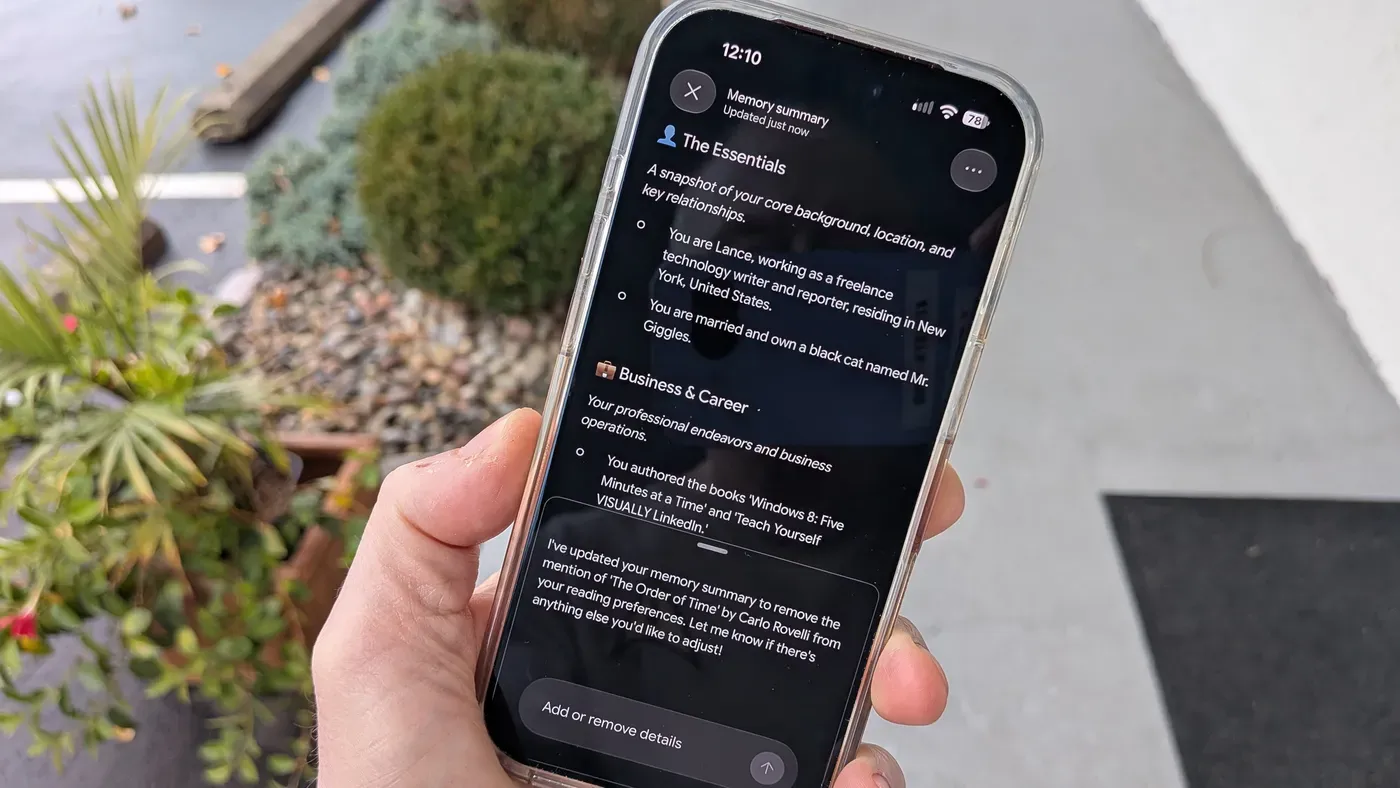
Importing chat history from other AI chatbots into Google Gemini can be done by exporting the data first. Users can then access Gemini's settings menu and import this information, which will help tailor the chatbot's output.
The imported data provides a starting memory for Gemini to draw upon, allowing it to generate more informed responses. This feature is particularly useful when dealing with complex or niche subjects that might be difficult to investigate through regular search engines.
Facts based on reporting originally published by Engadget.
You may republish this story, in full or in part, if you credit News Central Site and link to it (licence CC BY 4.0). Photos are not included.