Roku Devices Require Correct HDMI Port Setup for Optimal Performance
Users may encounter issues if they don't plug their Roku device into the correct HDMI port, which can affect video and sound quality.
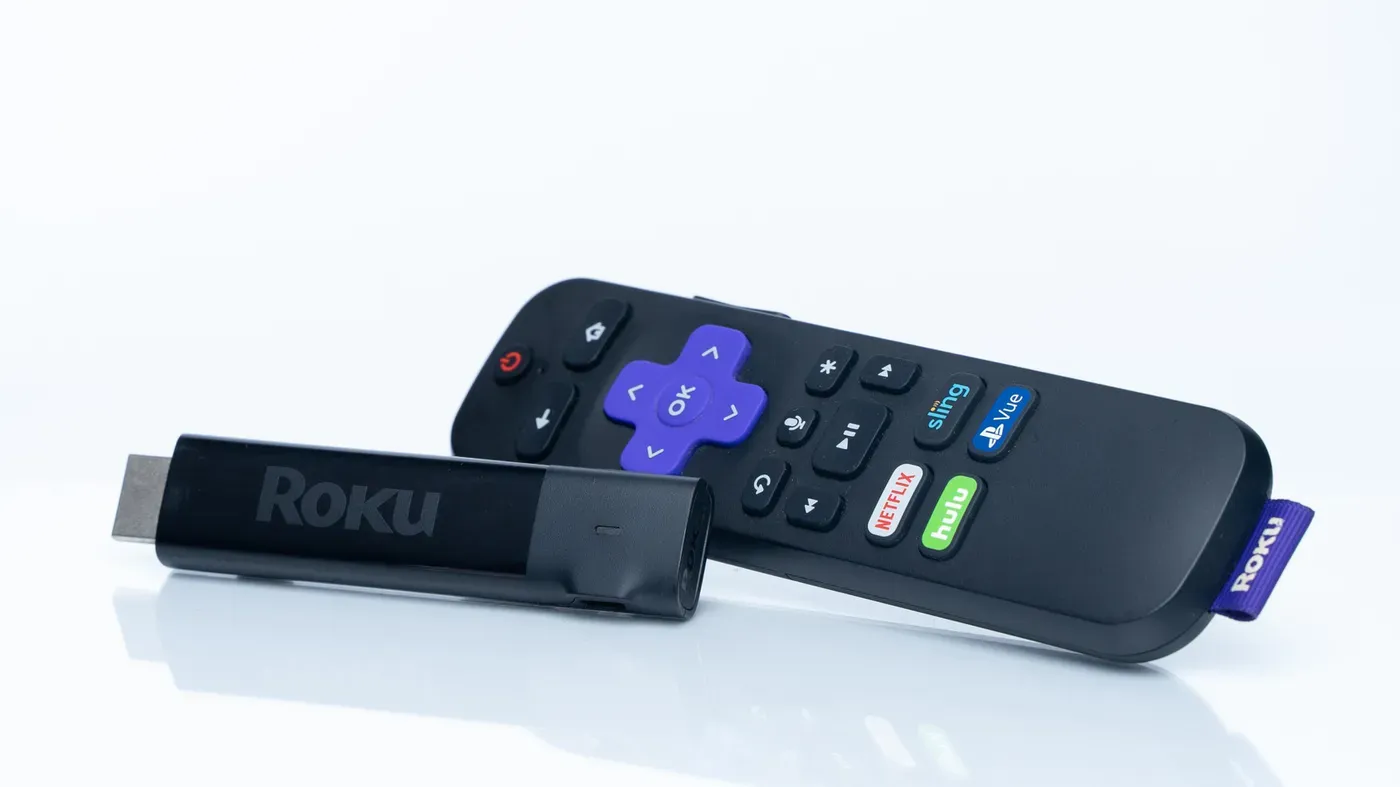
Roku streamers are a popular choice for those looking to enhance their viewing experience, offering access to a wide range of apps and features that may not be available on standard TVs. However, users may encounter issues if they don't plug in the device correctly.
A crucial aspect of setting up a Roku is selecting the right HDMI port and cable to ensure optimal performance from the TV. This might seem like a minor detail, but it can make a significant difference in terms of video and sound quality.
Roku devices are generally easy to use, but users should still pay attention to which HDMI port they plug into, as some features may not work if connected to an older port. The issue is particularly relevant for those who own modern TVs that support advanced standards like 4K and HDR10+.
Modern TVs typically come equipped with multiple HDMI ports, each supporting different versions of the standard. For example, a TV might have two HDMI 2.1 ports, which can handle higher refresh rates than older versions. However, not all Roku devices are created equal when it comes to taking advantage of these features.
Roku's top-of-the-line device, the Ultra, is limited to 60Hz regardless of which port users plug into, even if their TV supports higher refresh rates. This means that users who want to take full advantage of features like 120Hz-plus refresh rates may need to look elsewhere.
While Roku devices are generally easy to use and don't require a deep understanding of HDMI standards, selecting the right port can still be crucial for getting the best possible performance from the TV.
When choosing an HDMI port for your Roku device, the playback speed of the content is also a consideration. While 24fps is commonly used for TV and movies, 30fps is more suitable for news broadcasts. On the other hand, 60fps content is prevalent on YouTube, Twitch, and many live TV streaming services.
For those who enjoy gaming, 120Hz would offer even clearer motion, but most modern Rokus are capable of supporting this standard. However, it's worth noting that not all Roku devices support this feature equally.
The Roku Ultra stands out for its ability to handle refresh rates with ease, thanks to a feature called Quick Media Switching (QMS). This allows the device to seamlessly shift between different frame rates, eliminating temporary blackouts.
Some TVs may also limit the capabilities of certain HDMI ports by default, often due to compatibility concerns. However, this can be resolved by checking the manufacturer's website for information on which ports support HDR standards like Dolby Vision.
When navigating these settings, it's essential to note that not all ports are created equal, and some may require additional configuration to enable modern functionality.
Plugging a Roku into your TV's Audio Return Channel (ARC) or Enhanced Audio Return Channel (eARC) port can also cause issues. These ports are designed for use with compatible audio devices like soundbars and receivers, rather than streaming devices.
When choosing a cable to connect your Roku device, it's essential to match the type of HDMI port on your TV or soundbar with the one on the cable. If your Roku supports advanced features like those in HDMI 2.1, using an older HDMI 2.0 cable will limit its functionality.
In terms of prioritizing HDMI ports, computers and game consoles should be connected to the available high-speed ports, as they can fully utilize features such as high refresh rates and variable refresh rate (VRR). Devices like Rokus are secondary in this setup, but manufacturers may eventually optimize their devices for newer TV capabilities.
Facts based on reporting originally published by Engadget.
You may republish this story, in full or in part, if you credit News Central Site and link to it (licence CC BY 4.0). Photos are not included.