Apple Updates AI-Powered Features for Home Security Cameras
Apple has rolled out new AI-powered features under its Apple Intelligence umbrella to enhance user experience on various devices.
Apple has been busy rolling out new AI-powered features under its Apple Intelligence umbrella, and some of these innovations are making their way into home security camera capabilities. These advanced features can now be used on various Apple devices to enhance the user experience.
One of the most notable additions is the ability for Apple's AI to "read" video clips from security cameras and provide text descriptions of what's happening in them, eliminating the need for users to manually review footage themselves. This feature has been available on some other smart home security camera brands for a while now.
However, enabling this AI-powered capability on Apple devices comes with more requirements than usual. To use these advanced features, users must have an iPhone or iPad that meets certain specifications. The good news is that if you've recently updated your device to iOS 27 or iPadOS 27 and seen the notification about Apple Intelligence being available on your device, you're likely all set.
But what exactly does it take to run these AI-powered features? Apple specifies that users need an iPhone 15 Pro, iPhone 15 Pro Max, or iPhone 16 model or later to access these capabilities. If you prefer using an iPad, you'll need either the iPad Mini (A17 Pro or later) or any iPad model equipped with the M1 chip or later.
These system requirements are essential for Apple to ensure that its AI features run smoothly and efficiently on compatible devices. With the right hardware in place, users can unlock a more streamlined and intelligent experience when it comes to their home security camera footage.
To utilize Apple Intelligence features for your home security camera, it's essential that all devices are up-to-date, particularly ensuring you have the latest version of iOS.
When pairing a security camera using Apple Intelligence with smart home devices that work with Apple Home, a hub is required. This means another Apple device must be available to serve as a hub, and there are several options to consider.
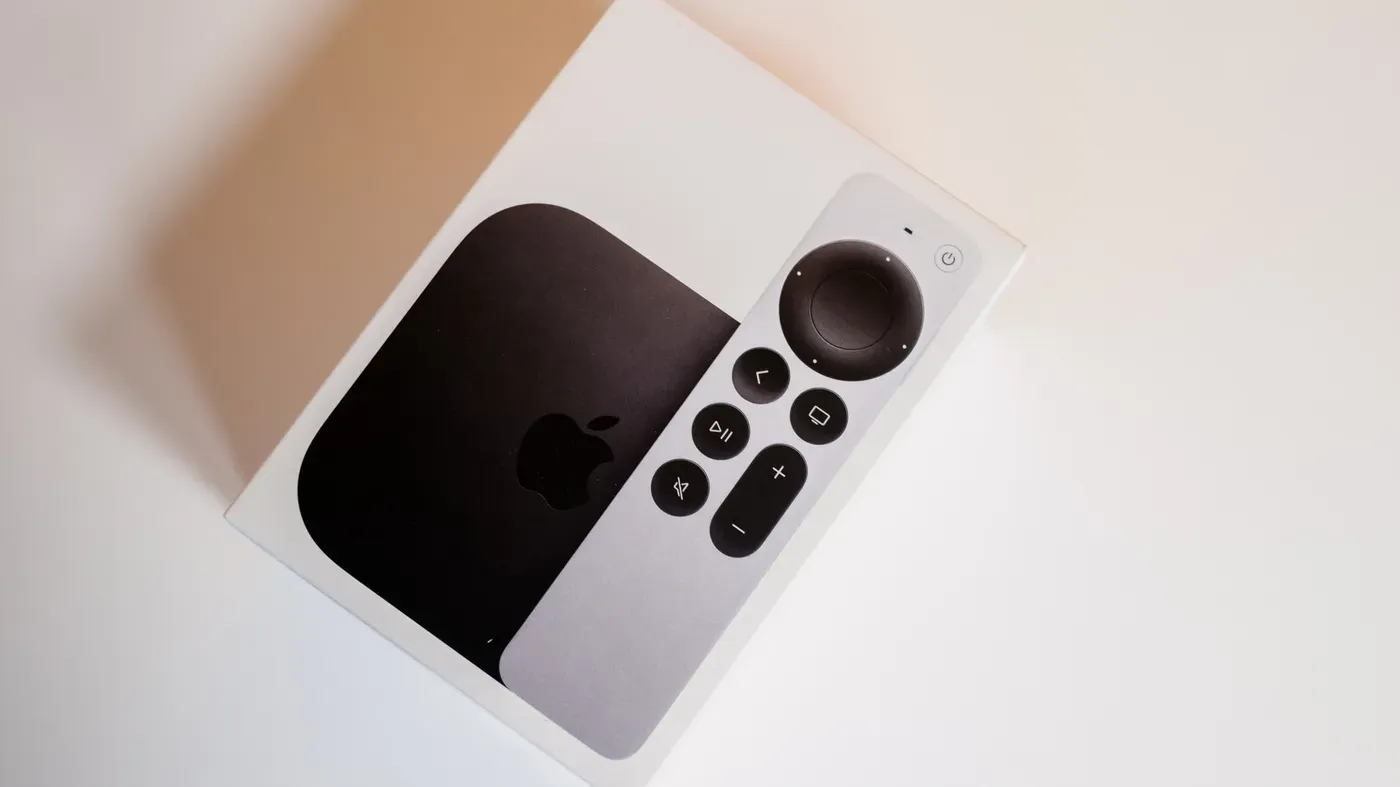
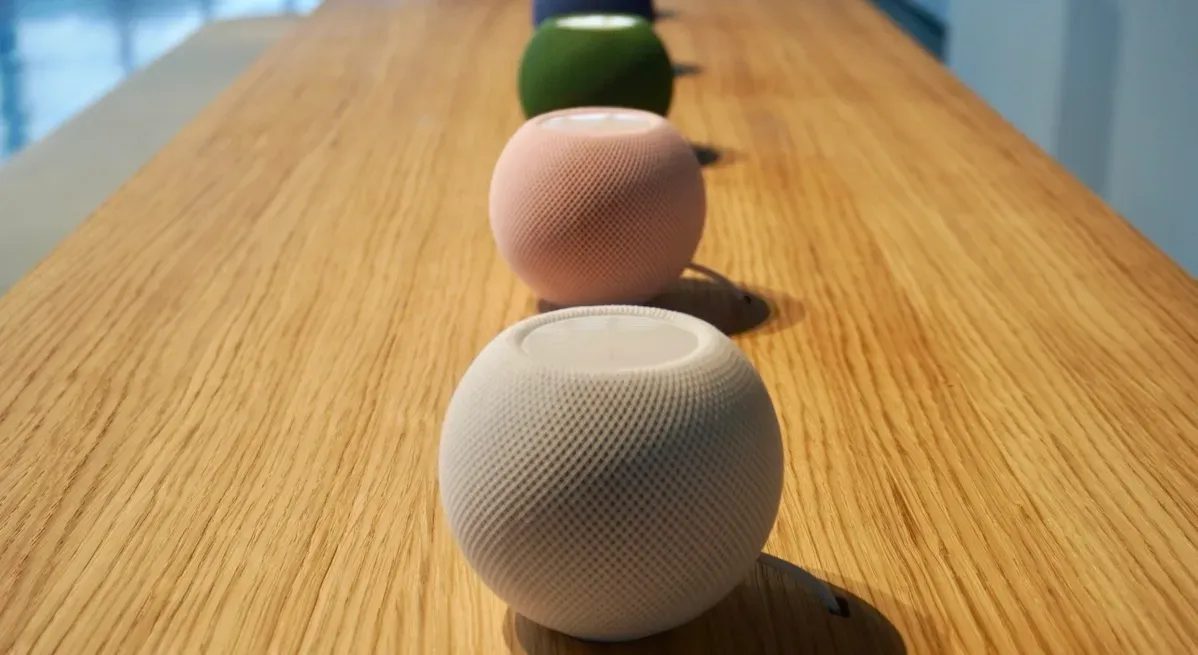
The second-generation HomePod, HomePod Mini, and Mini 2, as well as the Apple TV 4K model, can all act as hubs for security cameras using Apple Intelligence. It's worth noting that Apple briefly granted iPads the ability to function as home hubs but has since rescinded this capability.
When selecting a security camera that works seamlessly with Apple Home, patience may be necessary. Apple is expected to release its own line of security cameras in partnership with LG by the end of 2026, which should offer optimal results.
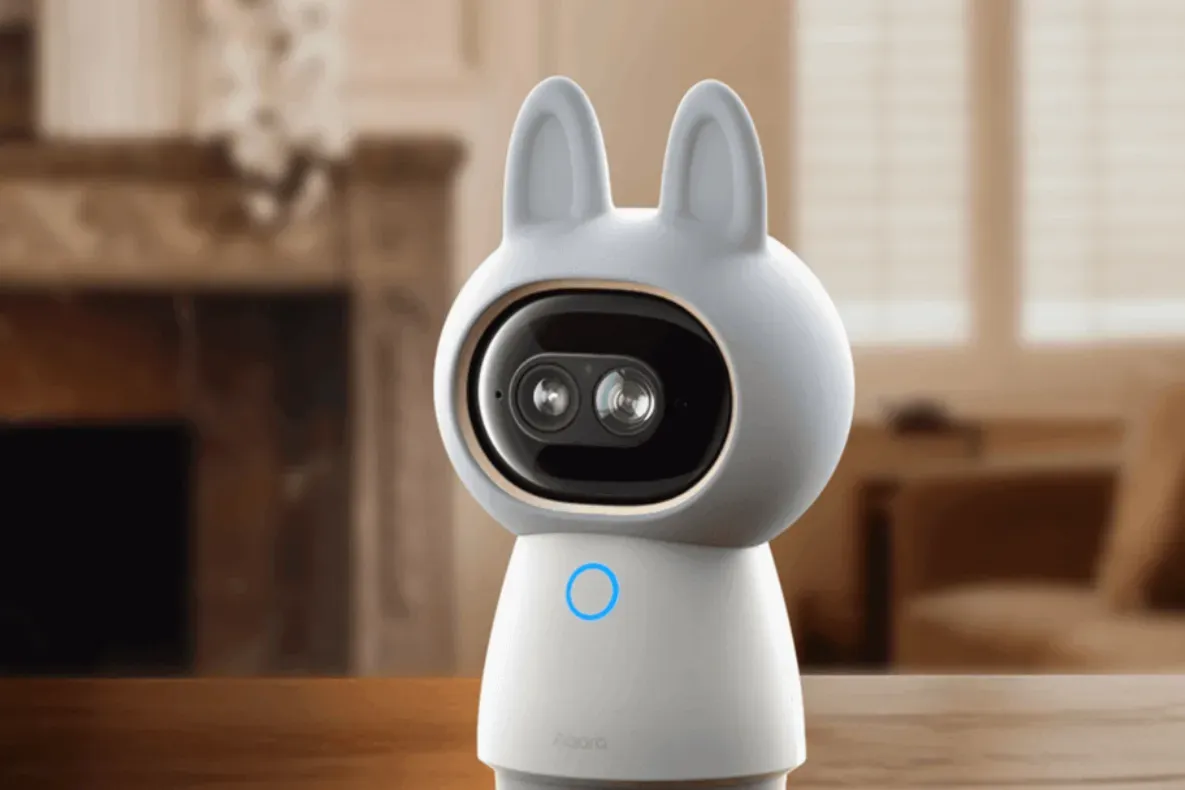
However, these Apple-branded security cameras will likely come at a premium price. For those seeking more affordable options, there are limited choices currently available that work well with Apple Home. One notable exception is Aqara, a brand offering a range of models starting from $40, including the Aqara G3650 camera hub, which I am testing and found to be an effective option at $140.
To unlock the full potential of Apple's AI-powered security features for your home cameras, there's one more requirement beyond the cameras themselves: a subscription to iCloud Plus.
This is necessary not only for Siri AI capabilities but also to avoid daily limits on these advanced features. Even if you don't plan to use Siri AI, you'll still need at least a 2TB plan, which starts at $10 per month.
The cost of this subscription may seem steep, especially considering it's required even if you're not using Siri AI. However, video descriptions and other Apple Intelligence features typically come with a subscription requirement, with prices ranging up to $20 per month in some cases.
Once you've secured the necessary subscription, setting up your cameras for Apple Intelligence is relatively straightforward: simply toggle on the feature within the Apple Home app's settings and select an added camera to enable video descriptions.
Facts based on reporting originally published by CNET.
You may republish this story, in full or in part, if you credit News Central Site and link to it (licence CC BY 4.0). Photos are not included.