AMD Graphics Processing Units Experiencing SSD Wear Issues
A critical bug affecting solid-state drives (SSDs) has been identified in certain AMD graphics processing units (GPUs).
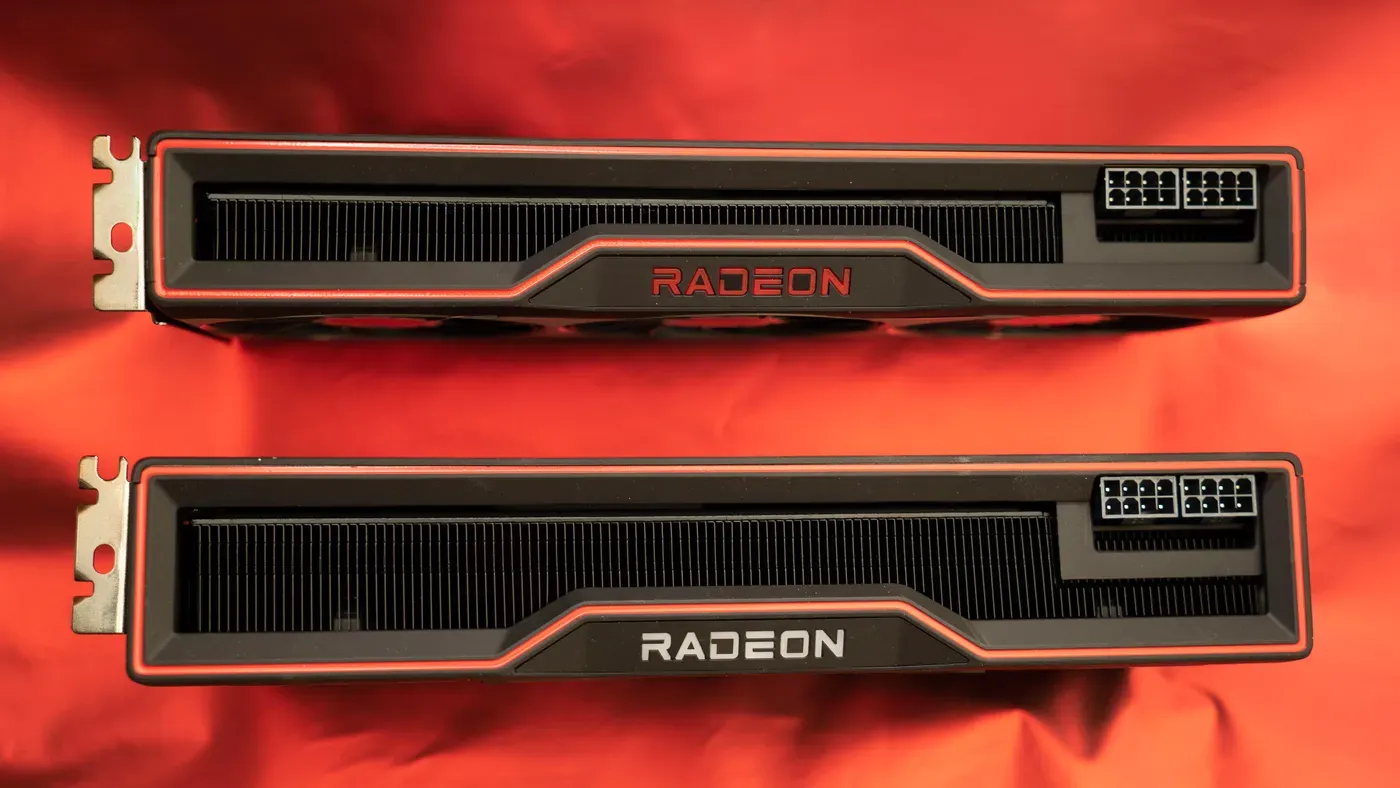
A critical bug affecting solid-state drives (SSDs) has been identified in certain AMD graphics processing units (GPUs). The issue is caused by a driver problem that triggers excessive and continuous data writes to SSDs across AMD's Radeon GPU lineup.
The root of the problem lies in two software components: the External Events Client Module and Utility, which are known as atieclxx.exe or atiesrxx.exe under Windows processes. These background services handle monitoring functions but also generate a large amount of data, with some users reporting up to 432GB in just 24 hours.
This excessive data writing poses a significant risk to SSD lifespan, potentially causing the drive's health to deteriorate at an alarming rate. According to one estimate, this could result in a loss of 1% of the drive's health per month, leading to premature wear and tear on the device.
The bug has been acknowledged by users on online forums, with some reporting that it may have caused SSD degradation for nearly a year and a half. This is not an isolated incident, as multiple reports from sites such as Tom's Hardware and Neowin suggest that this issue has been ongoing for some time.
AMD has confirmed the existence of the bug but declined to provide further details on the issue. Instead, they pointed to a help article discussing their Adrenalin Edition driver software, which includes the External Events software as a background process.
AMD has acknowledged an issue causing excessive SSD write activity on idle systems, but details are limited at this time. The company's knowledge base article will be updated once a resolution is reached, and it appears that AMD staff members are actively working towards a fix.
The problem of worn-down SSDs due to this bug could prove costly for users, particularly considering the recent surge in prices of solid-state drives over the past couple of years. If left unchecked, this issue may lead to expensive repairs or replacements down the line.
To mitigate the effects of this bug, some users have recommended monitoring system activity through Windows Resource Monitor. By pressing the Windows key + R and typing "resmon, users can access the Disk tab to check if excessive writing is occurring from atieclxx.exe or atiesrxx.exe processes.
In an effort to prevent this issue, some affected individuals are disabling the External Events software entirely. This involves opening the Services Manager by pressing Windows key + R and entering services.msc," then locating and editing the AMD External Events Utility's Properties to set its Startup Type to Disabled.
Disabling the External Events software will prevent it from automatically launching when the system reboots, but users may also want to stop the process for the current session. After making these changes, restarting the computer is necessary to ensure they take effect.
Disabling certain software features may impact display functionality and game performance, which could be a consideration for some users. Some individuals have attempted to resolve the issue by disabling a feature called Resizable Bar, or ReBAR, which is a PCI Express process that allows access to video card memory.
Using alternative methods carries risks, such as breaking other system functions, so it's essential to ensure your machine has a recent restore point before making any changes.
Facts based on reporting originally published by CNET.
You may republish this story, in full or in part, if you credit News Central Site and link to it (licence CC BY 4.0). Photos are not included.